



-
 Shipping

-
Warranty

Overview

| Model |
M16 |
|---|---|
| Product Type |
USB RGB Gaming Microphone Kit |
| Pickup Pattern |
Cardioid |
| Capsule Size |
14 mm |
| Frequency Response |
20 Hz – 20 kHz |
| Max Recording Quality |
24-bit / 192 kHz |
| USB Connection |
USB-C |
| Microphone Power |
USB Bus Powered |
| Headphone Output |
3.5 mm |
| Headphone Volume Control |
Independent |
| Mute Control |
Touch |
| Noise Reduction Control |
Press and Hold |
| RGB Lighting |
Adjustable with Off Function |
| Pop Filter |
Curved Metal Anti-Pop |
| Microphone Arm |
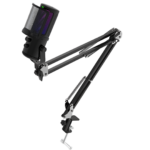
Articulating Boom Arm |
| Desk Mount |
Clamp Included |
| Included Accessories |
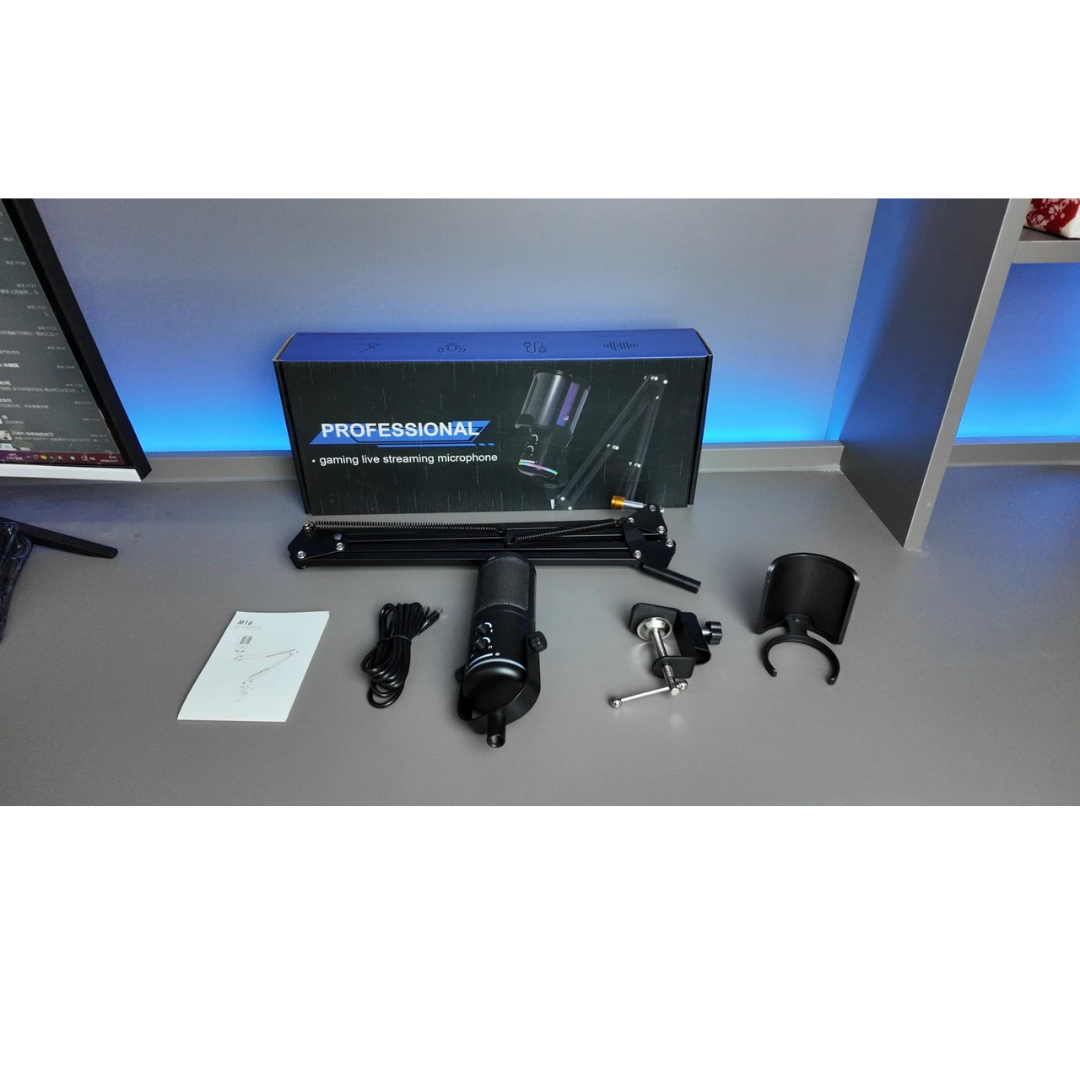
Metal Pop Filter, Arm and Clamp, USB Cable, Manual |
| Intended Use |
Gaming, Streaming, Voice Chat, Podcasting |
M16 RGB Microphone – USB Streaming Kit with Boom Arm
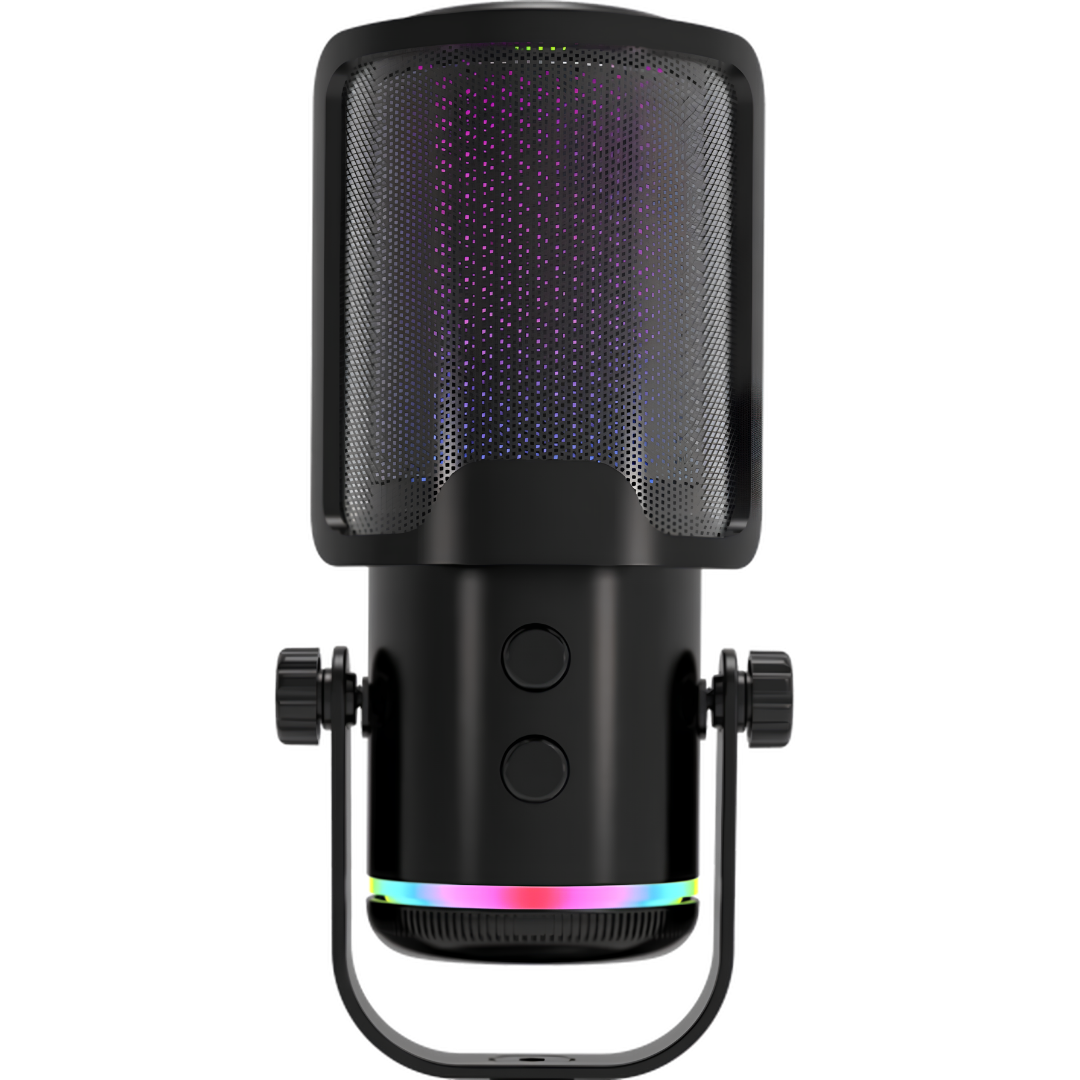
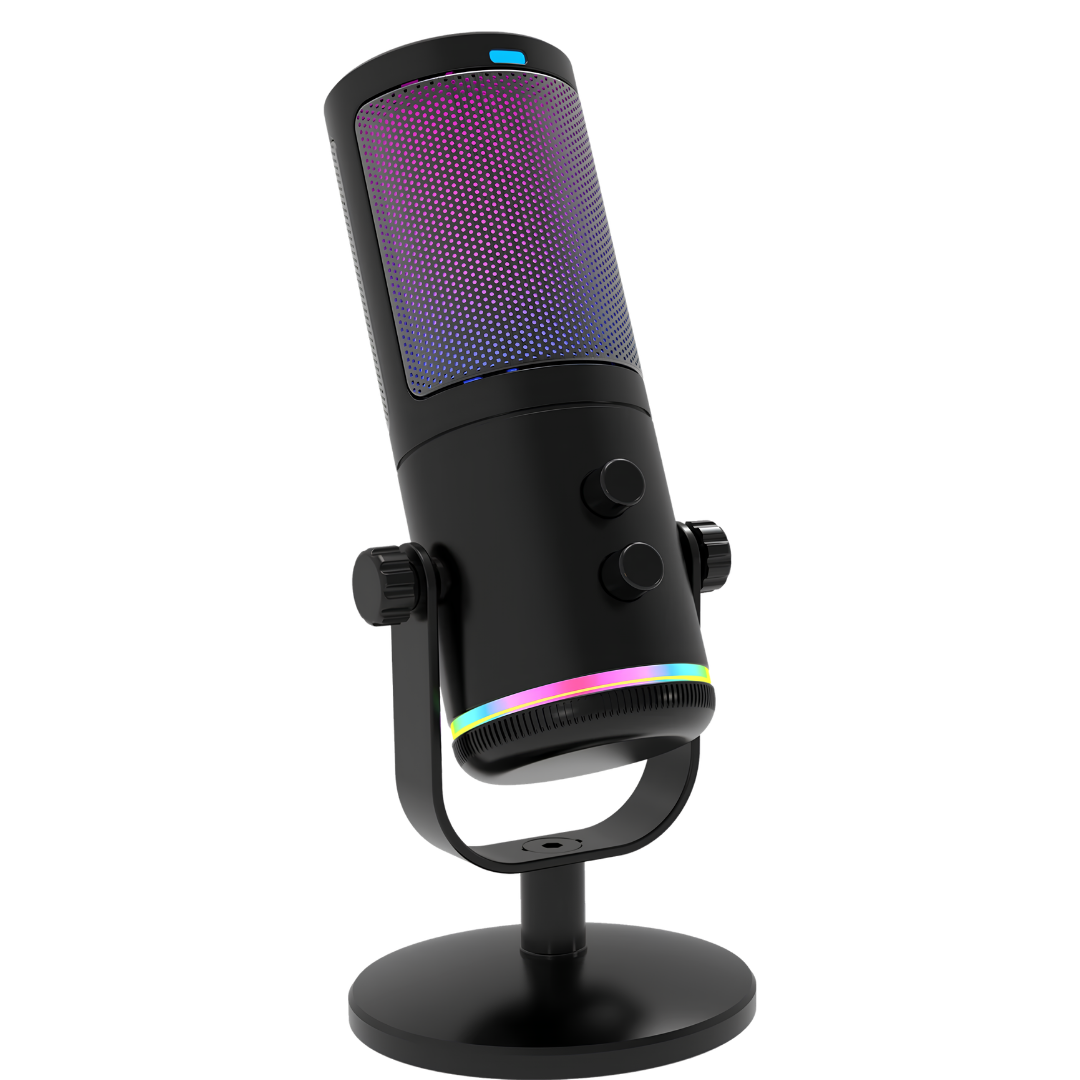
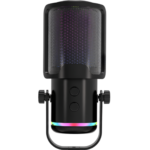
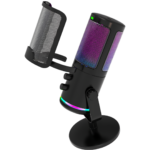
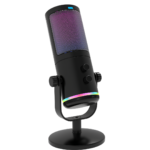
The M16 RGB Microphone is a USB-C desktop microphone kit designed for gaming voice chat, livestreams, podcast conversations and everyday voice recording. Its 14mm cardioid capsule focuses on sound coming from the front of the microphone, while the included curved metal pop filter helps soften bursts of air when speaking close to the mic.
The kit combines a flexible articulating boom arm with a desk clamp, adjustable lighting, convenient mute and noise-reduction controls, and a 3.5mm headphone connection with independent listening-volume adjustment. With up to 24-bit / 192kHz USB recording listed in the supplier specifications, the M16 brings practical recording controls into one compact setup.
M16 RGB Microphone – Quick Overview
- USB Microphone: USB-C port for digital audio and power through the supplied USB cable.
- 14mm Cardioid Capsule: Directional pickup intended to prioritize your voice in front of the microphone.
- USB Audio Resolution: Up to 24-bit / 192kHz recording, depending on the host device and software settings.
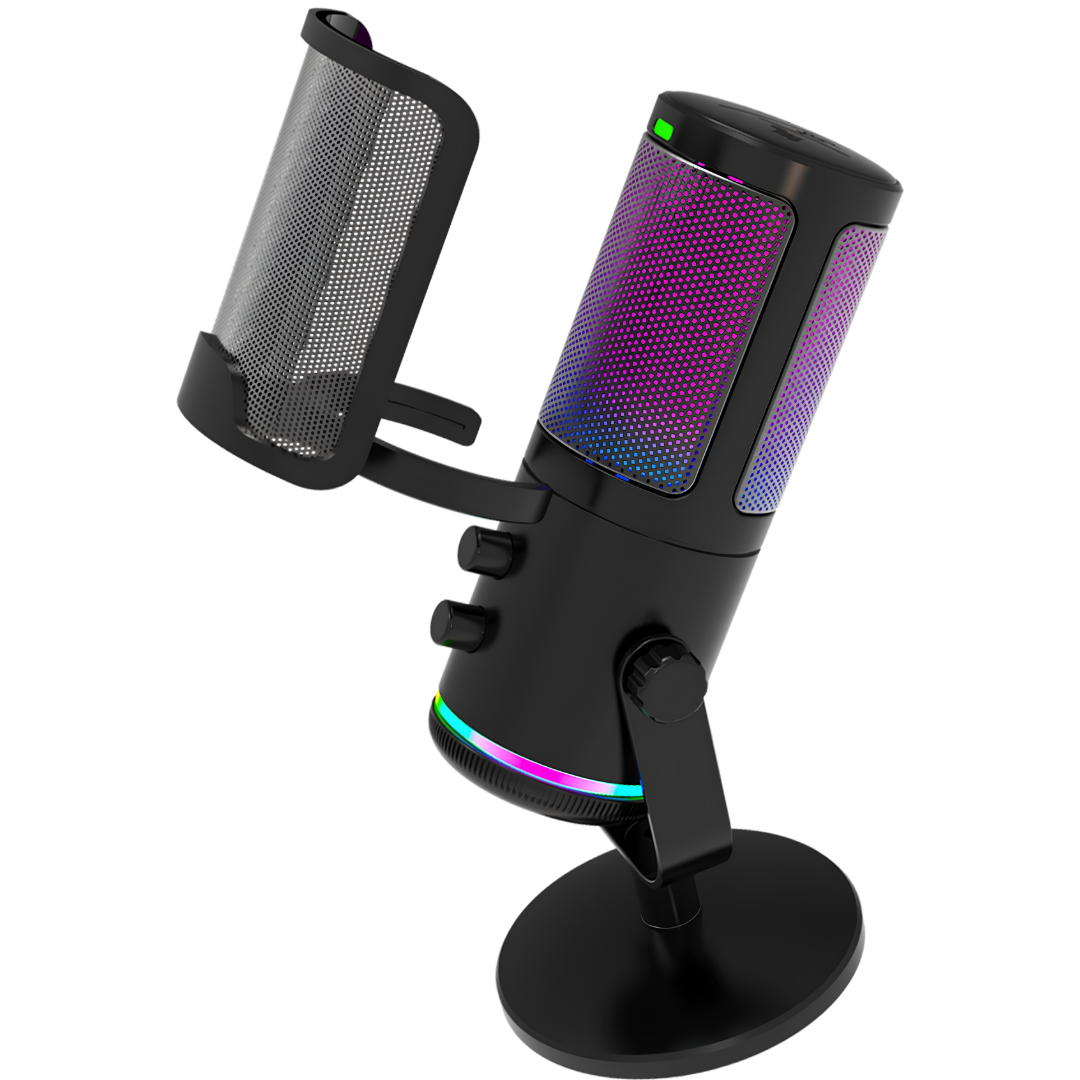
- Metal Pop Filter: Curved metal screen designed to reduce plosive sounds caused by strong breaths.
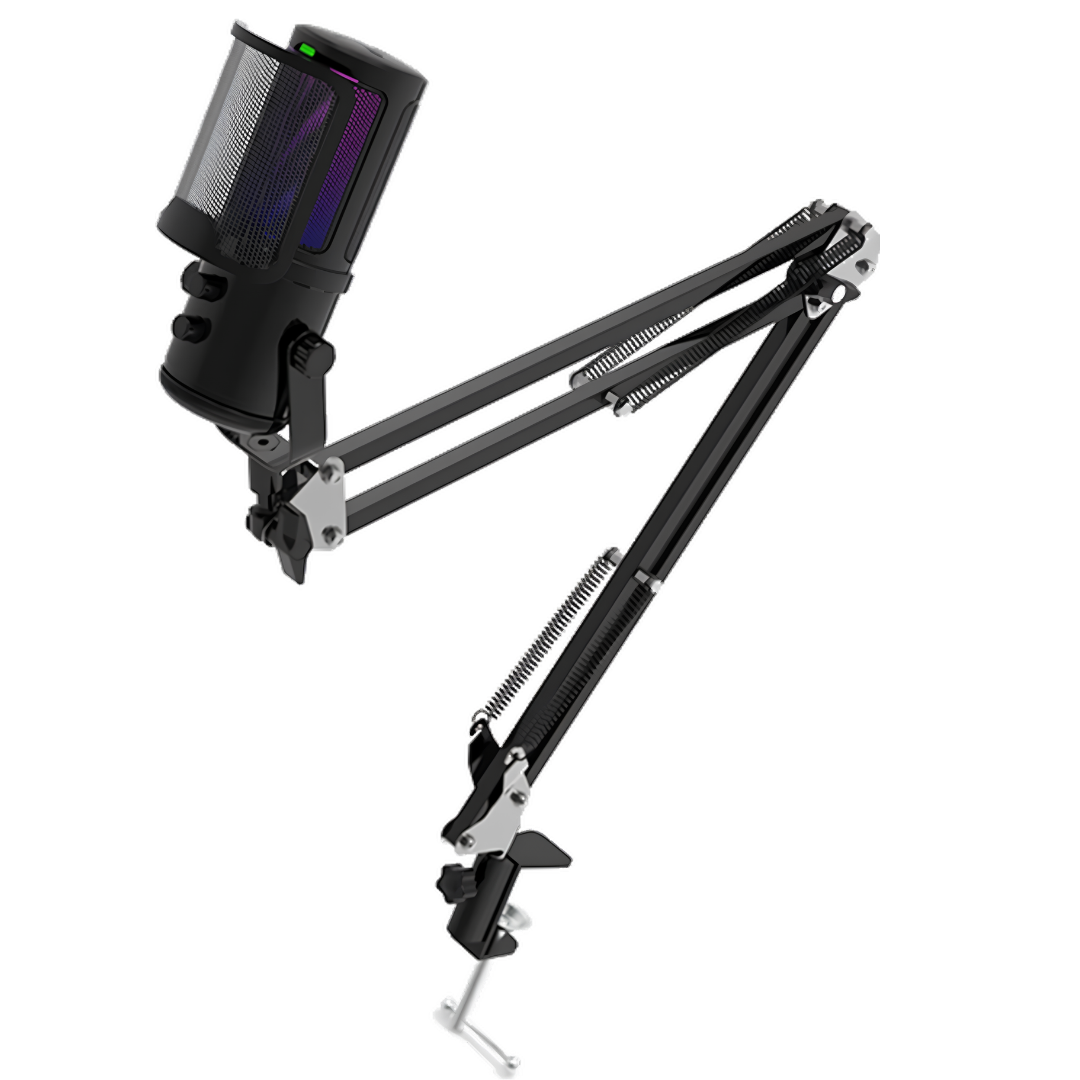
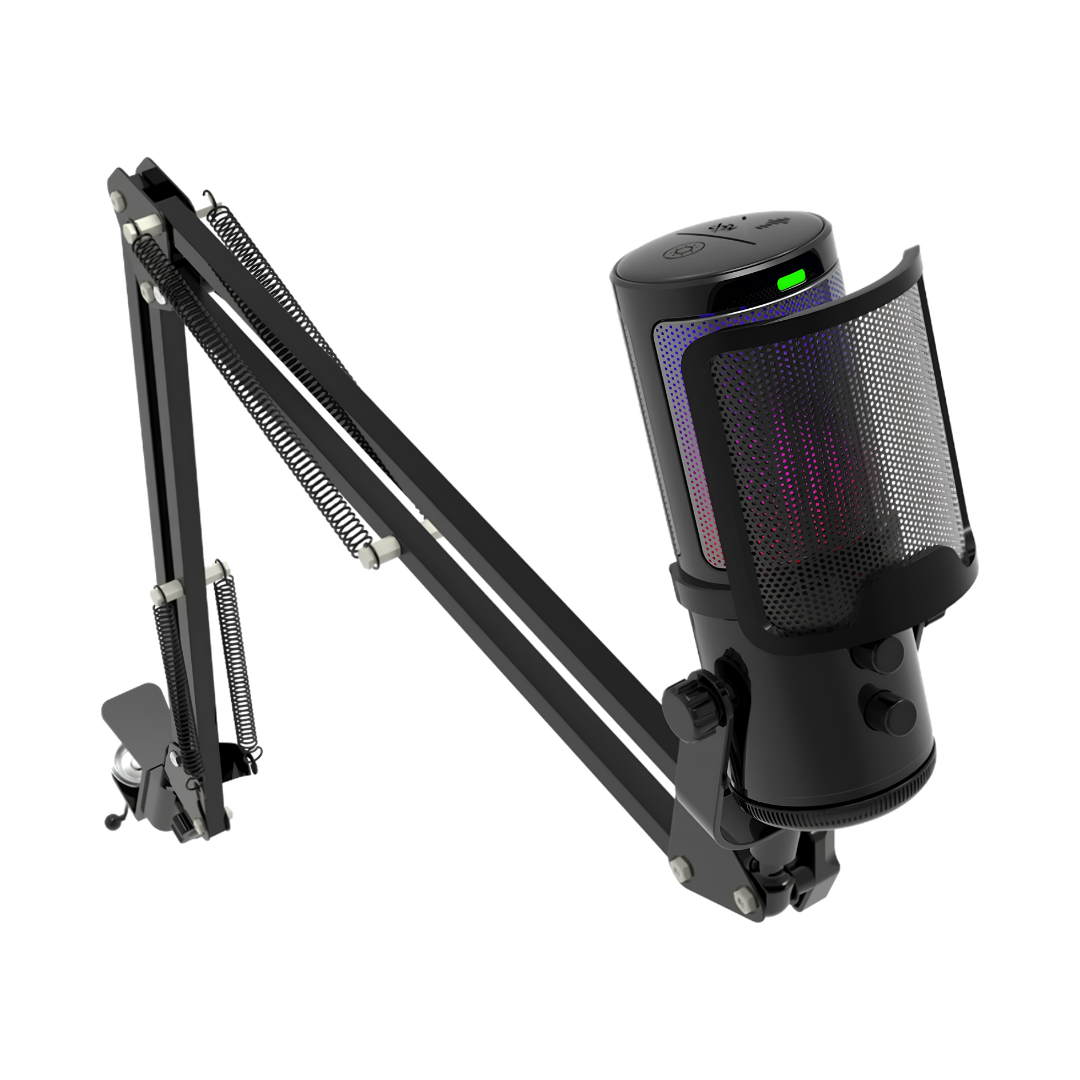
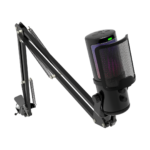
- Adjustable Boom Arm: An included articulating arm and desk clamp position the mic near your mouth.
- Headphone Output: 3.5mm connection with a separate listening-volume control.
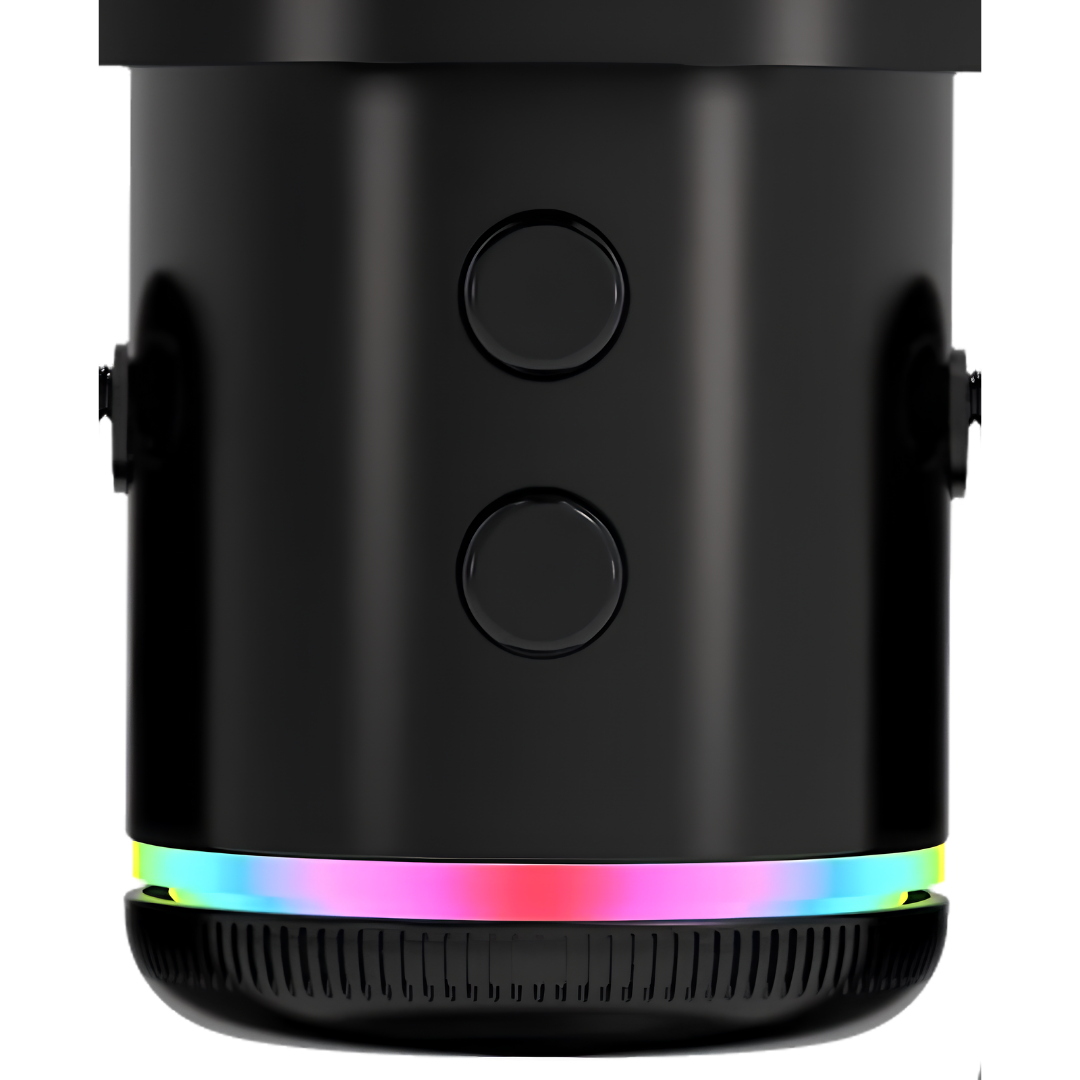
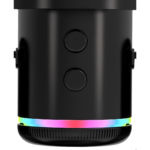
- On-Mic Controls: Touch to mute; press and hold the designated control to activate noise reduction.
- Adjustable Lighting: Change the light effect and hold its control to turn lighting off.
- Included Kit: M16 mic, metal pop filter, boom arm, desk clamp, USB cable and manual.
Why Choose the M16 RGB Microphone?
Cardioid Pickup for a More Focused Voice
At the heart of the M16 RGB Microphone is a 14mm cardioid capsule. A cardioid pickup pattern is designed to favor sound arriving from the front while reducing some sound from other directions. For gaming calls, online meetings and spoken content, point the front of the microphone toward your mouth and keep the distance consistent.
Like other desktop microphones, the M16 can still capture keyboard clicks, room echoes and other nearby sounds. Correct placement and sensible recording levels are important for clear speech. The cardioid design helps you build a practical voice setup without requiring a separate audio interface.
Metal Pop Filter for Close-Up Recording
The kit includes a curved metal anti-pop filter in front of the microphone capsule. When you pronounce strong consonants such as P and B, the moving air can create an unpleasant burst in the recording. The metal screen is designed to redirect some of that airflow before it reaches the capsule.
This is particularly useful for streamers, podcasters and gamers who speak relatively close to their mic. Position the pop filter between your mouth and the capsule, then adjust the boom arm until the voice level is comfortable and natural.
USB-C Connection and Up to 24-Bit / 192kHz Capture
Connect the M16 USB streaming microphone using the included USB cable. Its USB-C interface carries microphone audio and supplies operating power, keeping the desk setup straightforward. The supplier lists up to 24-bit / 192kHz as the maximum USB recording resolution and a 20Hz–20kHz specified frequency response.
These figures describe supported maximum settings and technical specifications, not a guarantee that every connected app will record at its highest resolution. In your computer’s sound settings or recording application, choose the M16 as the input device and select the audio format available on your system.
Easy-to-Reach Mute and Noise-Reduction Controls
The M16 provides convenient onboard voice controls. According to the supplier’s guide, a touch of the designated button mutes the microphone, while pressing and holding activates the noise-reduction function. This can help when you need to stop audio input quickly or adjust how much background noise reaches your call.
Noise reduction is intended to assist voice pickup; results vary with the sound environment. It does not completely eliminate every background noise, so microphone direction, desk placement and a quiet recording space remain useful.
3.5mm Headphone Connection with Separate Volume
A 3.5mm headphone jack on the M16 makes it convenient to connect supported wired headphones as part of your recording setup. The headphone listening level has its own volume control, allowing you to adjust how loud you hear the output without changing the microphone gain.
This is a helpful feature when monitoring calls or adjusting your recording setup. Headphone routing and any monitoring delay can depend on the connected device and recording software, so configure the audio input and output correctly for your system.
RGB Lighting That Matches Your Gaming Desk
The M16 RGB Microphone features adjustable decorative lighting for gaming desks, streaming setups and video calls. Switch between supported lighting effects with the light control, or press and hold it to switch the illumination off when you want a simpler appearance.
The included boom arm keeps the mic flexible to reposition while leaving more space beneath it for a keyboard or other accessories. This combination is useful for a desk setup that needs to work for gaming, meetings and content creation throughout the day.
Included Articulating Boom Arm and Desk Clamp
You do not need to buy a separate basic mounting arm to set up this kit: the package includes an articulating microphone arm and a desk clamp. Install the clamp on a stable, suitable desk edge, secure the arm, attach the mic assembly and position the pop filter between your mouth and the microphone.
Keep the cable clear of the arm’s moving joints to reduce strain when repositioning. Use the provided instructions for the exact mounting sequence and make sure the clamp fits your desk surface.
M16 RGB Microphone – Technical Specifications
- Model: M16
- Product Type: RGB USB gaming and streaming microphone kit
- Microphone Capsule: 14mm
- Polar Pattern: Cardioid
- Frequency Response: 20Hz–20kHz (supplier specification)
- Maximum USB Recording: 24-bit / 192kHz
- Microphone Connection: USB-C
- Headphone Connection: 3.5mm
- Headphone Volume: Separate adjustment
- Mute: Touch control
- Noise Reduction: Press-and-hold control
- Lighting: Adjustable RGB with off function
- Pop Filter: Curved metal anti-pop filter
- Desk Mount: Articulating boom arm and clamp
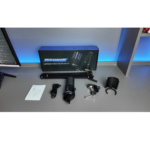
What Is Included in the M16 Microphone Kit?
- 1 × M16 USB microphone
- 1 × Metal pop filter
- 1 × Articulating boom arm and desk clamp
- 1 × USB cable
- 1 × User manual
The contents above are based on the supplier’s Arrivals X brochure. Follow the instructions in the retail box for mounting and setup; minor packaging details can vary by production batch.
M16 RGB Microphone – Frequently Asked Questions
Does the M16 microphone use USB or XLR?
This M16 model uses USB-C. The supplier specifications do not list an XLR output for this version, so do not confuse it with a separate USB/XLR microphone model.
Does the M16 kit include a microphone arm?
Yes. The supplied M16 kit includes an articulating boom arm and desk clamp, as well as a metal pop filter and USB cable.
Can I switch off the RGB lighting?
Yes. The supplier guide describes an adjustable lighting control that can also be held to turn off the illumination.
Can I connect headphones to the microphone?
Yes. The microphone includes a 3.5mm headphone output with independent listening-volume adjustment.
Buy the M16 RGB Microphone in Morocco
Get the M16 RGB Microphone at PhoenixStore Morocco for a convenient USB voice setup with cardioid pickup, a pop filter and an adjustable desk arm. Explore more gaming microphones to compare connection types, features and accessories before you choose.
For optional free audio recording and editing software, visit Audacity, a third-party application not included with the M16 kit.

Reviews
Clear filtersThere are no reviews yet.