




-
 Shipping

-
Warranty

Overview

| Color |
Black |
|---|---|
| Product Type |
Wireless Gaming Mouse |
| Connectivity |
2.4GHz Wireless / Bluetooth / USB-C Wired |
| Sensor |
PixArt PAW3311 Optical |
| Maximum DPI |
12000 DPI |
| Polling Rate |
Up to 1000 Hz |
| Weight |
Approx. 50 g |
| Battery Capacity |
500 mAh |
| Battery Type |
Rechargeable |
| Charging Port |
USB-C |
| Number of Buttons |
6 |
| Dimensions |
115.2 × 60.7 × 36.5 mm (listed) |
| Software |
M4G MHM M1 Mouse Software |
| DPI Adjustment |
Software Adjustable |
| Profile Support |
M4G Mouse Software Profiles |
| Shape |
Compact / Right-Side Thumb Buttons |
| Mouse Feet |
Broad Glide Feet (material unspecified) |
M4G MHM M1 Wireless Gaming Mouse
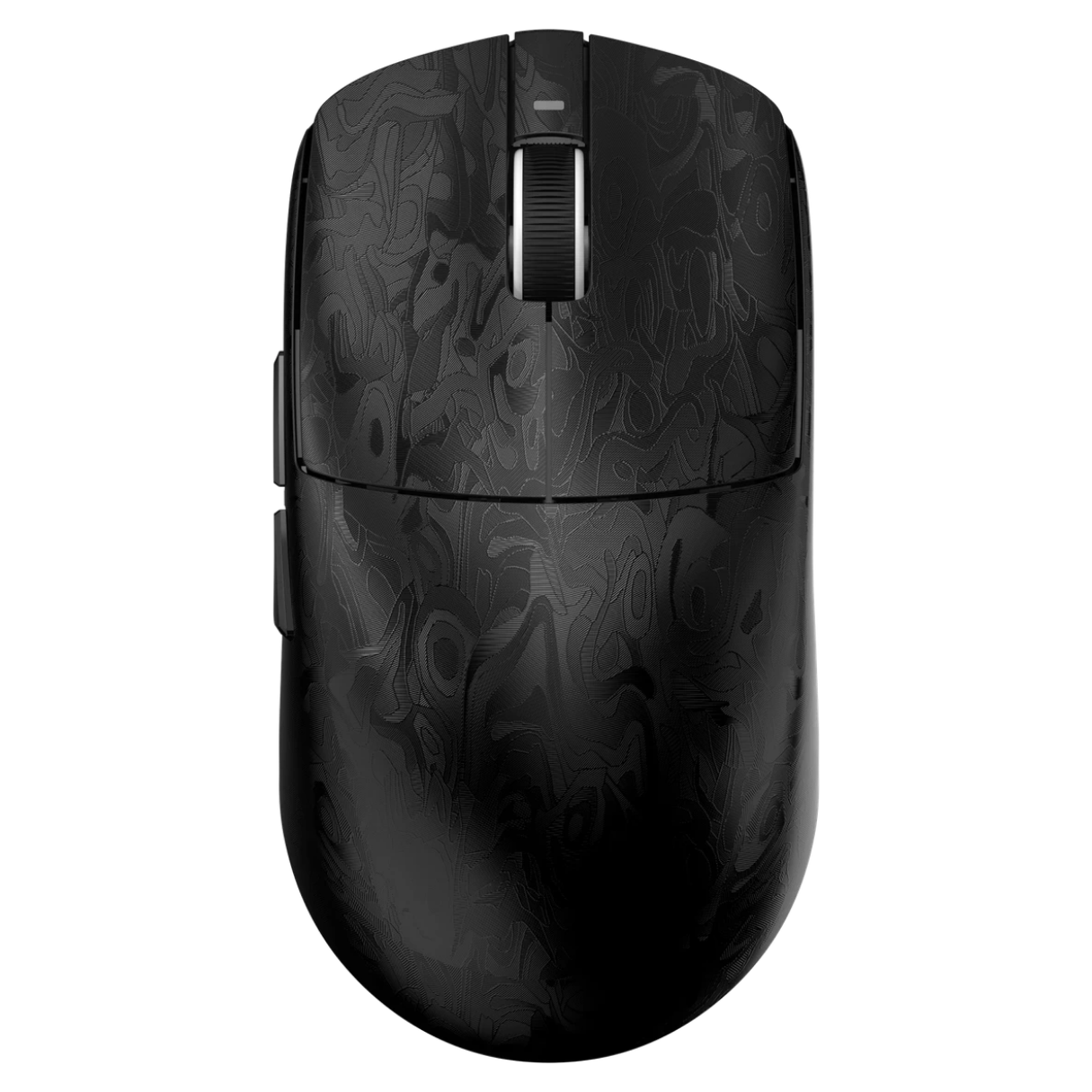
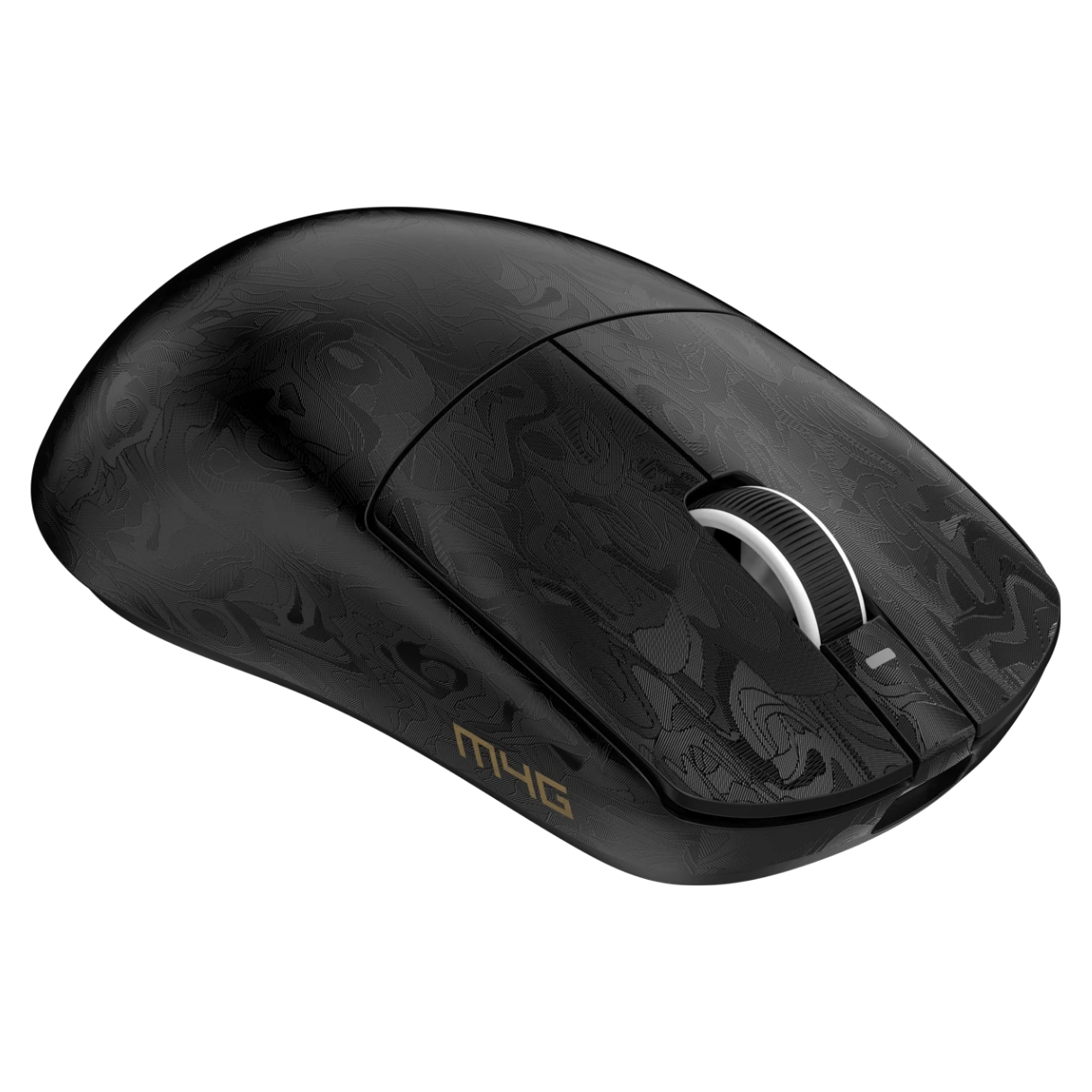
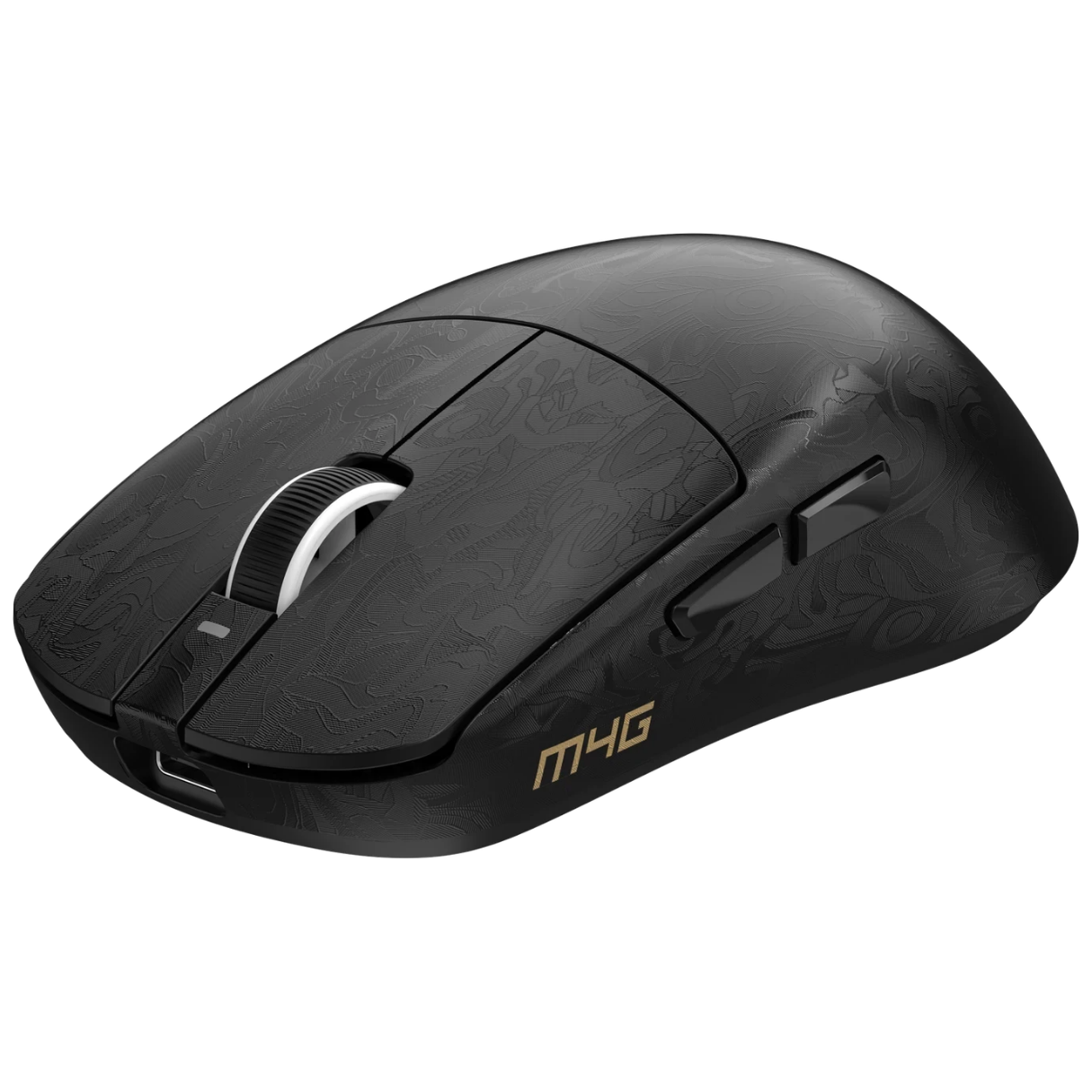
The M4G MHM M1 is an ultra-lightweight wireless gaming mouse for players who want accurate tracking, flexible connectivity and easy control without a heavy shell. Weighing approximately 50g, it combines a PixArt PAW3311 optical sensor, sensitivity up to 12,000 DPI, and a polling rate up to 1,000Hz. Its black design includes a subtle patterned finish, a compact body and accessible thumb buttons.
With three connection modes — 2.4GHz wireless, Bluetooth and USB-C wired — the M4G MHM M1 works as a gaming mouse at your main PC and as a practical pointer when you switch to a compatible laptop or another device. A rechargeable 500mAh battery and M4G configuration software round out the setup.
M4G MHM M1 — Quick Overview
- Performance: PixArt PAW3311 optical sensor, up to 12,000 DPI and up to 1,000Hz polling.
- Connectivity: 2.4GHz wireless, Bluetooth and USB-C wired modes for a versatile gaming and work setup.
- Comfort: Approx. 50g lightweight shell, compact shape and six-button design.
- Power and Software: 500mAh rechargeable battery, USB-C charging and compatible M4G mouse software for settings and profiles.
PixArt PAW3311 Optical Sensor
At the center of the M4G MHM M1 is a PixArt PAW3311 optical gaming sensor. It measures motion and translates mouse movement into cursor or camera movement, helping you aim, navigate and react consistently across supported games. The sensor is a meaningful specification to compare when choosing a gaming mouse rather than relying on a high DPI number alone.
For shooters, pair the mouse with a clean, consistent gaming mousepad and find a sensitivity that lets you track targets without overshooting. Actual performance depends on the surface, mouse configuration, firmware and game settings.
Adjustable Sensitivity Up to 12,000 DPI
The M4G MHM M1 supports a maximum listed sensitivity of 12,000 DPI. DPI determines how far the cursor moves for a given amount of physical mouse movement: lower settings are often useful for wider, more controlled hand movements, while higher settings produce greater cursor travel with smaller movements.
You do not have to use the maximum value to benefit from the sensor. For competitive games, start with a comfortable DPI and adjust your in-game sensitivity until aiming feels natural. The M4G mouse software supports DPI adjustments and saved profiles where compatible.
Up to 1,000Hz Polling for Responsive Input
The mouse supports an advertised 1,000Hz polling rate, which allows compatible systems to receive frequent updates about its motion and button state. This is a practical specification for players who value responsive control in FPS games and other fast-paced titles.
Polling rate is only one part of the overall input chain. Game performance also depends on your computer, wireless conditions, display and software settings. When gaming wirelessly, place the 2.4GHz receiver in a suitable USB port and avoid unnecessary obstructions or interference.
Tri-Mode Connectivity: 2.4GHz, Bluetooth and USB-C
Choose the connection mode that suits your activity. 2.4GHz wireless is the gaming-oriented option for a compatible computer and receiver. Bluetooth offers convenient wireless connectivity for compatible devices without occupying the same type of USB receiver connection. USB-C wired mode is useful when you prefer a cable or want to keep using the mouse while connected to power.
The M4G MHM M1 is a flexible choice for mixed setups: use a dedicated 2.4GHz connection at your gaming desk and switch to Bluetooth for everyday laptop use, when supported by your device. The available features and polling rates can vary by connection mode.
Ultra-Lightweight 50g Design
At approximately 50 grams, the M4G MHM M1 is designed to be easy to move during fast flicks, longer tracking movements and everyday tasks. A lightweight mouse can be especially appealing if you use a lower in-game sensitivity and move your hand across a large portion of the mousepad.
Its listed dimensions are approximately 115.2 × 60.7 × 36.5mm, making it relatively compact. Grip comfort will depend on your hand size and whether you prefer fingertip, claw or palm contact. The real benefit of a light mouse is a balance of weight, shape and personal fit, not weight alone.
Rechargeable 500mAh Battery
The M4G MHM M1 contains a 500mAh rechargeable battery for wireless operation. Recharge it using the USB-C interface rather than relying on disposable batteries. This makes the mouse convenient for daily gaming and general computer use.
Actual battery life depends on connection mode, polling rate, power settings and usage. If you use the mouse for extended sessions, charge it regularly and keep a USB-C connection available. The battery-capacity figure describes the built-in battery, not a guaranteed number of hours in every setup.
Six Buttons and Convenient Side Controls
The MHM M1 is listed with six buttons, including its main clicks, scroll-wheel control and side buttons. Side buttons are useful for browser navigation and can be mapped to supported actions in games or productivity software.
For FPS gaming, consider using side buttons for functions that benefit from quick thumb access while keeping the main controls predictable. Avoid assigning critical commands to a button that you regularly press accidentally, especially when changing grip style.
M4G Mouse Software and Custom Profiles
M4G provides dedicated MHM M1 mouse software for supported Windows setups. The manufacturer’s software library lists control over DPI settings, button assignments and profiles. This gives you more flexibility than relying solely on default mouse settings.
Use the software intended for the MHM M1 rather than the driver for a different M4G mouse. To check availability and find the correct download, visit the official M4G software and drivers page. Software availability and features may change with updates.
Black Finish, Compact Shape and Mouse Feet
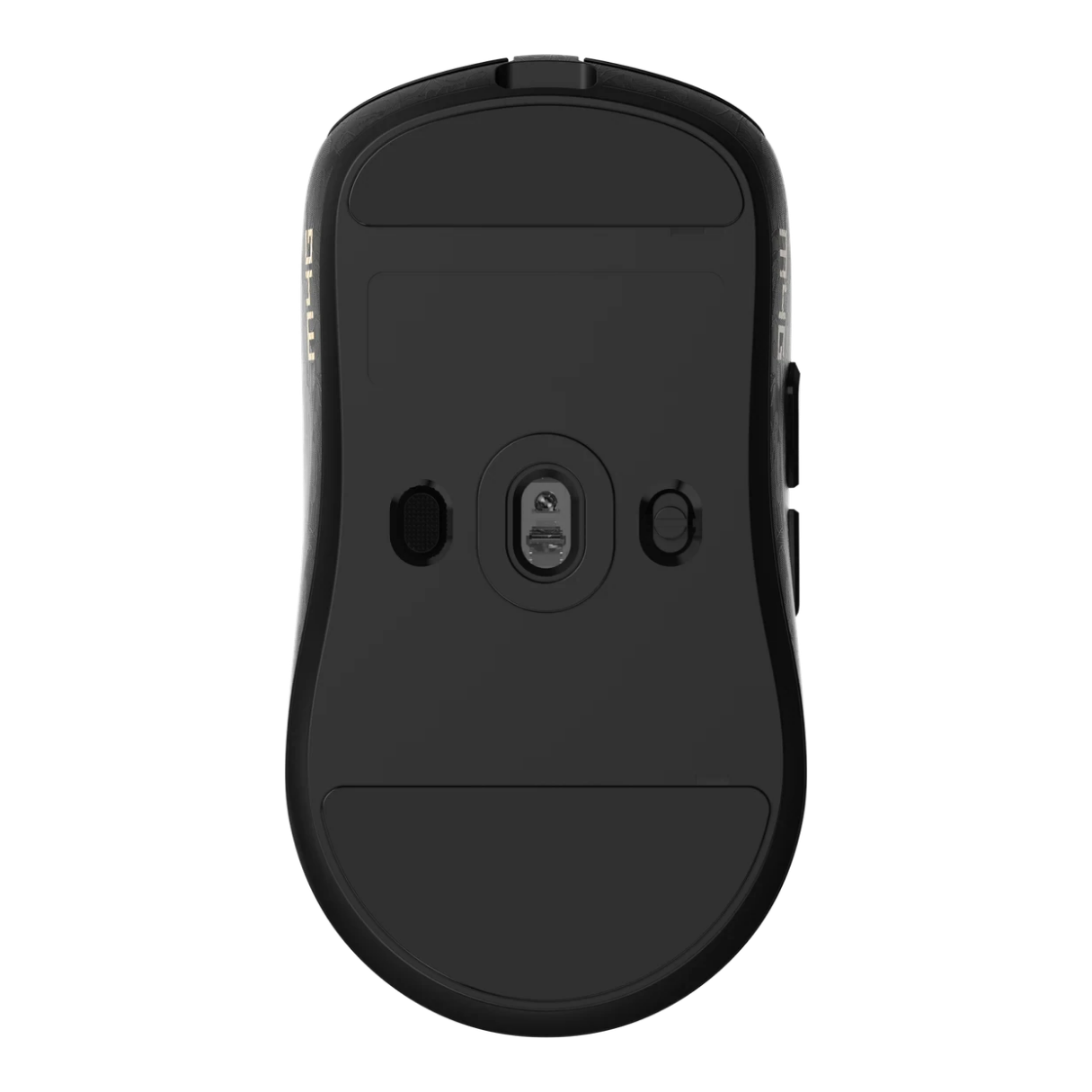
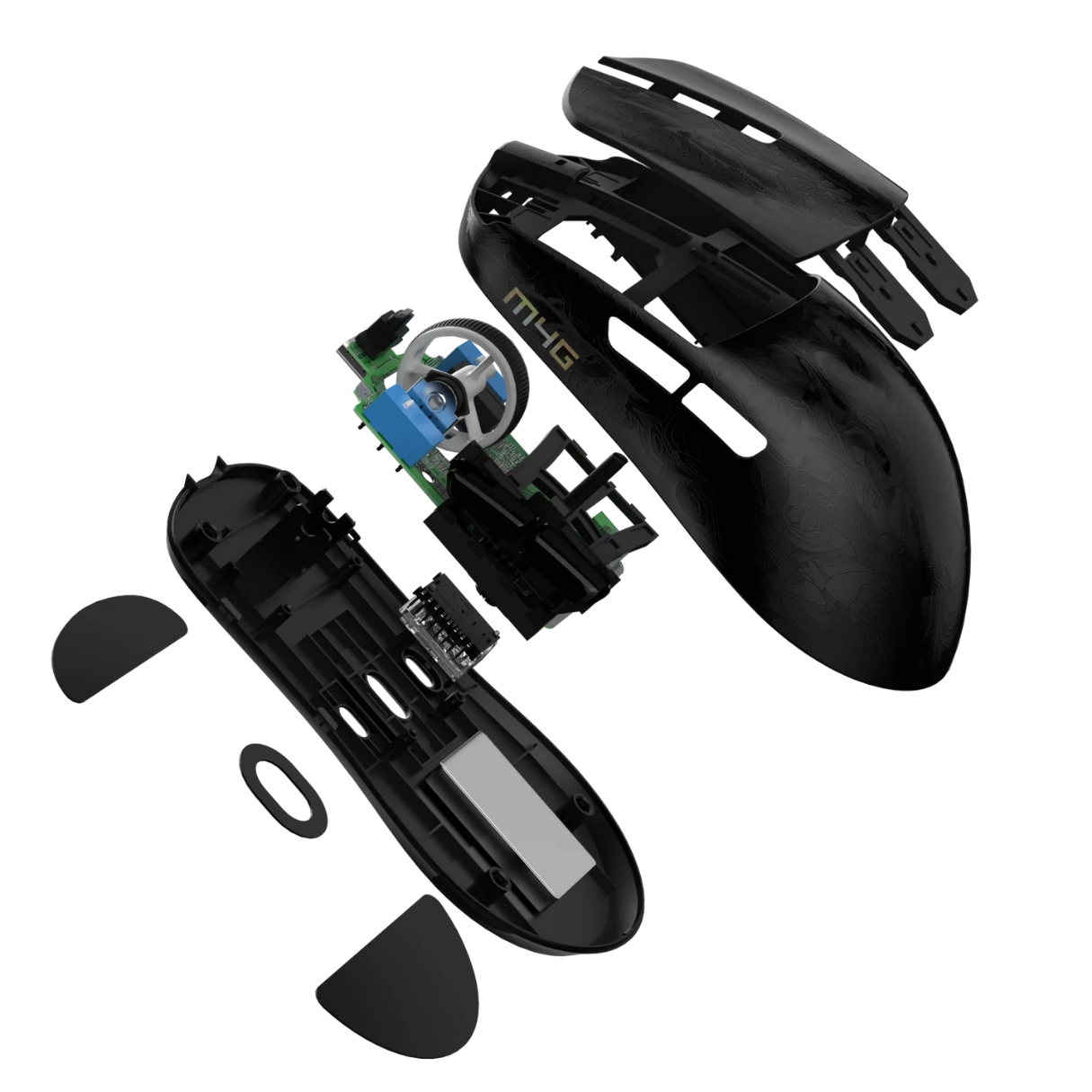
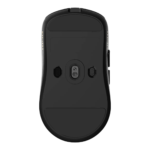
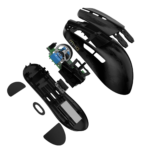
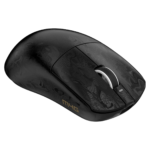
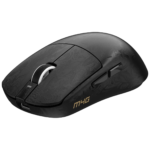
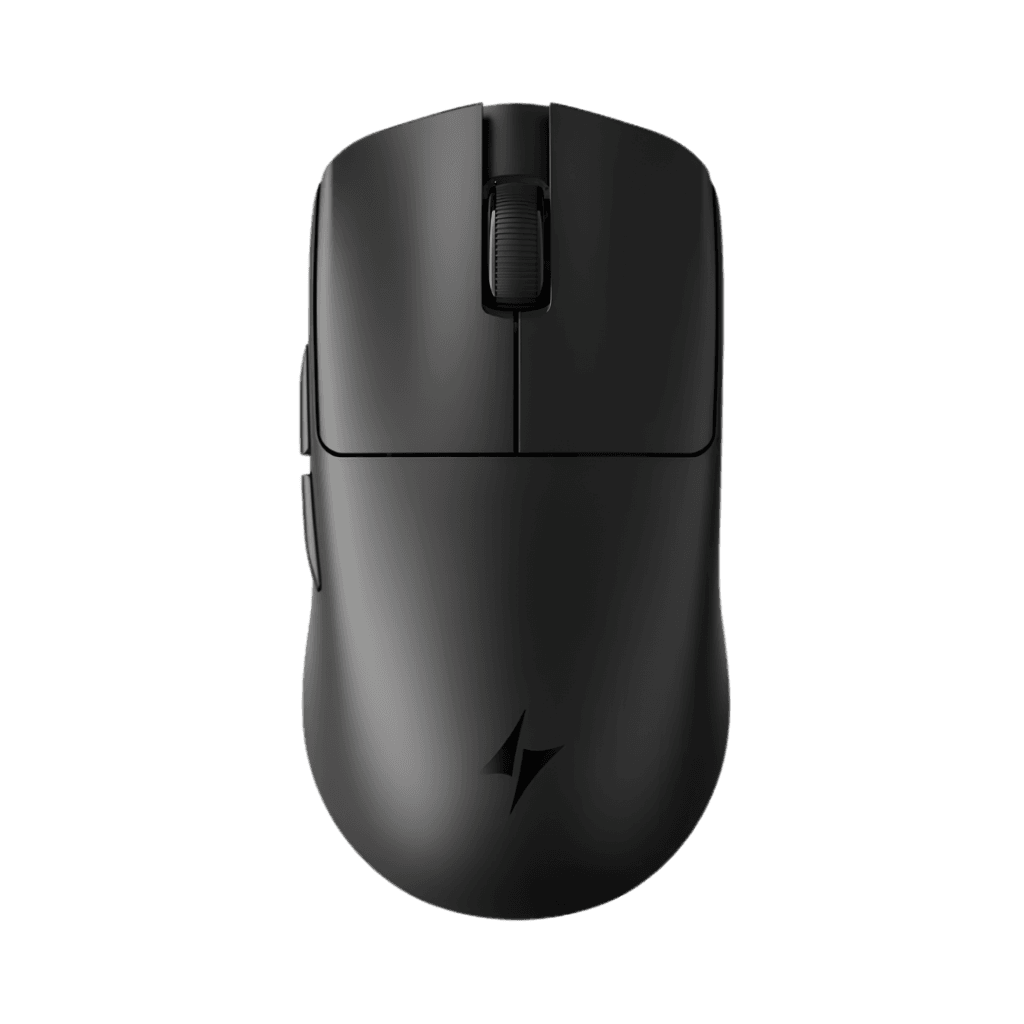
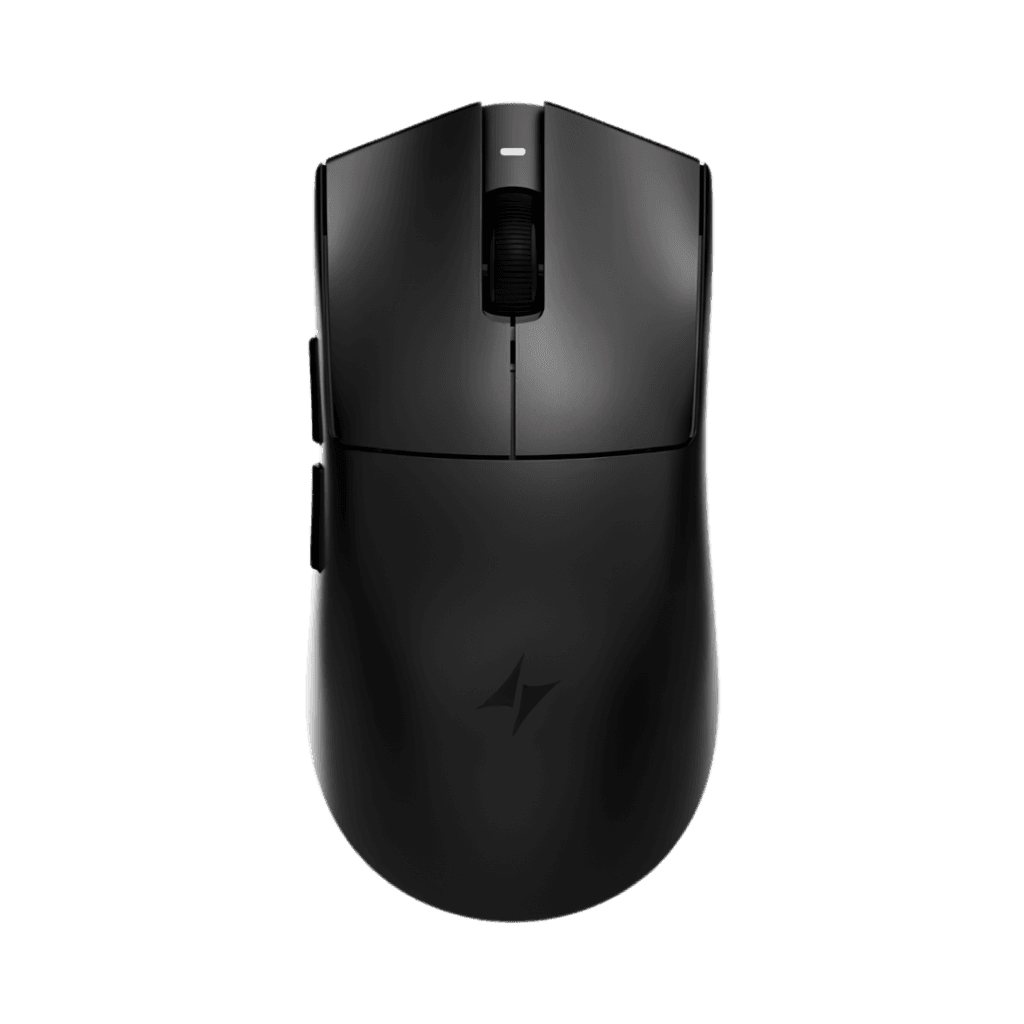
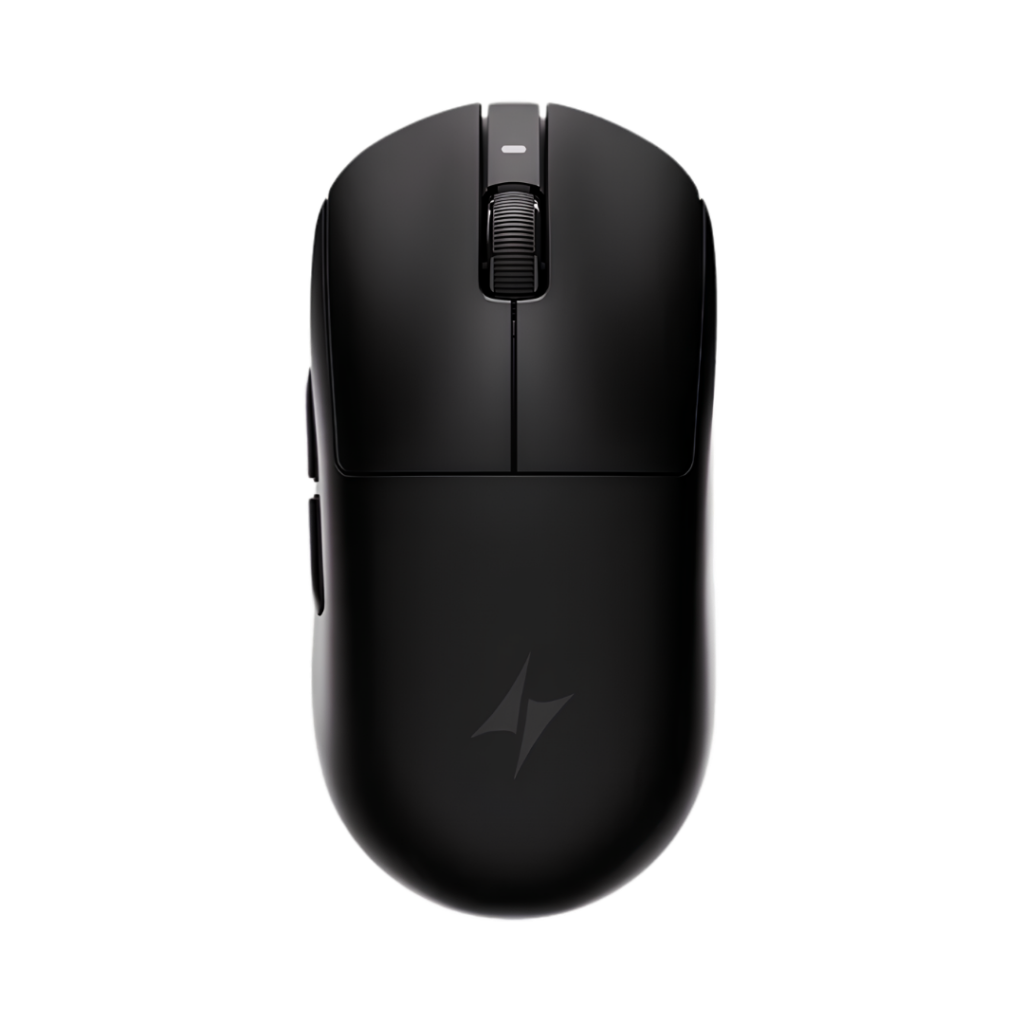
The M4G MHM M1 features a black shell with a subtle decorative pattern and a contrasting scroll-wheel detail. Its compact contours and side-button placement are designed for practical use while keeping the weight down. The underside houses the optical sensor and broad glide feet visible in the product imagery.
For consistent control, use the mouse on a clean, suitable surface. Dust or debris on the mouse feet and sensor area may affect movement over time. The exact feet material has not been confirmed, so it should not be assumed to be a particular PTFE grade.
For FPS Gaming, Everyday Work and Mixed Setups
The M4G MHM M1 is particularly relevant to players who want a lightweight wireless gaming mouse with a known optical sensor, 1,000Hz polling and customizable sensitivity, without giving up Bluetooth and wired connectivity. Its six-button layout also works well for browsing, studying and daily PC tasks.
If you are building a complete setup, combine this mouse with a suitable gaming mousepad from PhoenixStore and compare more gaming mice to find the shape, performance and price that suit you.
Why Choose the M4G MHM M1?
Choose the M4G MHM M1 if your priorities are approximately 50g weight, a PAW3311 sensor, up to 12,000 DPI, up to 1,000Hz polling and three ways to connect. It is a sensible option for users who want gaming-focused controls with everyday versatility and a rechargeable battery.
All technical figures shown are published product specifications or retailer-listed values; exact results may vary according to the connected device, software and operating conditions. Package contents should be confirmed against the stock received by PhoenixStore before a final included-accessories claim is published.


Reviews
Clear filtersThere are no reviews yet.