






-
 Shipping

-
Warranty

Overview

| Color |
Black ,White |
|---|---|
| Product Type |
Gaming & Streaming Microphone |
| Microphone Type |
Dynamic |
| Pickup Pattern |
Directional (Supercardioid WM13 design) |
| Connectivity |
USB-C / XLR |
| USB Connection |
Plug and Play with Compatible Computer |
| XLR Connection |
Audio Interface or Mixer Required |
| Noise Reduction |
Built-in (USB Mode) |
| Noise Reduction Control |
Hold Mute in USB Mode |
| Mute Control |
Touch Control |
| Gain Control |
Rotary Knob |
| Headphone Monitoring |
3.5 mm Headphone Output |
| Monitor Volume Control |
Rotary Knob (USB Mode) |
| Mix Control |
Rotary Knob (USB Mode) |
| RGB Lighting |
Yes |
| Included Stand |
Adjustable Articulated Boom Arm |
| Desk Mount |
Clamp |
| Use Cases |
Gaming / Live Streaming / Podcasting / Recording |
| Product Model |
M13 / WM13 |
M4G M13 Microphone for Streaming, Gaming and Podcasts
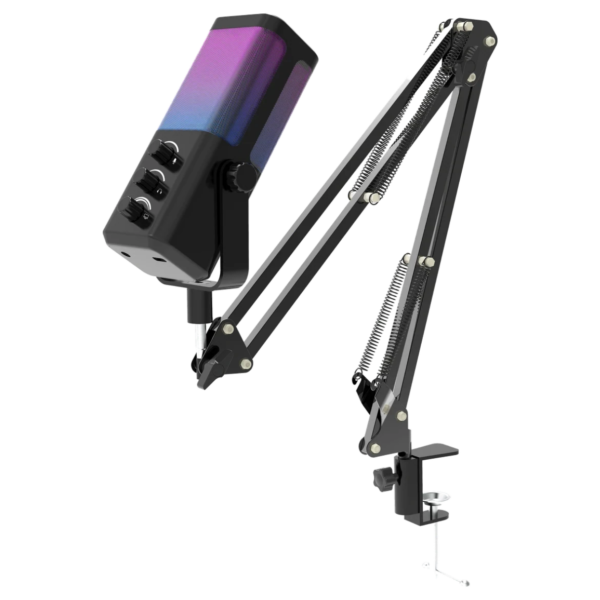
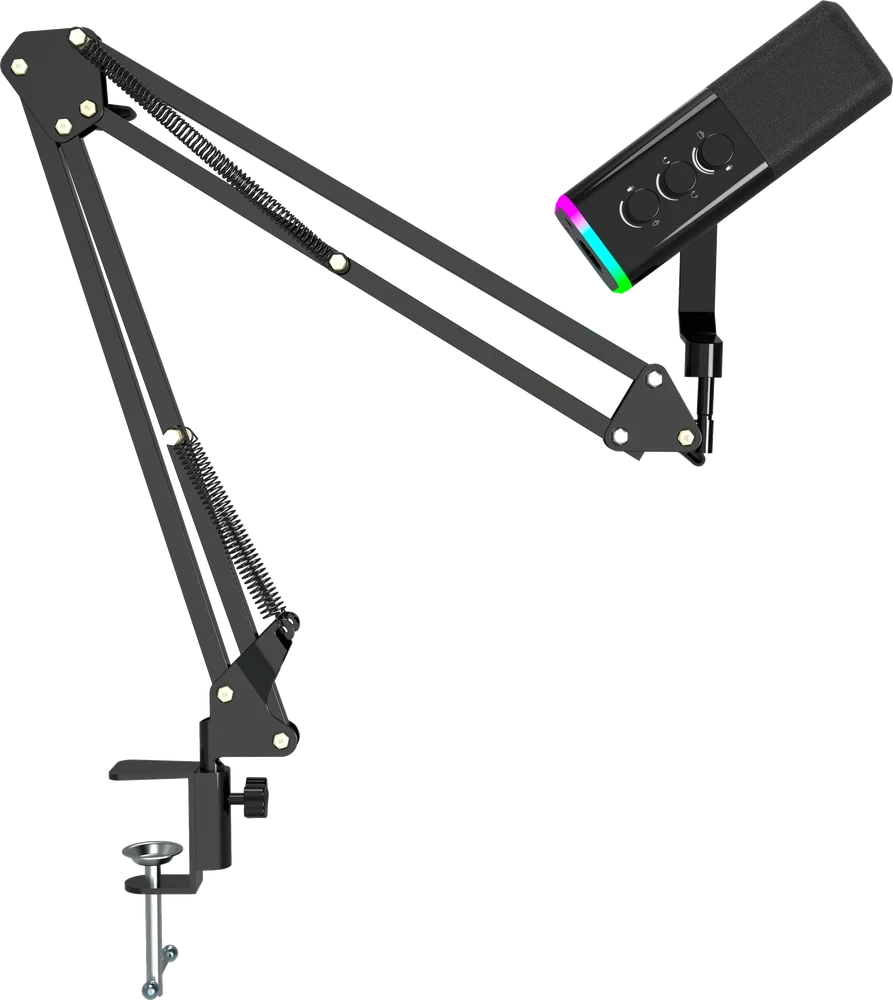
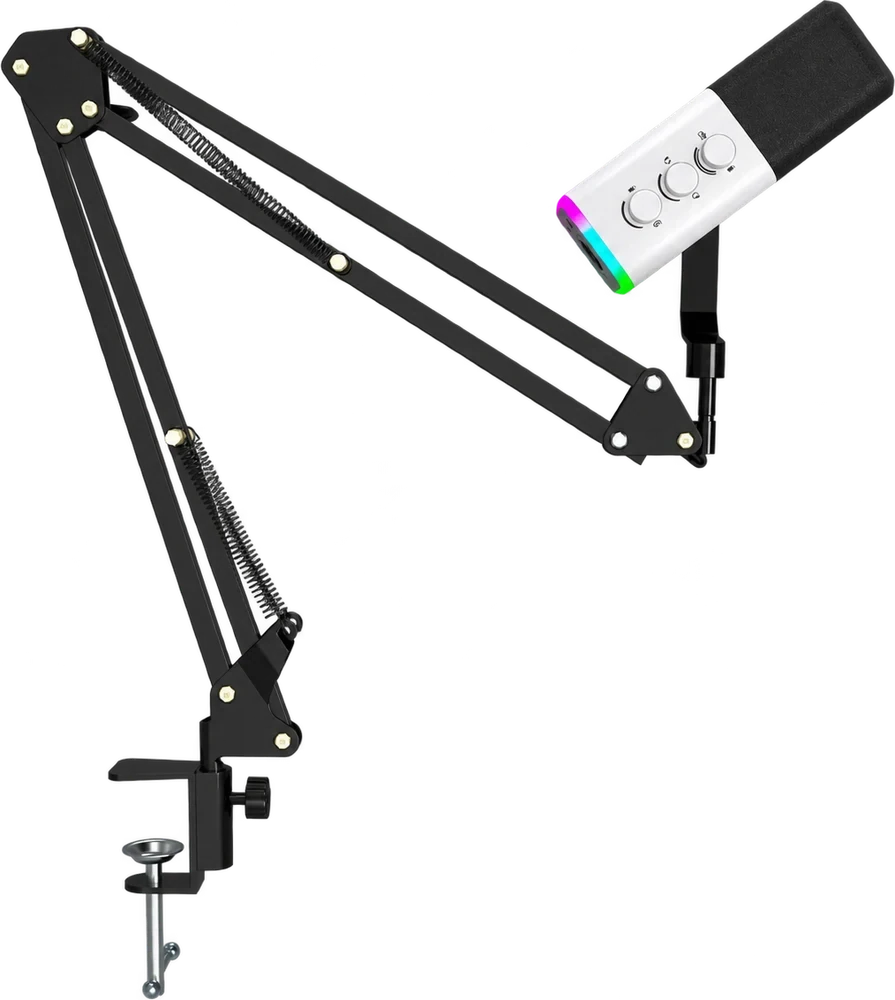
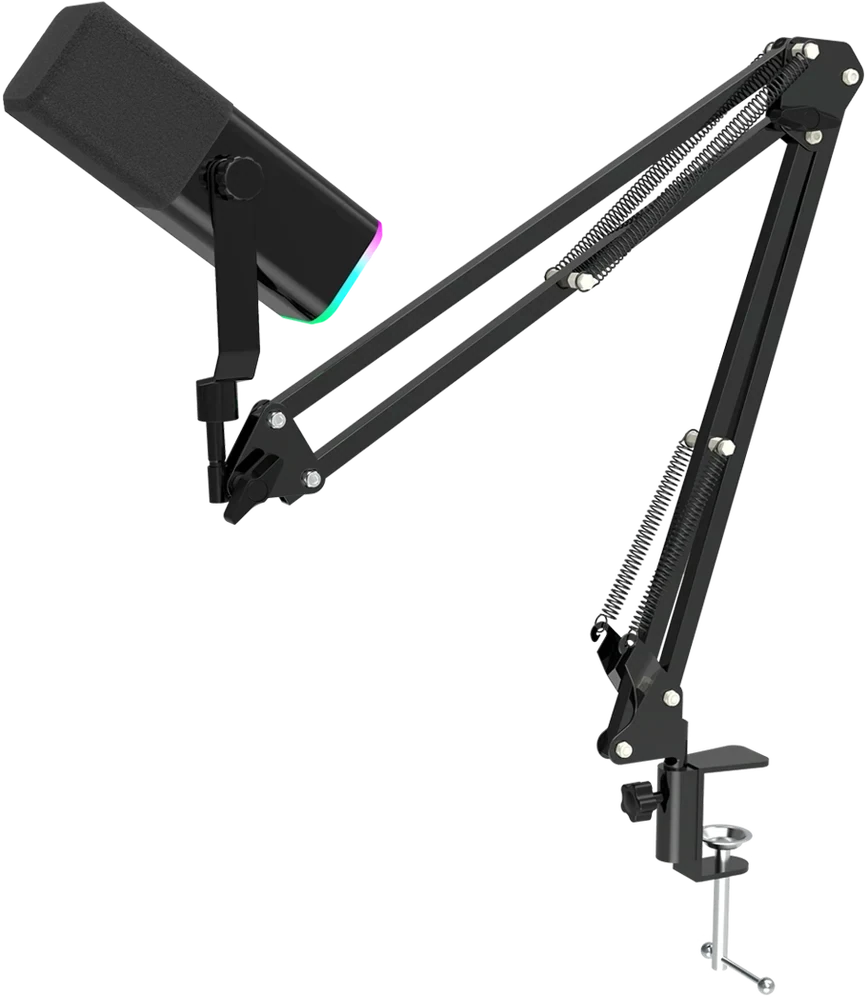
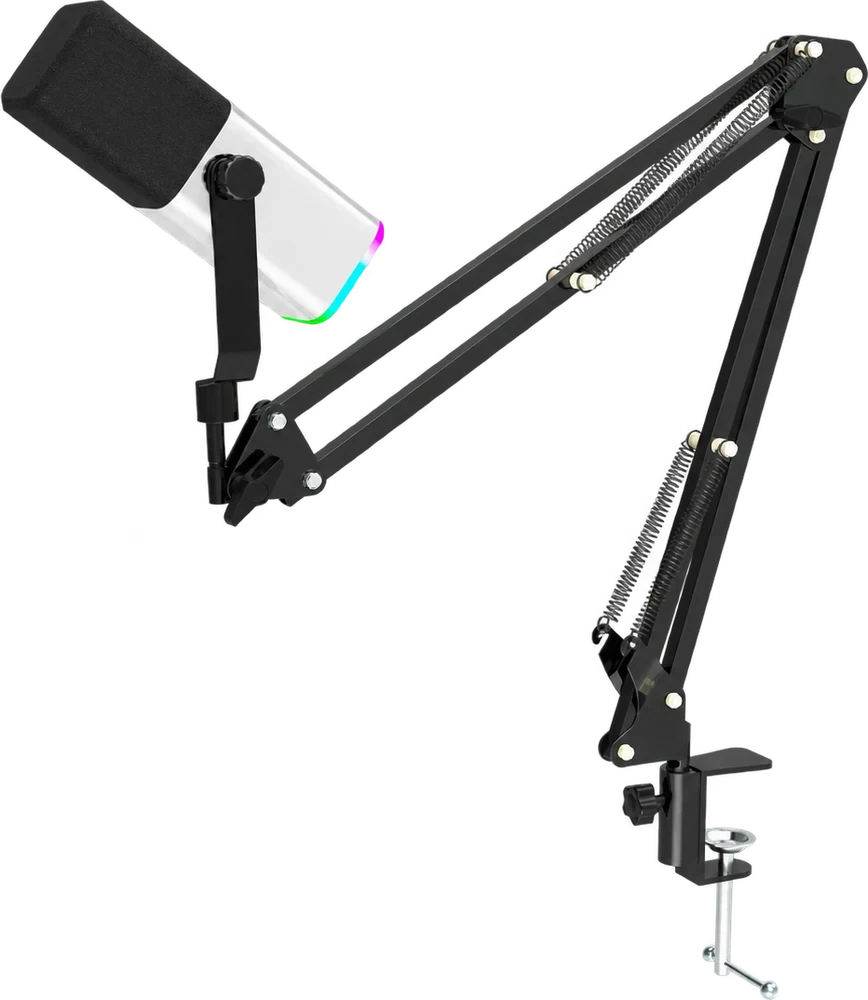
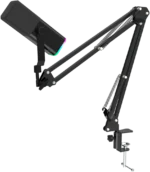
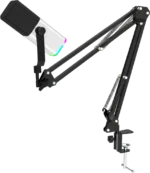
The M4G M13 Microphone is a desk-friendly RGB dynamic microphone designed for gaming, streaming, podcasts, voice chat and everyday content creation. Featuring convenient USB and XLR connectivity, on-microphone audio controls and an adjustable boom arm, it offers a versatile way to upgrade your voice setup without filling the desk with separate accessories. Choose a black or white microphone body to match your gaming setup; both colors offer the same features and performance.
From playing competitive games with friends to recording a podcast or hosting an online meeting, a dedicated microphone helps you position your voice input more consistently than a laptop’s built-in microphone. The M13 combines a directional microphone design with useful physical controls, making it an approachable choice for both beginners and more experienced PC users.
M4G M13 Microphone — Quick Overview
- Audio: Dynamic directional microphone for voice chat, streaming, podcasting and recording.
- Connectivity: USB for direct compatible computer use and XLR for a compatible audio interface or mixer.
- Controls: Touch mute, built-in noise reduction in supported USB mode, audio adjustment knobs and RGB lighting.
- Setup: Adjustable boom arm and desk clamp, with Black and White color options at the same price.
Why Choose the M4G M13 Microphone?
Dynamic Directional Voice Capture
The M13 uses a dynamic microphone capsule intended for capturing speech directly in front of it. Dynamic microphones are popular in desk recording setups because they can be positioned close to the speaker and offer focused voice pickup. With sensible placement, the M13 is suited to conversations, live commentary, tutorials and vocal recording.
Point the microphone toward your mouth, leave a comfortable speaking distance and check your recording level before going live. Microphone placement, room acoustics and the sensitivity setting all influence the final sound. Moving the microphone closer to your voice and away from loud keyboard switches or fans can help create a clearer recording, although no microphone can guarantee complete background-noise removal.
USB Plug-and-Play and XLR Connectivity
The M4G M13 Microphone offers two ways to build your audio setup. Its USB connection is a practical option when you want to connect directly to a compatible computer for voice chat, gaming streams or recording. It keeps your setup simple, especially if you are new to using a dedicated microphone.
The XLR output lets you use a compatible audio mixer or recording interface when you prefer a more flexible audio workflow. This can be useful when you upgrade from basic computer recording to a setup with several audio sources. An XLR interface or mixer is required for XLR operation, and USB-specific buttons, lighting and monitoring functions may not work identically in XLR-only mode.
Built-In Noise Reduction for USB Recording
The M13 includes a noise-reduction function that can be activated on the microphone in its supported USB operating mode. According to M4G’s own feature presentation, holding the mute control engages the noise-reduction feature without needing a separate application. This provides an additional option when you want to manage everyday background sound during a call or recording.
For natural, understandable voice audio, adjust the input level first and try the noise-reduction function with a short recording test. Excessive processing or poor mic placement can affect speech quality, so the best setting depends on your room, equipment and speaking style.
Touch Controls and Three Adjustment Knobs
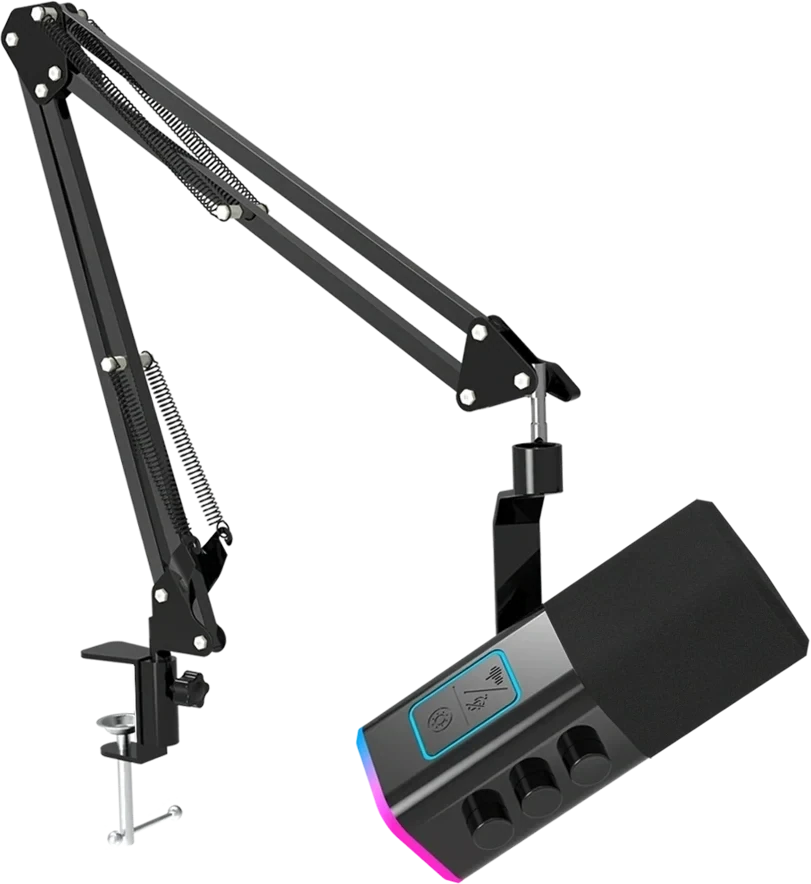
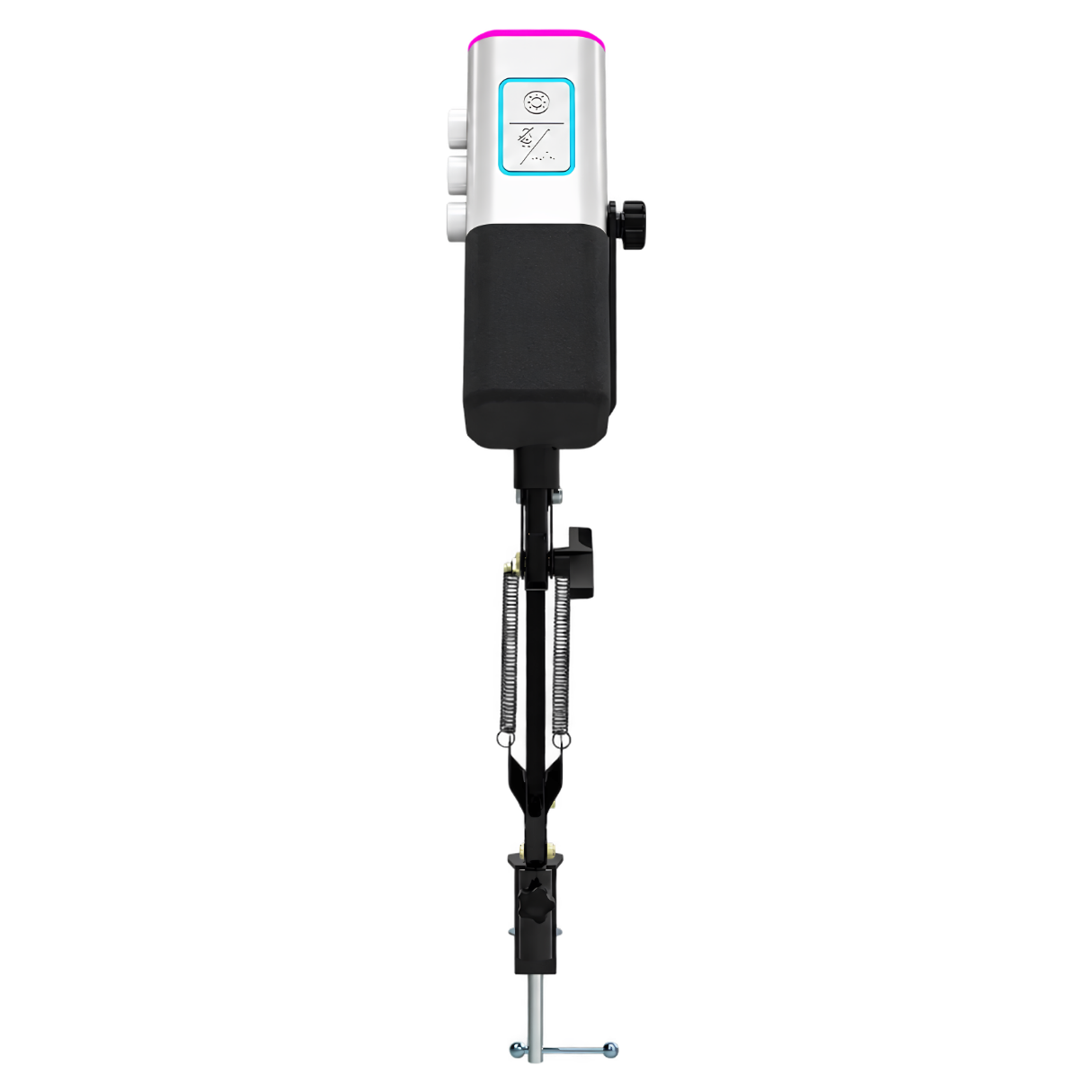
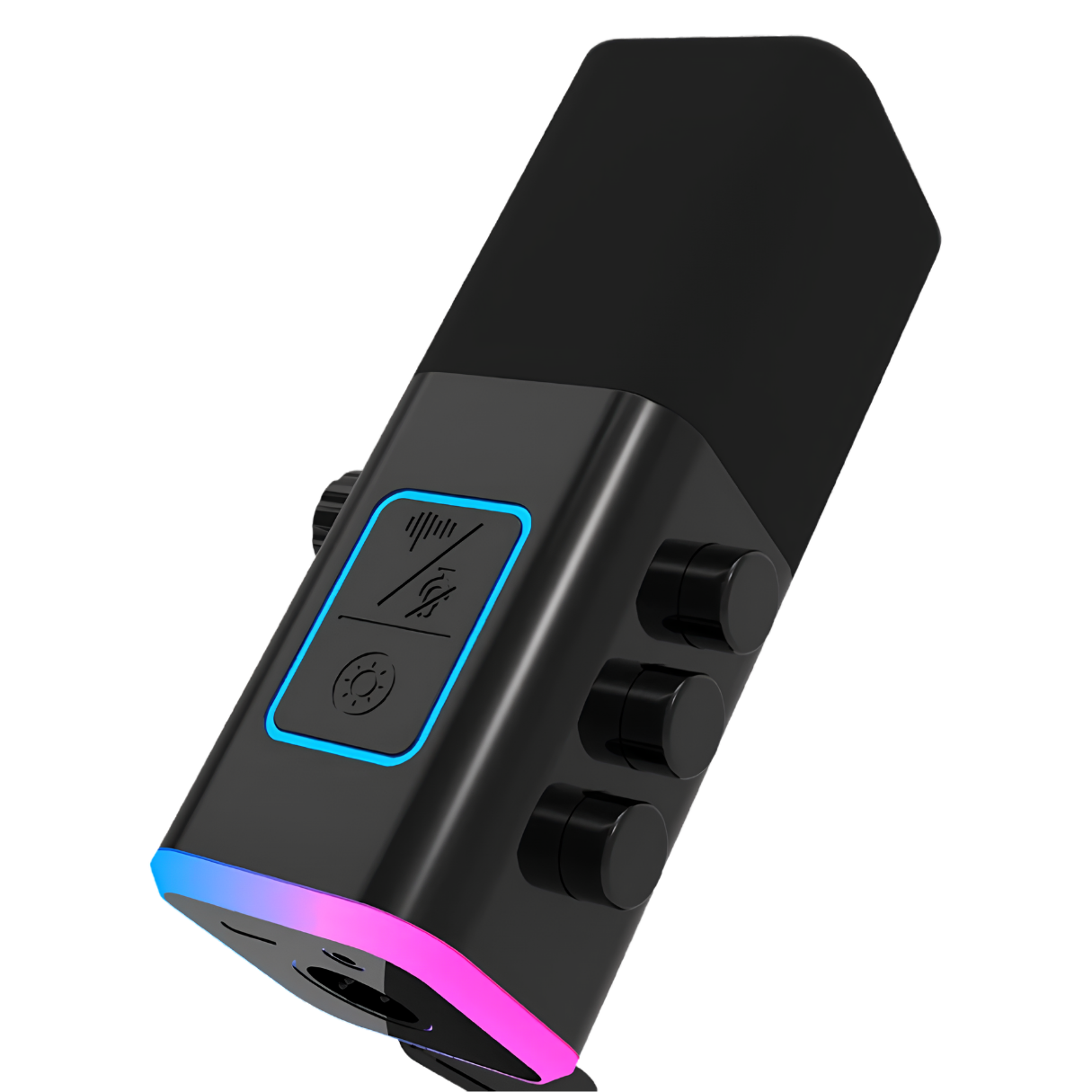
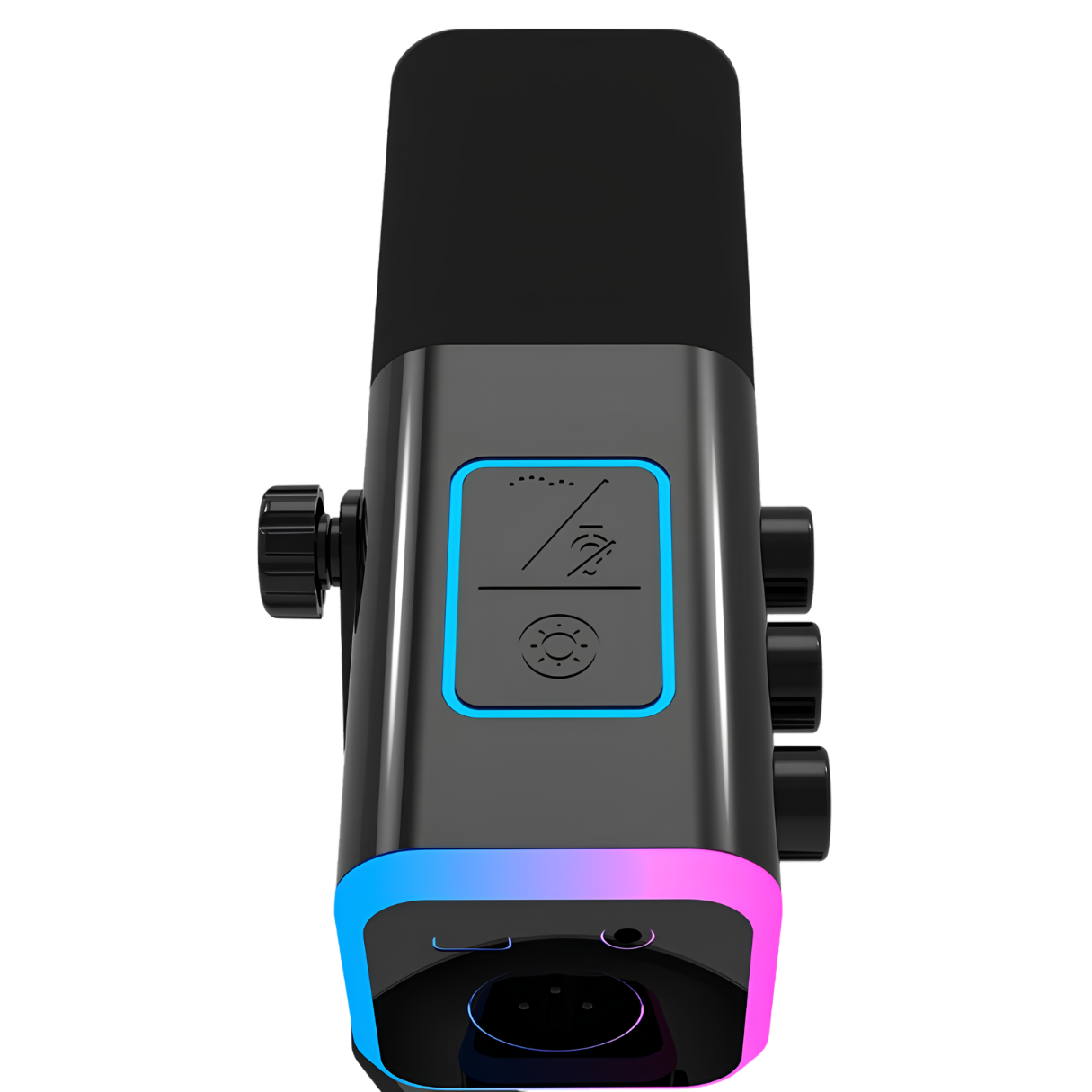
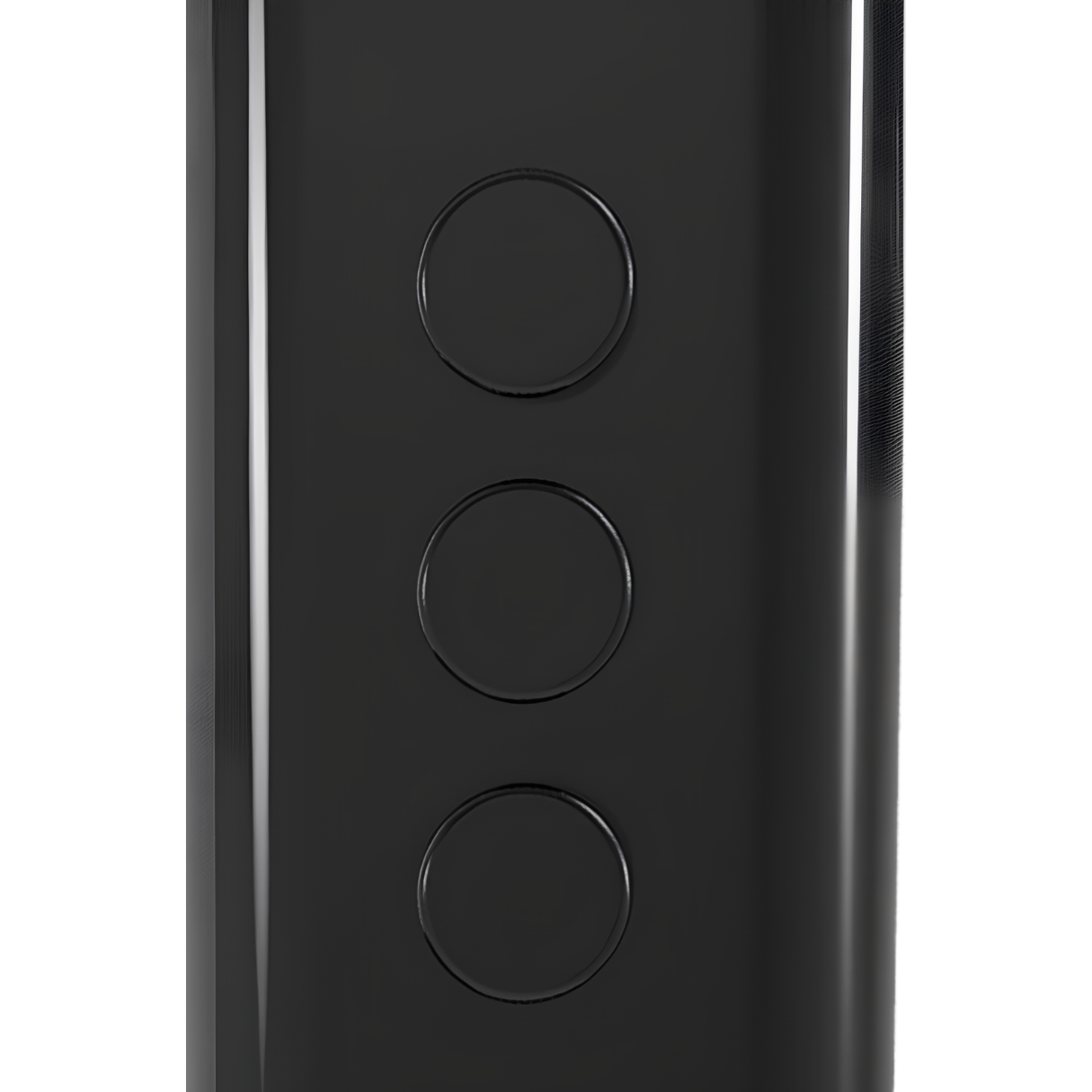
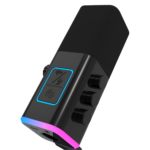
The microphone body includes a touch-control area and three side-mounted adjustment knobs. These controls are intended to make common tasks such as muting, adjusting microphone input and handling supported headphone monitoring or mixing functions easier during recording. You can make adjustments within reach rather than switching windows while a game or stream is running.
The touch panel also integrates controls for supported microphone features, including the mute and RGB lighting functions. The exact behavior of each button and knob can depend on whether the microphone is being used through USB or through an external XLR audio system. A short microphone test will help you learn the controls and set an appropriate voice level.
Real-Time Headphone Monitoring
A 3.5 mm headphone monitoring connection lets you listen to your voice with compatible wired headphones in a supported setup. Monitoring is useful for identifying clipping, inconsistent distance from the microphone and unexpected room noise while you are speaking, rather than discovering a problem after an entire recording.
Good monitoring habits are especially valuable for streamers and podcasters. Choose the correct recording input and output devices in your computer or recording software, then use the M13’s available controls to establish a comfortable balance. Always check the actual monitoring behavior of your USB or XLR configuration before recording something important.
RGB Accent Lighting for Gaming Setups
With its colorful RGB accent lighting, the M4G M13 Microphone fits naturally beside an RGB keyboard, mouse and monitor. The lighting adds visual character to a stream or video call, particularly when the microphone is visible on camera. Its understated black or white housing makes it easy to pair with different desk styles.
RGB is a visual feature, not a measure of audio quality. You can focus on getting the voice position and microphone settings right first, then select lighting effects that suit your workstation.
Adjustable Boom Arm and Desk Clamp
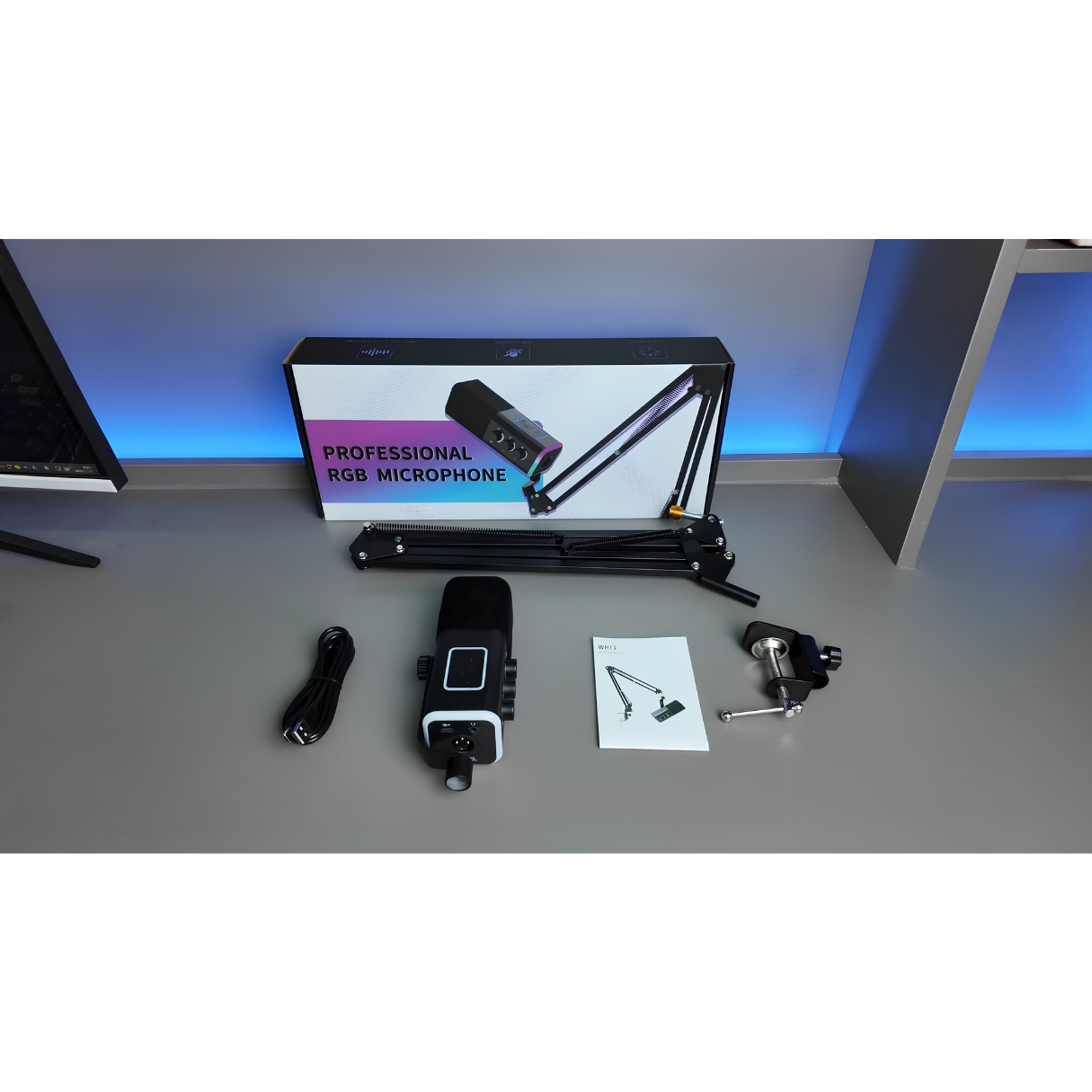
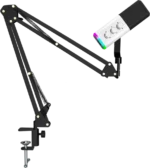
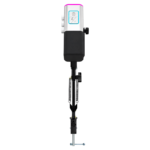
The kit includes an adjustable articulated boom arm and a desk clamp, allowing you to bring the microphone closer when speaking and move it aside when you need extra space. An arm-mounted microphone can be particularly convenient for PC gamers who need room for broad mouse movements.
For stable positioning, secure the clamp to a suitable desk edge, adjust the boom arm gradually and route the cable without pulling on the microphone. Avoid over-tightening the desk clamp and check that the arm remains stable after repositioning. A comfortable boom-arm arrangement can make longer recording or gaming sessions easier.
Black or White — Choose Your Setup
The M4G M13 Microphone comes in two color variants. The Black version complements dark gaming desks and monochrome accessories, while the White version works well with light-colored setups and contrasting desk decor. Both variants are listed with the same microphone functions and selling price at PhoenixStore.
Choose your preferred color before adding the product to your cart. Availability is tracked separately for each option so you can select the version currently in stock.
Ideal Uses for the M13
- Gaming and Discord: use a dedicated mic for clearer communication and comfortable desk placement.
- Live streaming: combine touch mute, adjustable controls and RGB lighting in your broadcast setup.
- Podcasting: start recording through USB and consider XLR as your audio equipment develops.
- Voice-overs and tutorials: maintain a consistent microphone position with the boom arm.
- Online meetings and study: move the microphone into a convenient speaking position whenever you need it.
How to Set Up the M4G M13 Microphone
- Attach the boom-arm clamp to a stable desk edge and secure the arm.
- Mount the microphone and direct the front of its capsule toward your mouth.
- Connect through USB to a compatible computer, or through XLR to a compatible audio interface or mixer.
- Select the microphone in your computer’s input settings and in your streaming or recording software.
- Make a test recording, adjust gain and monitoring levels and try the supported noise-reduction function in USB mode if needed.
- Set the RGB lighting to suit your setup and check your microphone position before starting a call or stream.
Get the M4G M13 Microphone at PhoenixStore Morocco
For gamers and creators who want a flexible desktop recording kit, the M4G M13 Microphone brings together dual connectivity, RGB lighting, useful controls and an adjustable boom arm. Explore more choices in our microphone collection and learn more about the M4G lineup from the M4G official website. Order the Black or White version at PhoenixStore Morocco, subject to current variant stock.

Reviews
Clear filtersThere are no reviews yet.