
- KEYBOARDS
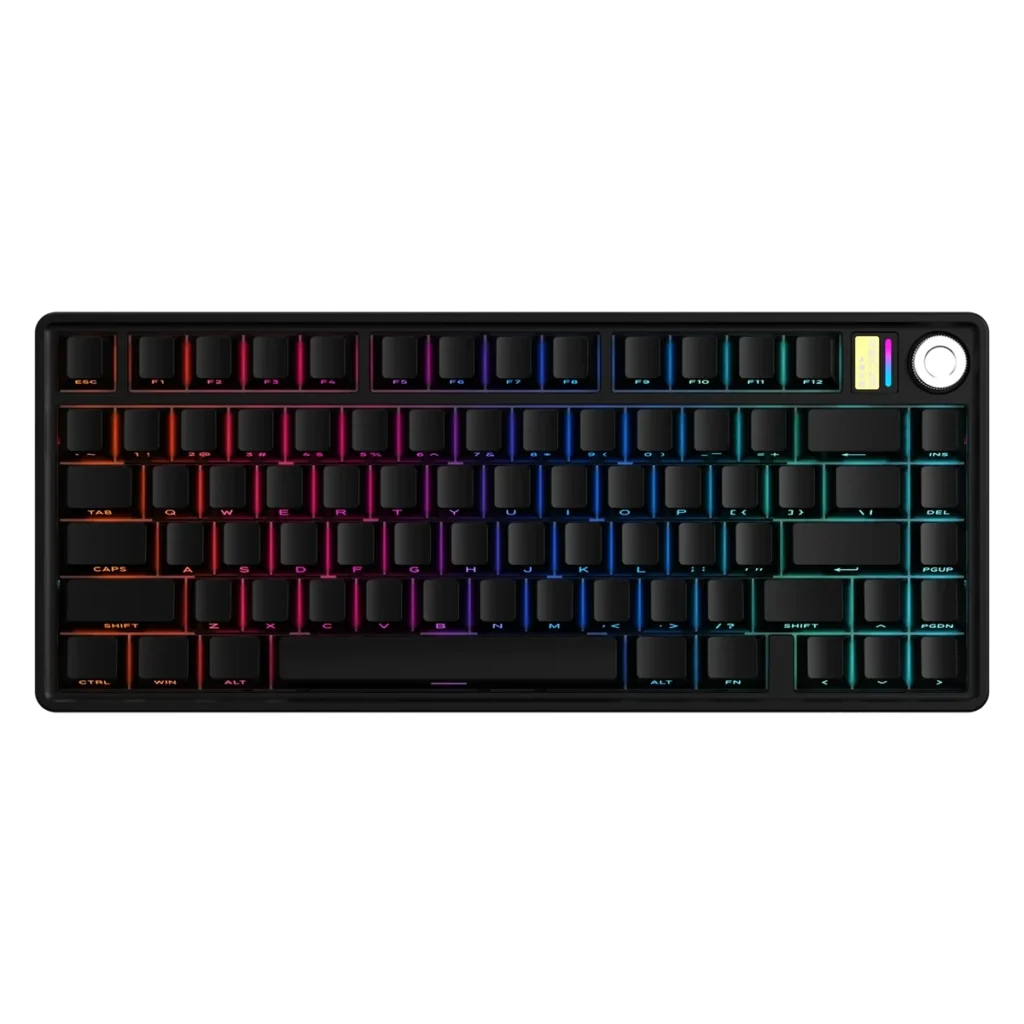
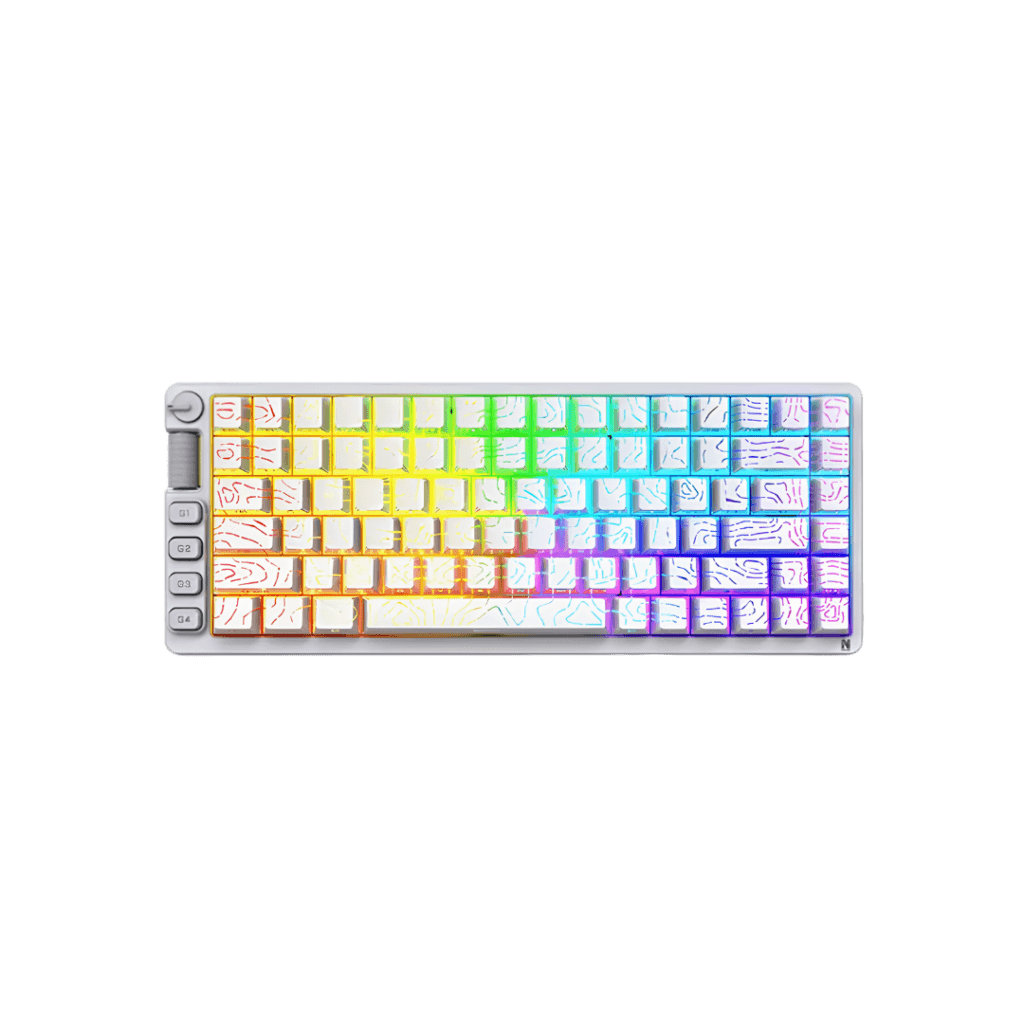
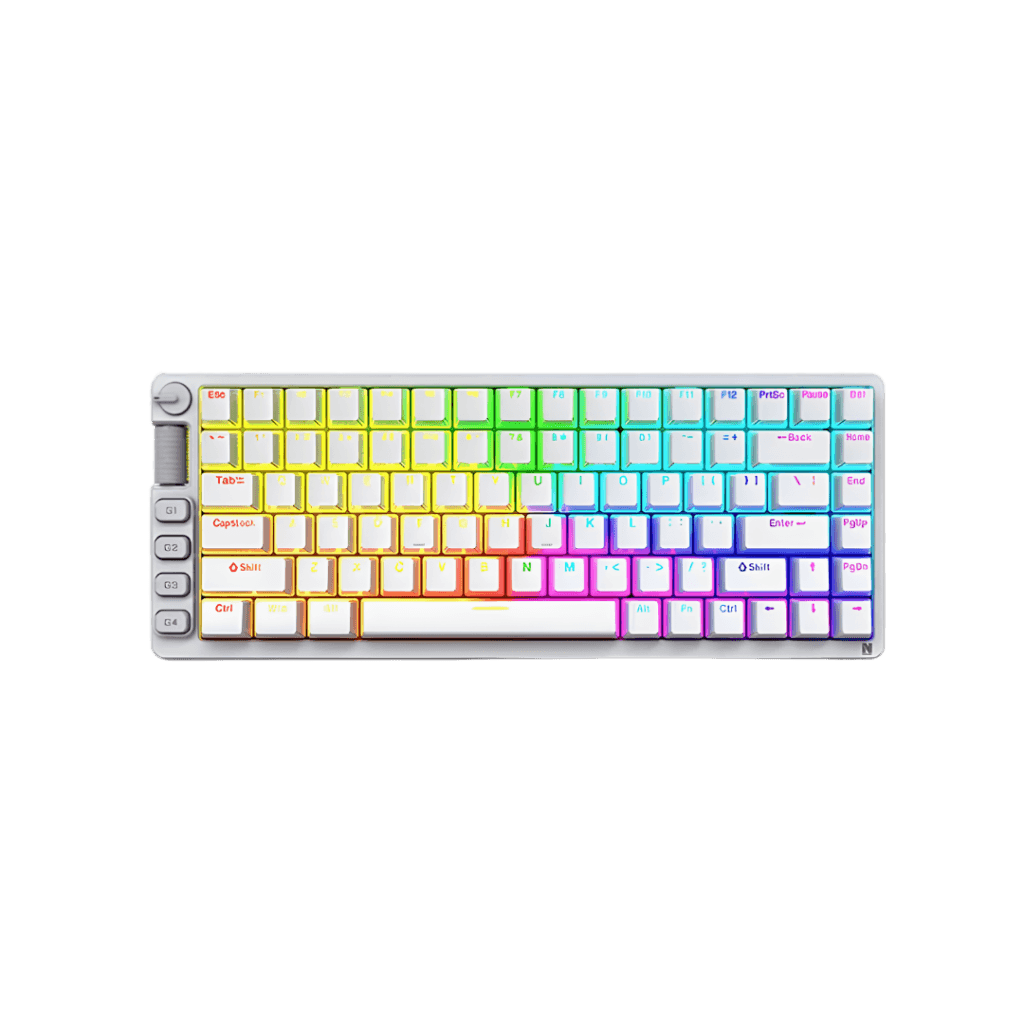
NOVA WM84 Mechanical Gaming Keyboard
Select options This product has multiple variants. The options may be chosen on the product pageNOVA KB84 Mechanical Gaming Keyboard
Select options This product has multiple variants. The options may be chosen on the product page - MOUSE
- MOUSEPADS
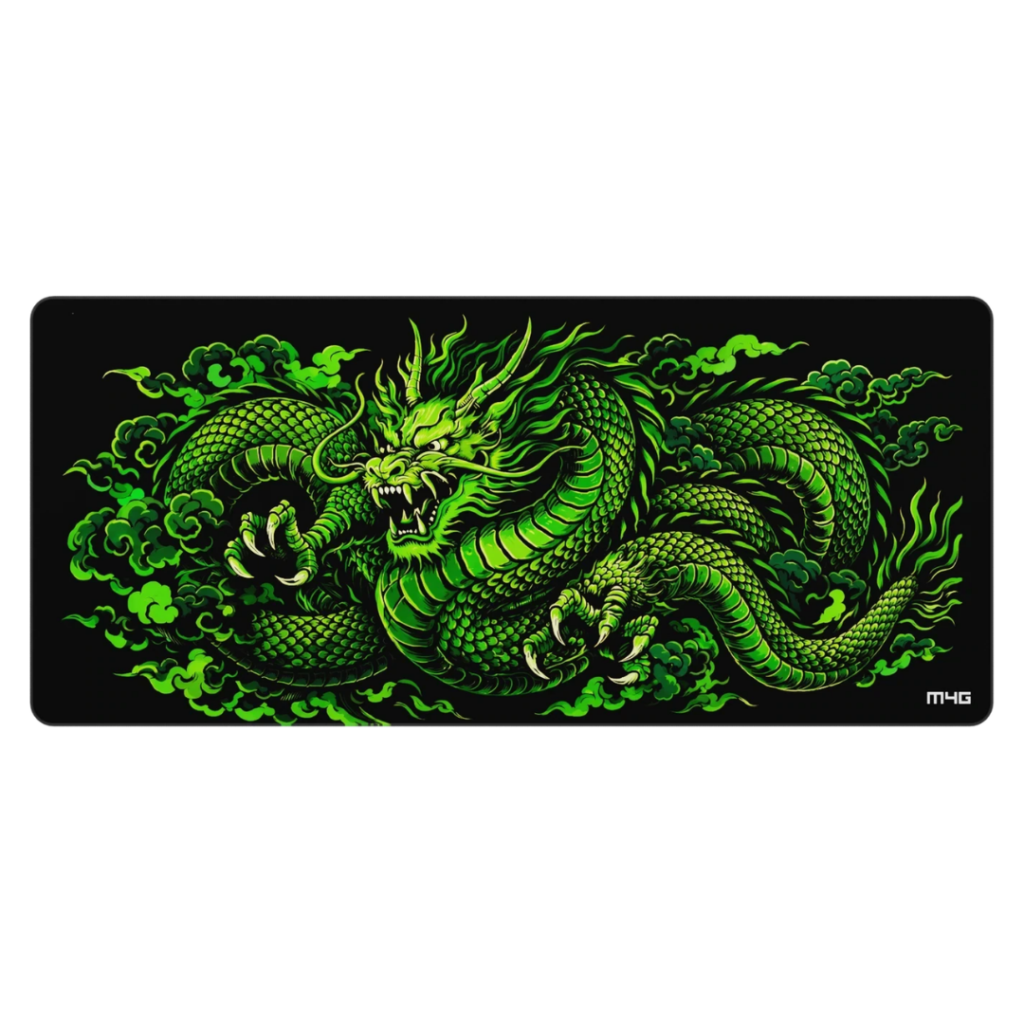
M4G Waterproof Mousepad Light Seigaiha
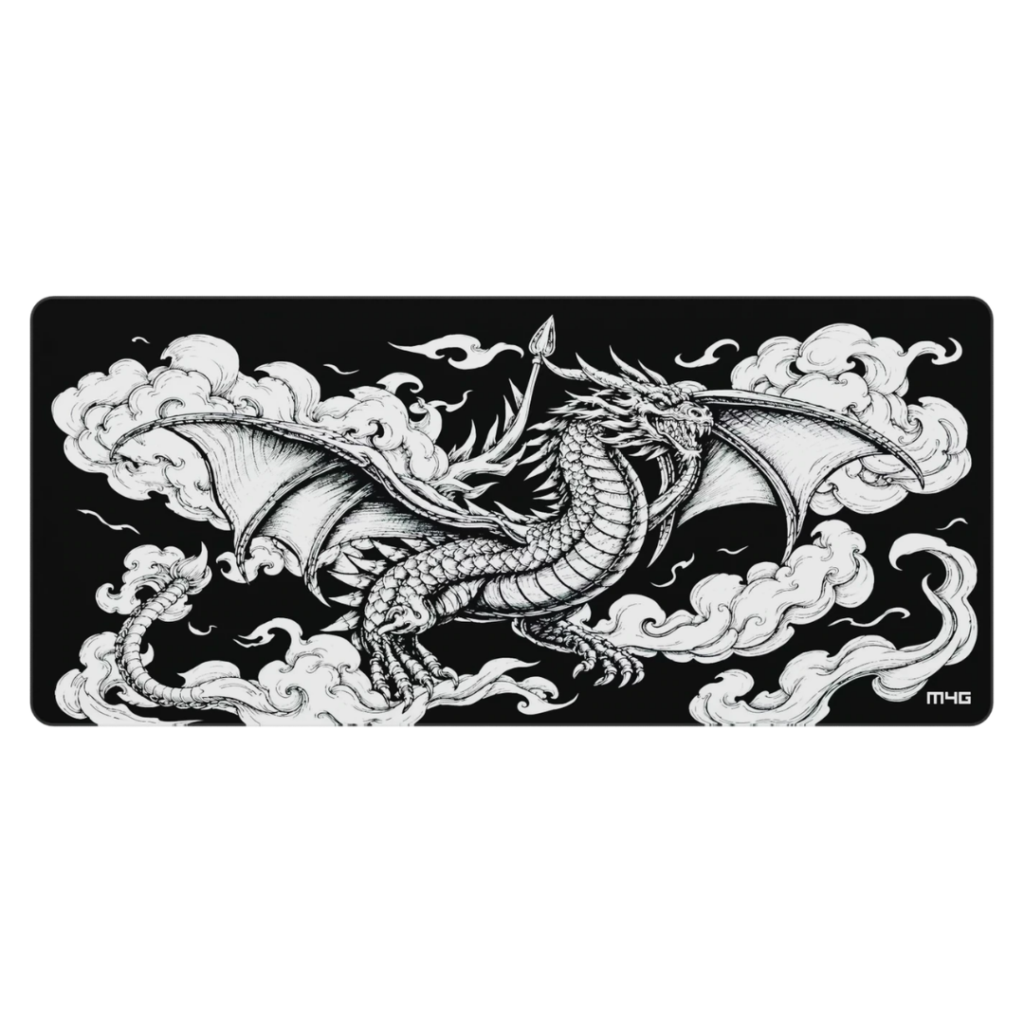
Select options This product has multiple variants. The options may be chosen on the product pageM4G Waterproof Mousepad Black Wave
Select options This product has multiple variants. The options may be chosen on the product page - CONTROLLERS
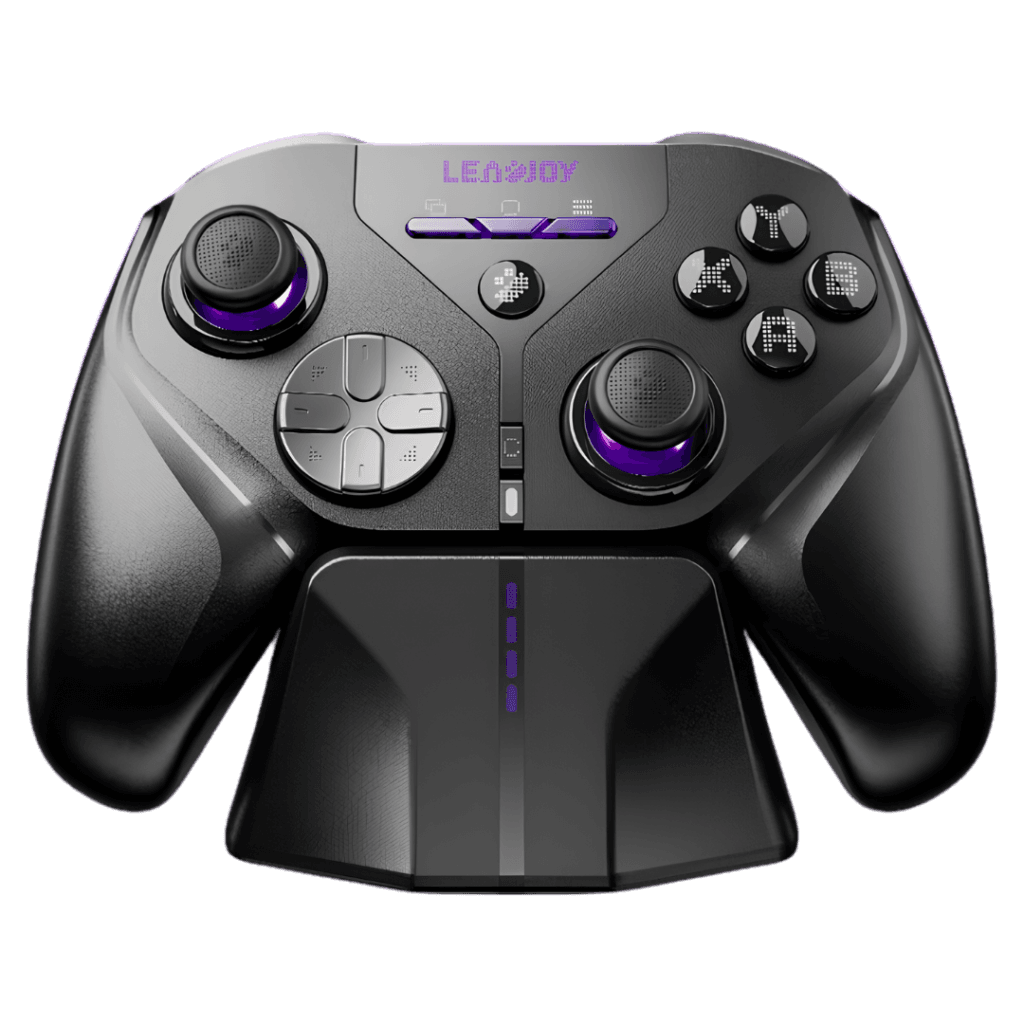
LeadJoy Saber Plus
Select options This product has multiple variants. The options may be chosen on the product page - HEADSETS & IEMS
ATK Neptune N9 Ultra
Select options This product has multiple variants. The options may be chosen on the product pageAJAZZ AHM10 MAX
Select options This product has multiple variants. The options may be chosen on the product pageMCHOSE V9 Pro
Select options This product has multiple variants. The options may be chosen on the product pageATK Neptune N9 Pro Wireless Gaming Headset
Select options This product has multiple variants. The options may be chosen on the product page  Combo
Pink Gaming Pack
Select options This product has multiple variants. The options may be chosen on the product page- Supports & Stands
- Figurines & Pop
- OTHER ACCESSORIES

 Combo
 Supports & Stands
 Figurines & Pop
 Decoration
 More
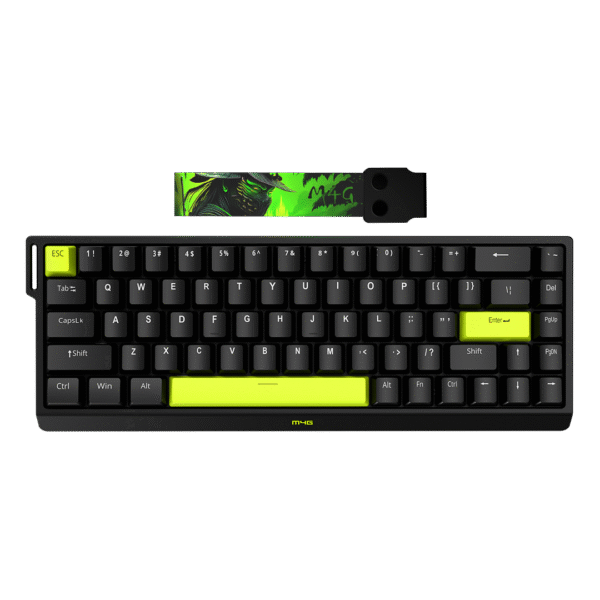
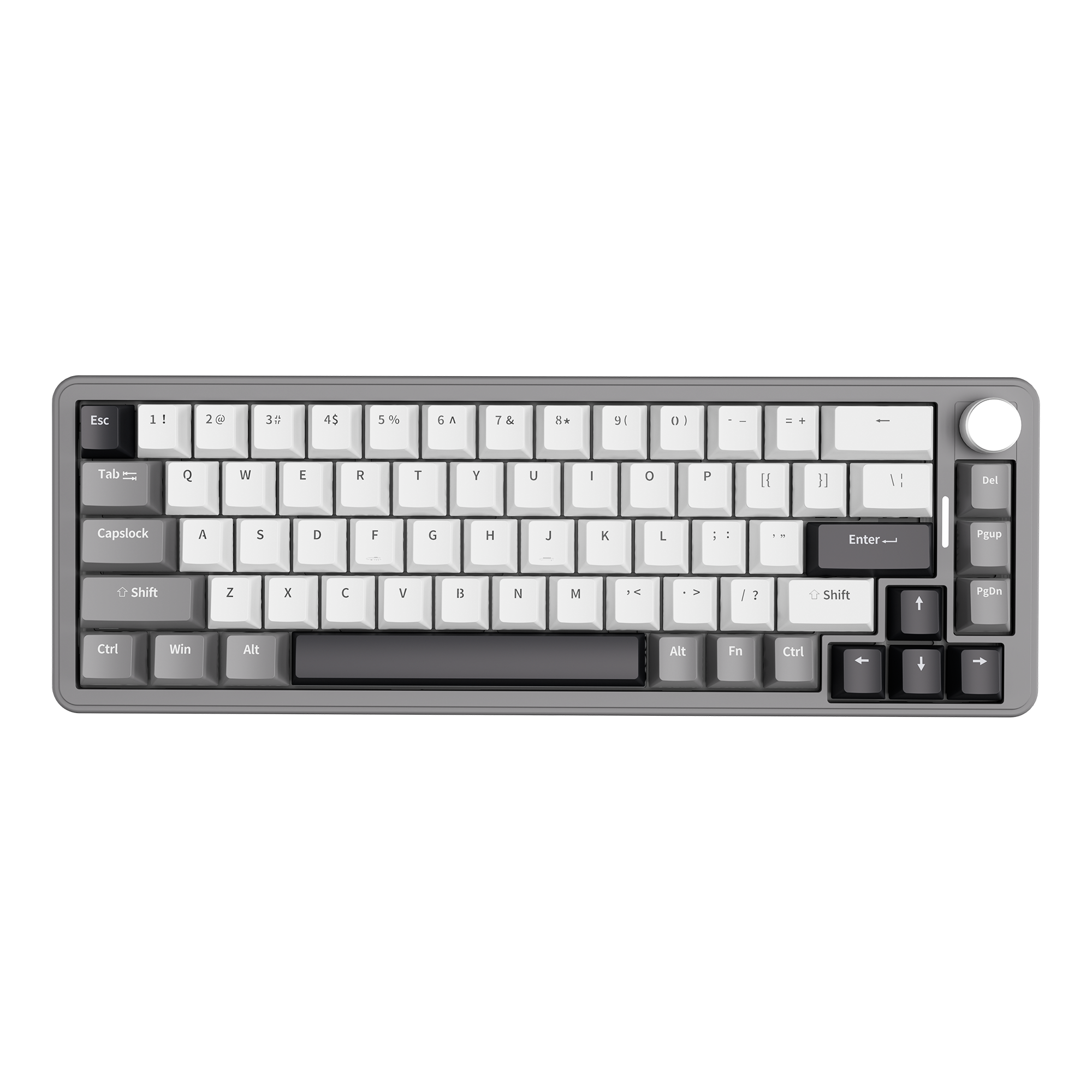
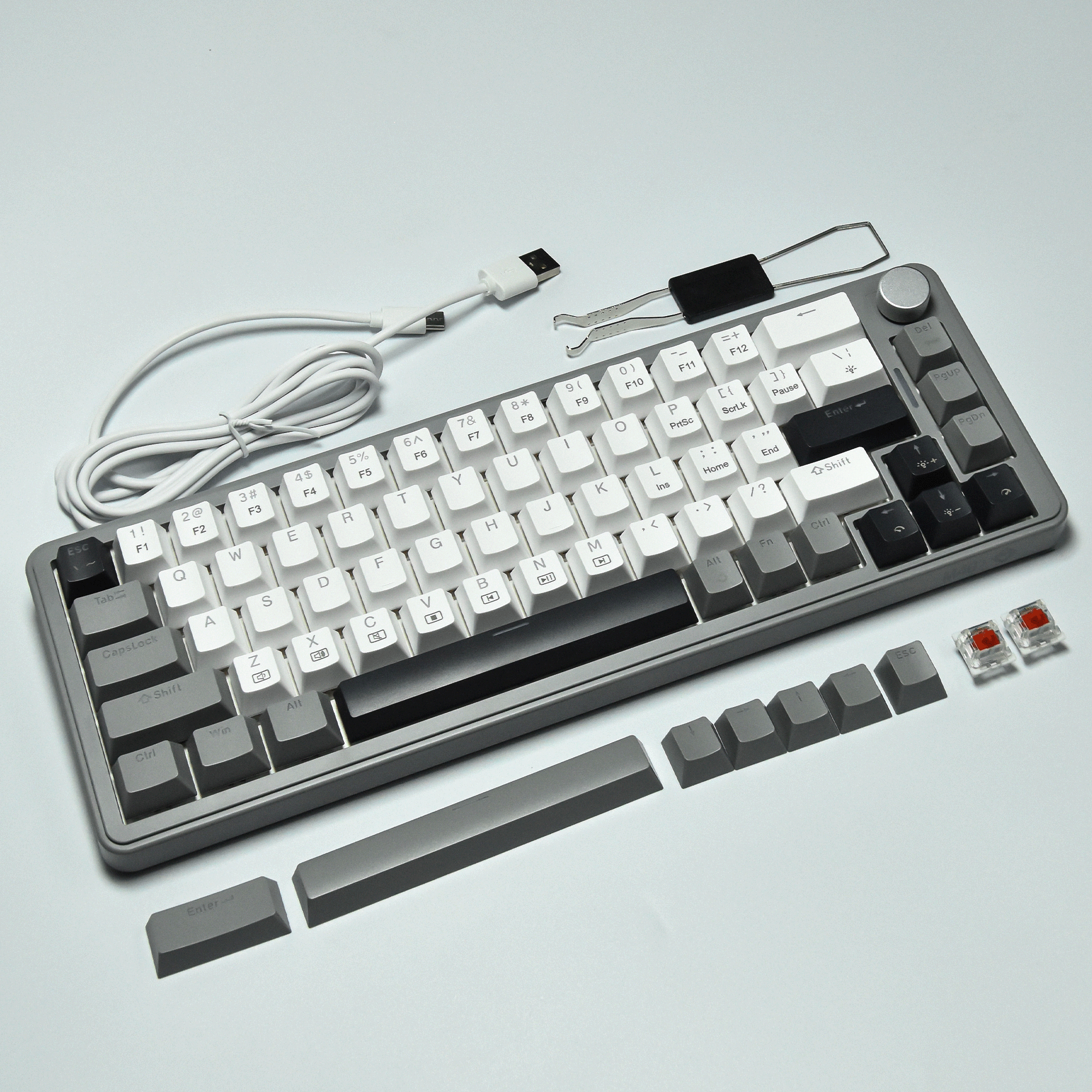
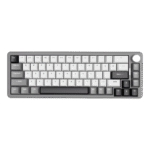
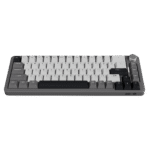
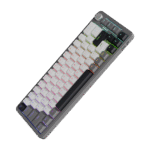
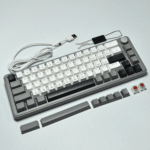



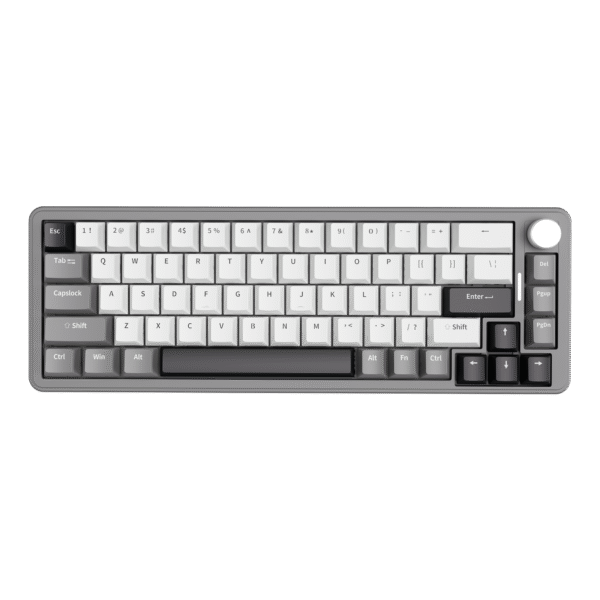

GM68-V2 Mechanical Keyboard Grey & White for Gaming and Everyday Use
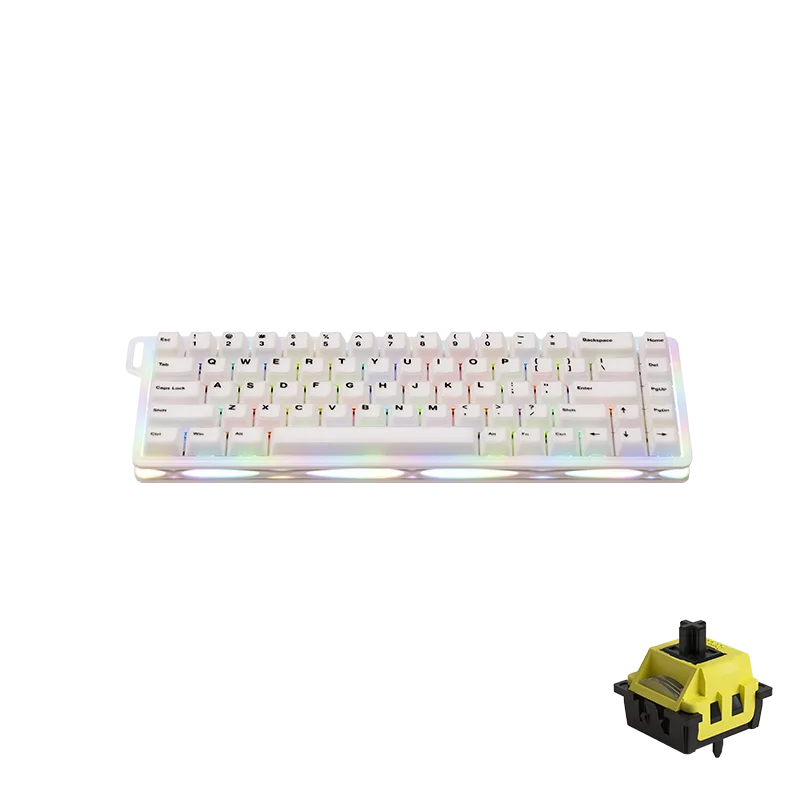
The GM68-V2 Mechanical Keyboard Grey & White is a compact 68-key mechanical gaming keyboard from M4G. Its wired USB-C connection, hot-swappable linear switches and RGB backlighting offer a familiar mechanical feel with customization options. PhoenixStore lists this product in its Grey & White design.
Compact keyboards reduce desk space occupied by the case and can make a larger area available for mouse movement. This is useful for players using wide desk mats and also for smaller workspaces. The best configuration depends on the tasks you perform and the keys you need most often, so review the images and specifications carefully before selecting a keyboard.
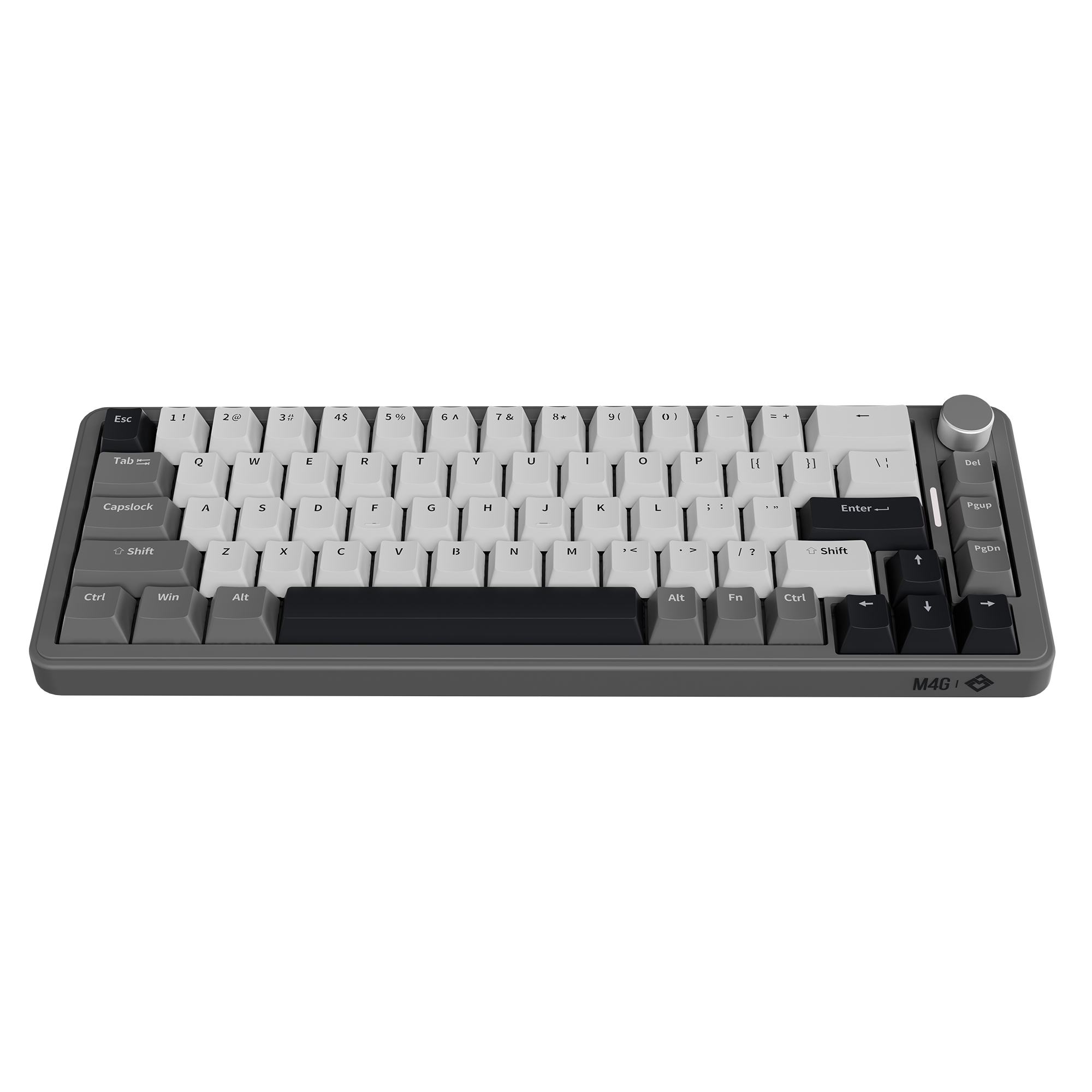
Compact 68-Key Mechanical Layout
The GM68-V2 uses a compact 68-key layout that helps free space for broad mouse movement. The listed body footprint is approximately 33 by 11.5cm, useful when arranging a large desk mat and other accessories. Some secondary shortcuts may require combinations of keys because the layout is smaller than a full-size keyboard. Check the product photographs to see the exact physical key arrangement and QWERTY legends.
Mechanical keyboard suitability depends on typing habits and working conditions. Adjust your workstation and review the layout to choose the best option for everyday comfort.
Red Outemu and Silver Noah Switches
This Grey & White edition offers Red Outemu and Silver Noah linear mechanical switch variations. Linear switches move smoothly without an intentional tactile bump or separate click mechanism. Switch feel remains a personal preference: neither option guarantees better results in games. Sound also depends on the desk, case, keycaps and how strongly you type. Pick the variant that fits your preferences and confirm its availability before ordering.
Mechanical keyboard suitability depends on typing habits and working conditions. Adjust your workstation and review the layout to choose the best option for everyday comfort.
Hot-Swappable Mechanical Sockets
M4G lists GM68-V2 as hot-swappable, allowing compatible conventional mechanical switches to be replaced without soldering. This can help with maintenance or experimenting with a different typing feel. Not every switch fits every socket: confirm the supported pin arrangement and use a suitable puller before making changes. Magnetic Hall Effect or optical switches are not automatically compatible with this conventional mechanical model.
Mechanical keyboard suitability depends on typing habits and working conditions. Adjust your workstation and review the layout to choose the best option for everyday comfort.
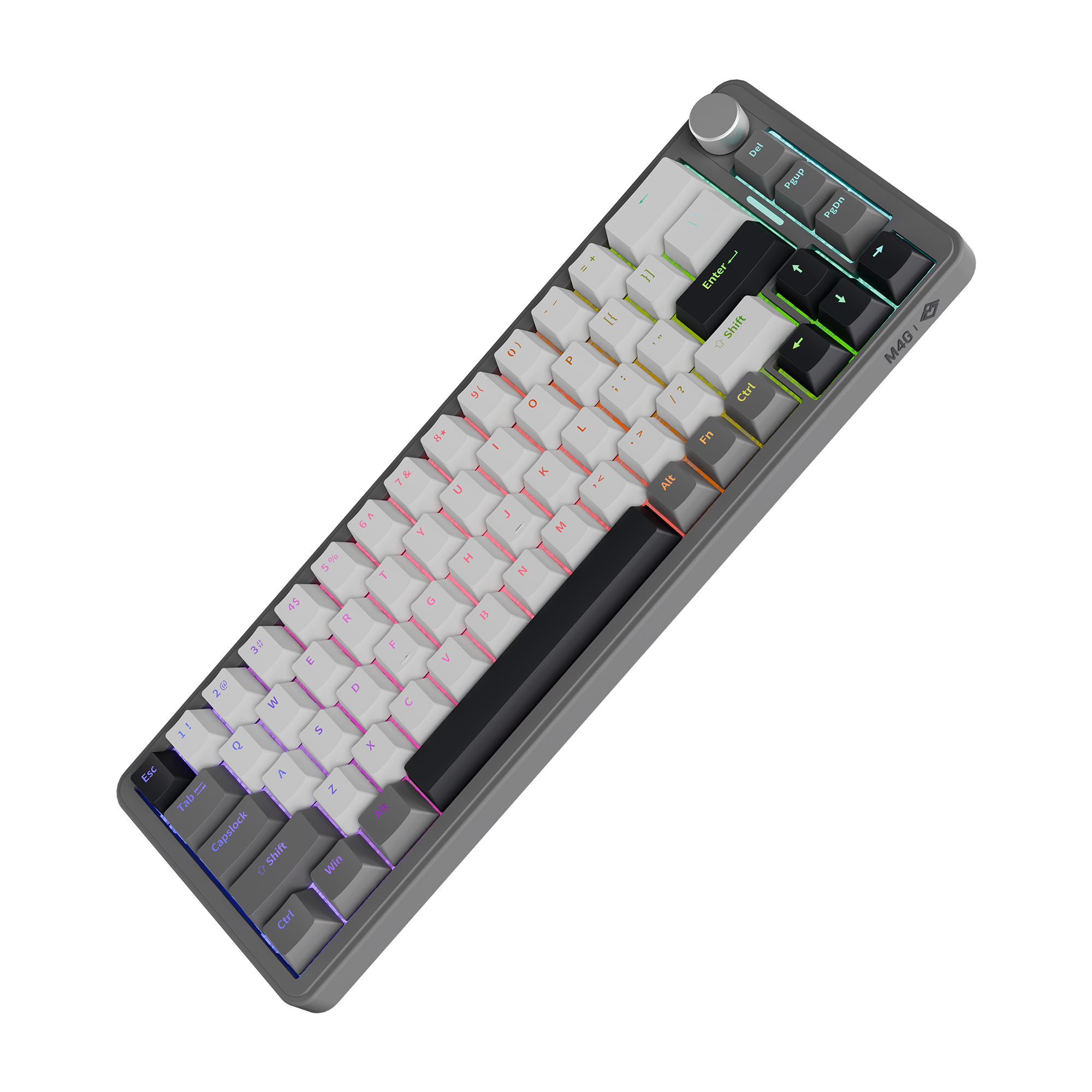
Wired USB-C Connection
The keyboard connects through wired USB-C instead of relying on a wireless battery or Bluetooth pairing. It can be used with a compatible USB port and appropriate operating-system keyboard settings. A wired cable alone does not prove a particular polling rate or measured latency, so unverified numbers from other gaming keyboards should not be assumed to apply to the GM68-V2.
Mechanical keyboard suitability depends on typing habits and working conditions. Adjust your workstation and review the layout to choose the best option for everyday comfort.
RGB Lighting and Grey & White Finish
The Grey & White case provides a light visual theme for gaming workstations and everyday desks. RGB backlighting adds adjustable illumination and can be coordinated with your mouse and other accessories. The colorway is fixed for this product page: the variation selector changes the Red or Silver switch configuration, not the exterior case color. Perceived lighting colors may change with room lighting and screen settings.
Mechanical keyboard suitability depends on typing habits and working conditions. Adjust your workstation and review the layout to choose the best option for everyday comfort.
GM68-V2 Software and Care
M4G lists configuration software for RGB, remapping, macros and profile settings. Obtain the model-specific files from the M4G drivers page, or use the existing PhoenixStore GM68-V2 software download. Confirm your hardware revision before installing updates. Clean using a dry microfiber cloth or soft brush after unplugging the cable; avoid liquids and take care when replacing switches.
Mechanical keyboard suitability depends on typing habits and working conditions. Adjust your workstation and review the layout to choose the best option for everyday comfort.
How to Choose the GM68-V2 Mechanical Keyboard Switch
When comparing the Red and Silver variants, think about how you normally use a keyboard, not only the games you play. Linear switches can appeal to users who want a smooth press without a deliberately pronounced tactile bump. The Red Outemu or Silver Noah configuration may feel different in daily use, and the right choice depends on your typing style, personal preferences and which variation is available. The GM68-V2 Mechanical Keyboard offers a way to choose between these two mechanical options without changing the Grey & White exterior.
For a balanced workstation, pair the compact keyboard with a mousepad large enough for both the keyboard and your preferred mouse movement area. Arrange the keyboard so the USB-C cable does not get pinched or pull against the connector. When changing hot-swappable switches, work carefully on a stable desk and keep the switch pins straight. These small maintenance habits can help preserve a comfortable and reliable setup over time.
Before Ordering Your Mechanical Keyboard
Confirm that the listed QWERTY layout matches the characters you expect, since operating-system language settings and printed keycaps are not always identical. Check the Red or Silver switch option, examine the product pictures, and verify stock. Software settings are optional; the keyboard can also serve as a straightforward wired input device without extensive customization. M4G’s own driver resources should be used for model-specific configuration.
Frequently Asked Questions
How many keys does the GM68-V2 have?
The keyboard uses a compact 68-key layout.
Which switch options can I choose?
Red Outemu and Silver Noah linear mechanical switch variations.
Does this keyboard support hot-swap switches?
Yes, for compatible conventional mechanical switches.
Is it a wireless keyboard?
No. The GM68-V2 uses wired USB-C.
Does it include RGB backlighting?
Yes. RGB is a listed feature.
Can I configure macros and lighting?
The GM68-V2 listing includes configuration software for supported profiles and settings.
Do switch variations change the case color?
No. Both switch variations use the Grey & White colorway.
Order GM68-V2 Mechanical Keyboard Grey & White in Morocco
Choose the GM68-V2 Mechanical Keyboard Grey & White at PhoenixStore for a compact keyboard to match your desktop setup. Review current availability and browse more keyboards and gaming accessories at PhoenixStore before checkout.


Aya –
Nice
Reda (verified owner) –
تعامل احترافيه تواصل بسرعه احسن بلاصة تقدر تشري منها شي حاجه عينيك مغمضين ❤️❤️❤️