
- KEYBOARDS
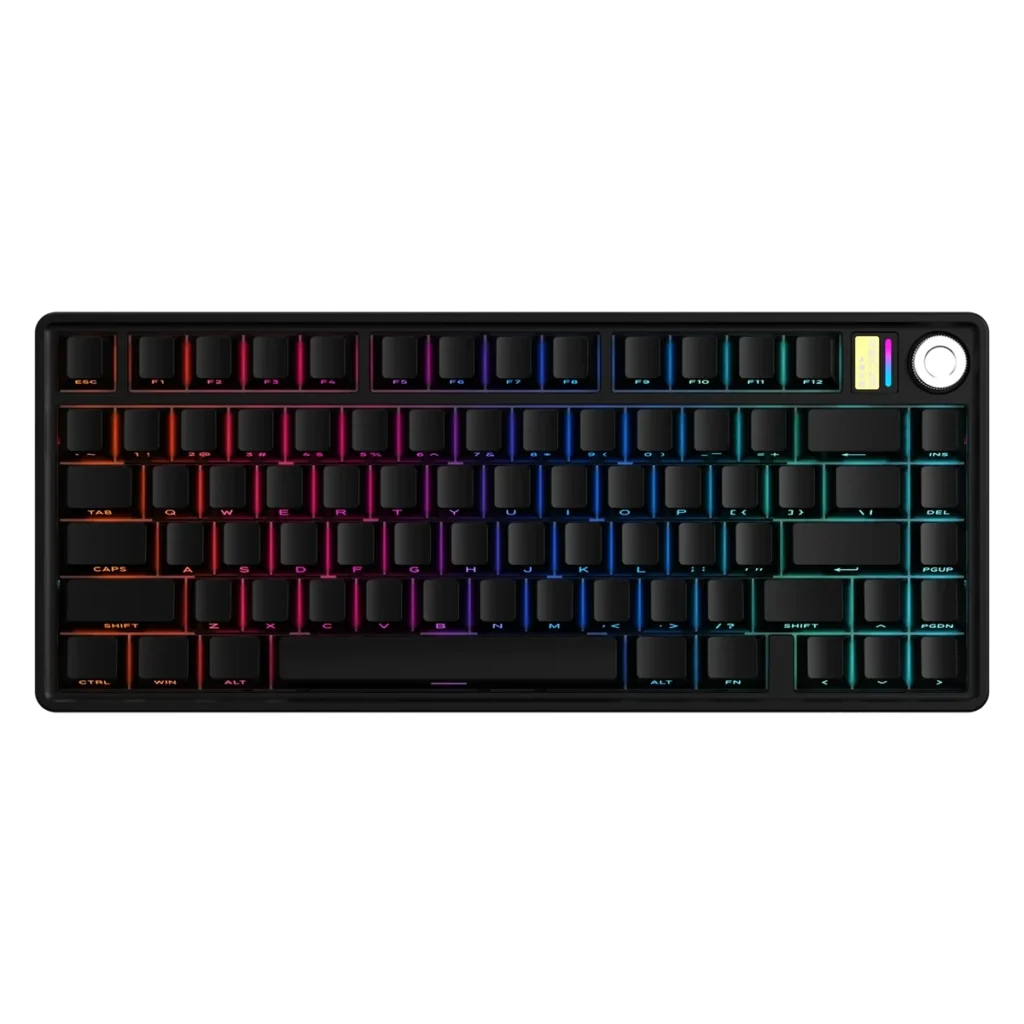
NOVA WM84 Mechanical Gaming Keyboard
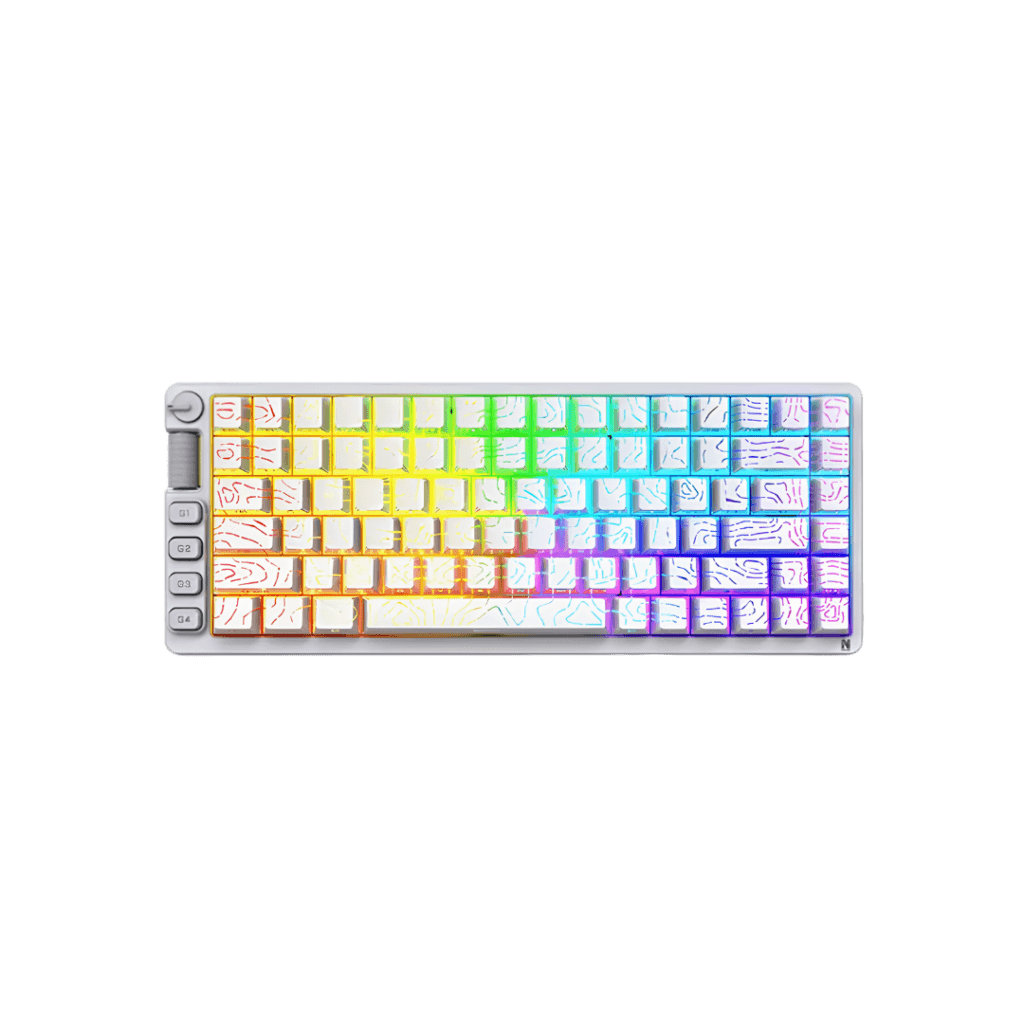
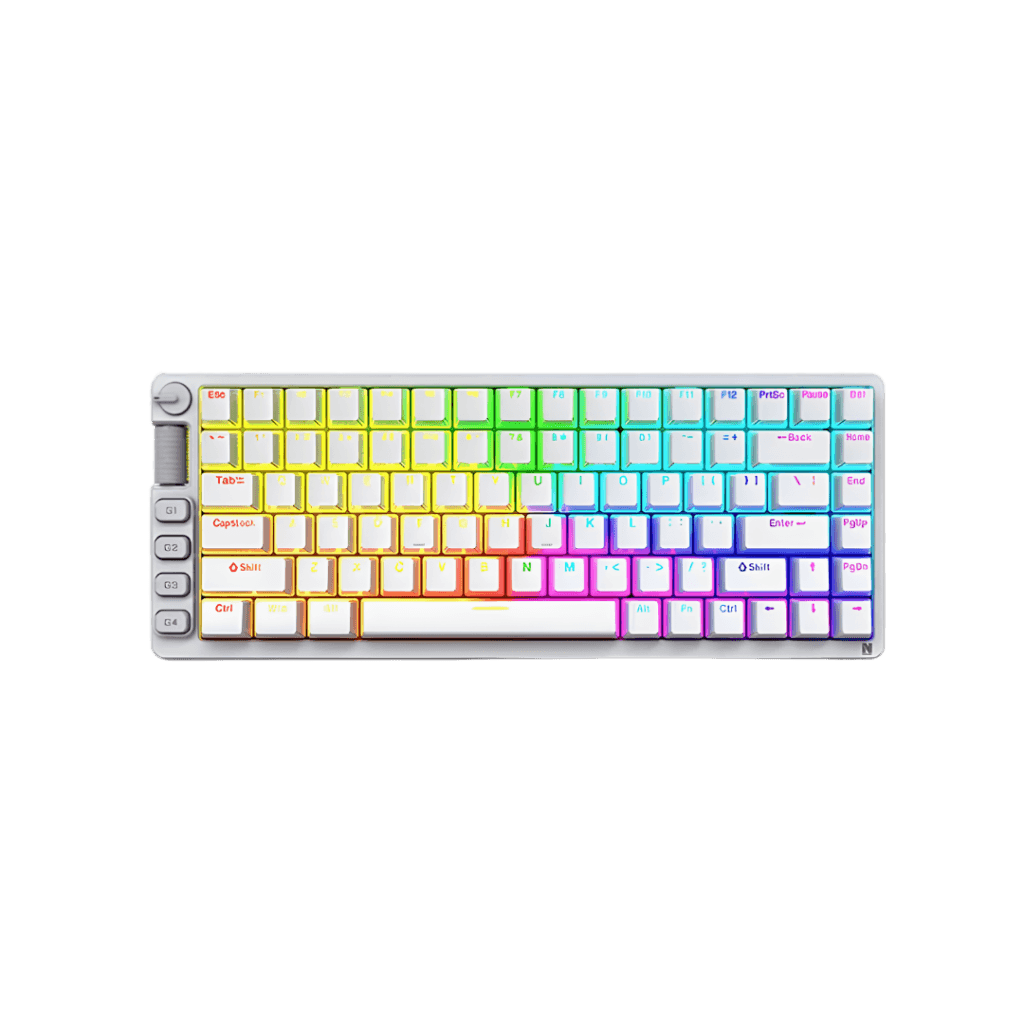
Select options This product has multiple variants. The options may be chosen on the product pageNOVA KB84 Mechanical Gaming Keyboard
Select options This product has multiple variants. The options may be chosen on the product page - MOUSE
- MOUSEPADS
M4G Waterproof Mousepad Light Seigaiha
Select options This product has multiple variants. The options may be chosen on the product pageM4G Waterproof Mousepad Black Wave
Select options This product has multiple variants. The options may be chosen on the product page - CONTROLLERS
LeadJoy Saber Plus
Select options This product has multiple variants. The options may be chosen on the product page - HEADSETS & IEMS
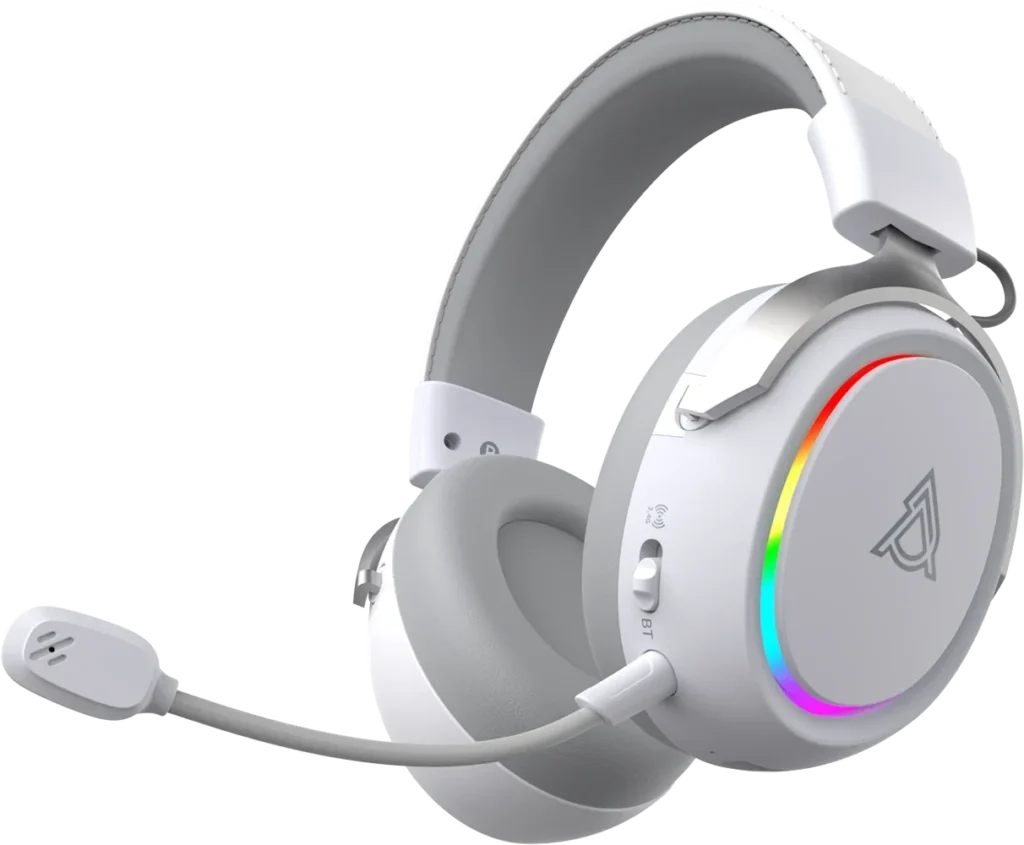
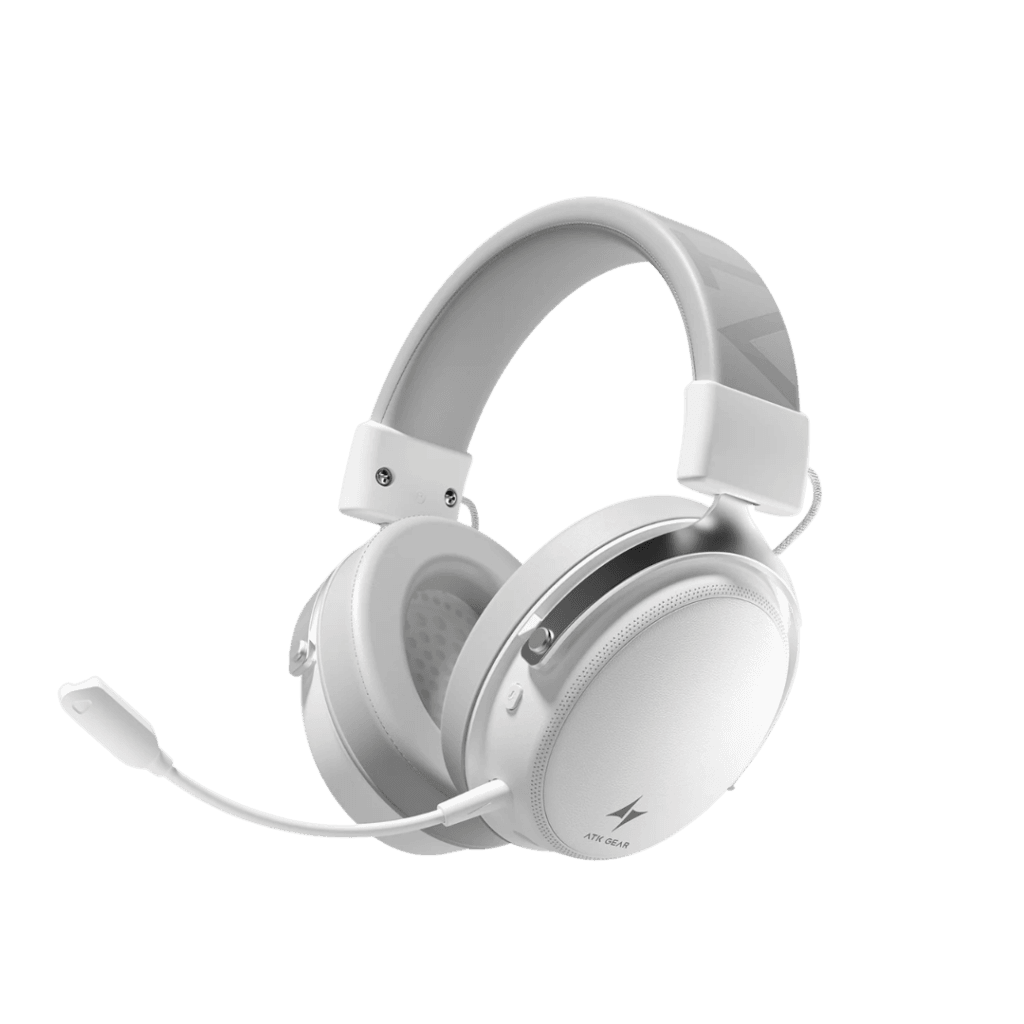
ATK Neptune N9 Ultra
Select options This product has multiple variants. The options may be chosen on the product pageAJAZZ AHM10 MAX
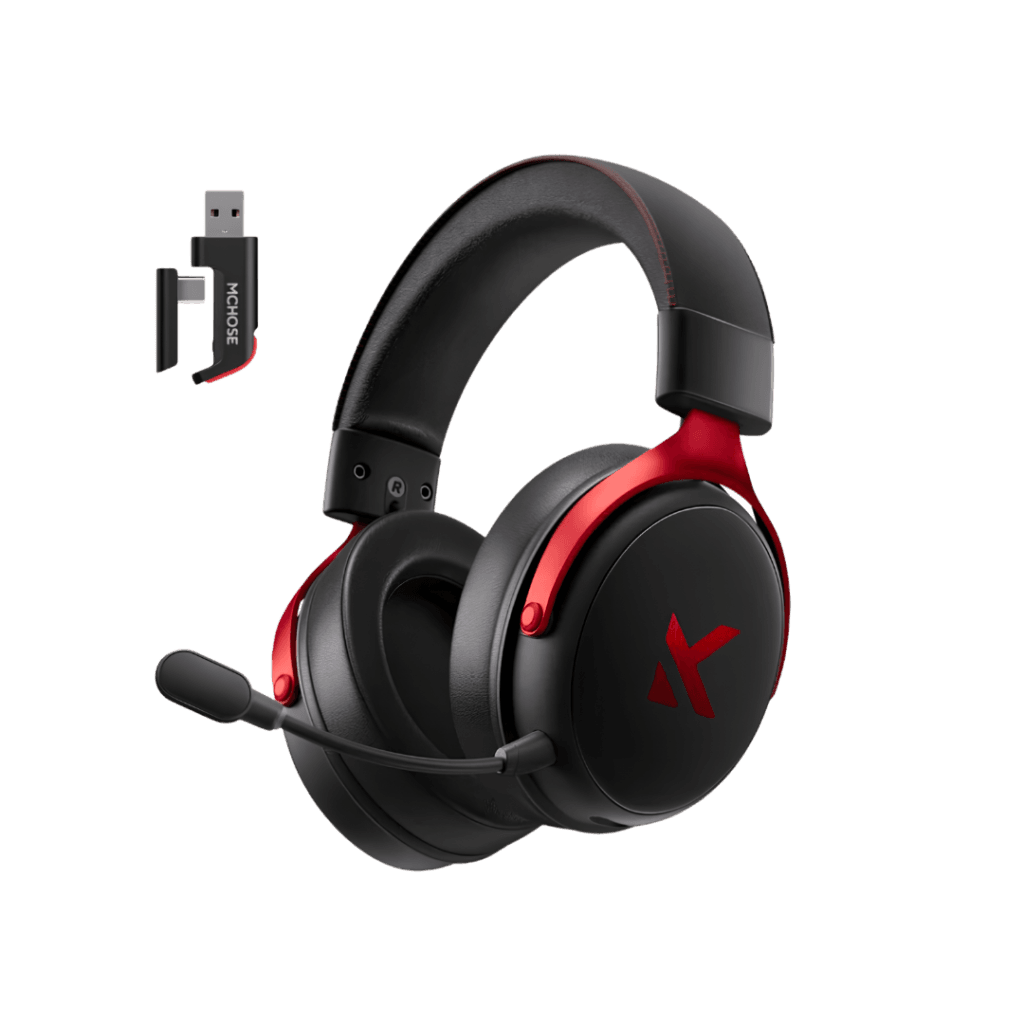
Select options This product has multiple variants. The options may be chosen on the product pageMCHOSE V9 Pro
Select options This product has multiple variants. The options may be chosen on the product pageATK Neptune N9 Pro Wireless Gaming Headset
Select options This product has multiple variants. The options may be chosen on the product page  Combo
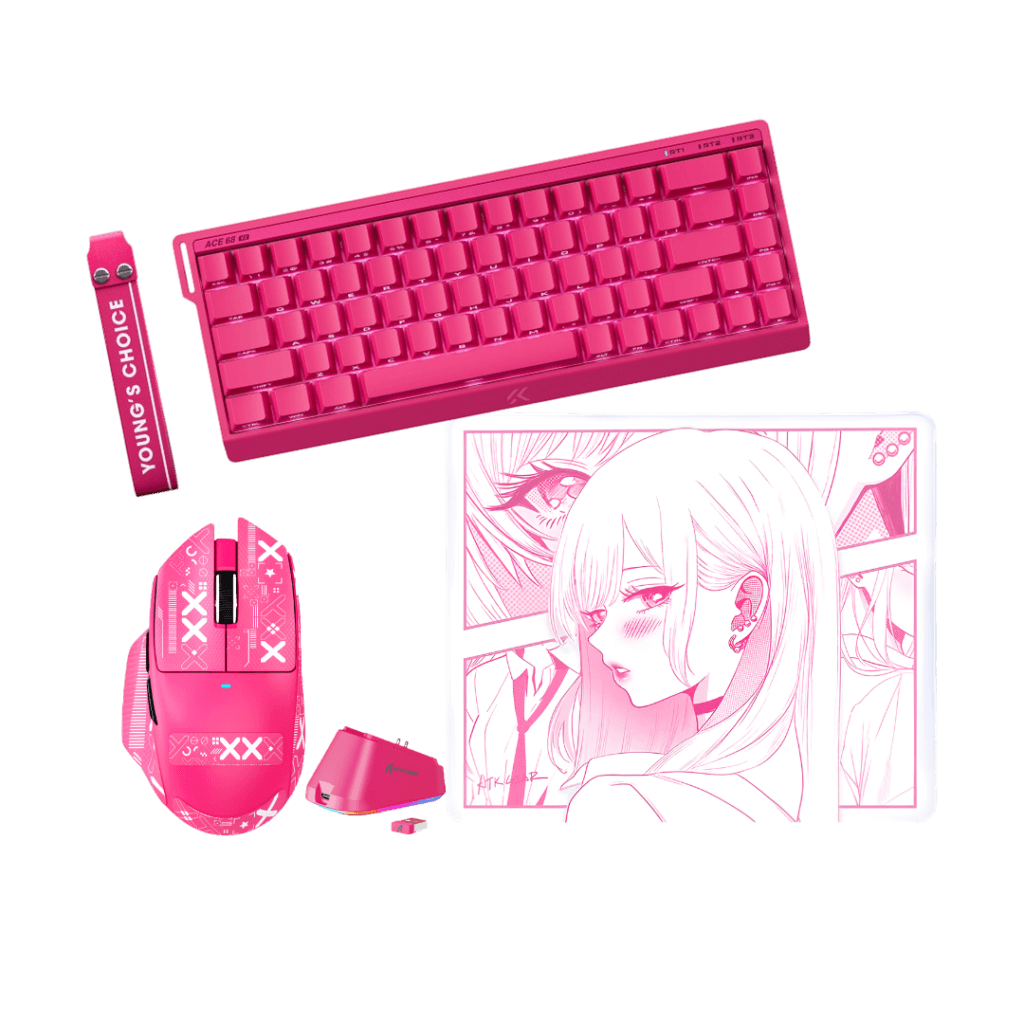
Pink Gaming Pack
Select options This product has multiple variants. The options may be chosen on the product page- Supports & Stands
- Figurines & Pop
- OTHER ACCESSORIES

 Combo
 Supports & Stands
 Figurines & Pop
 Decoration
 More
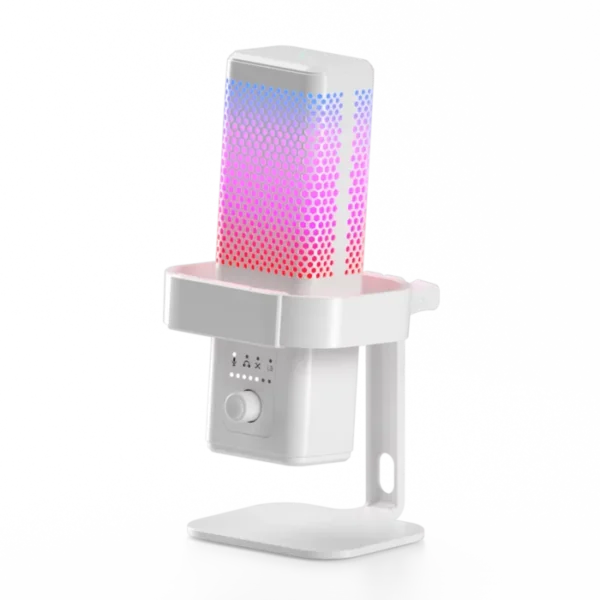
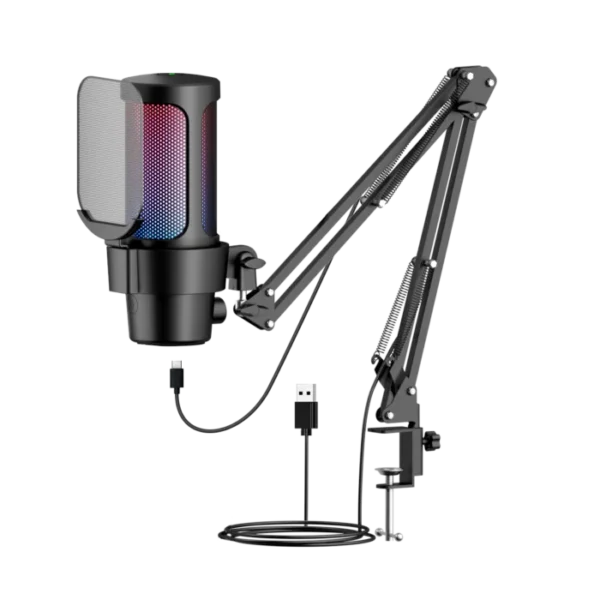
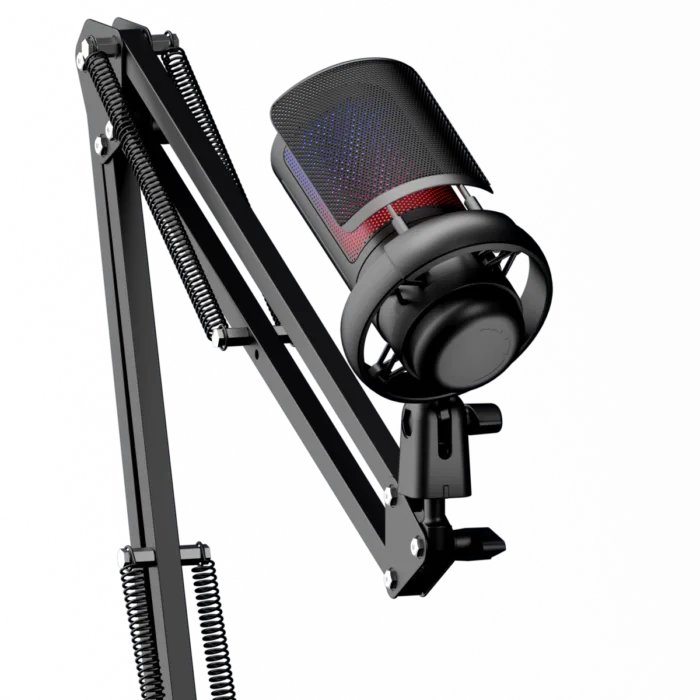
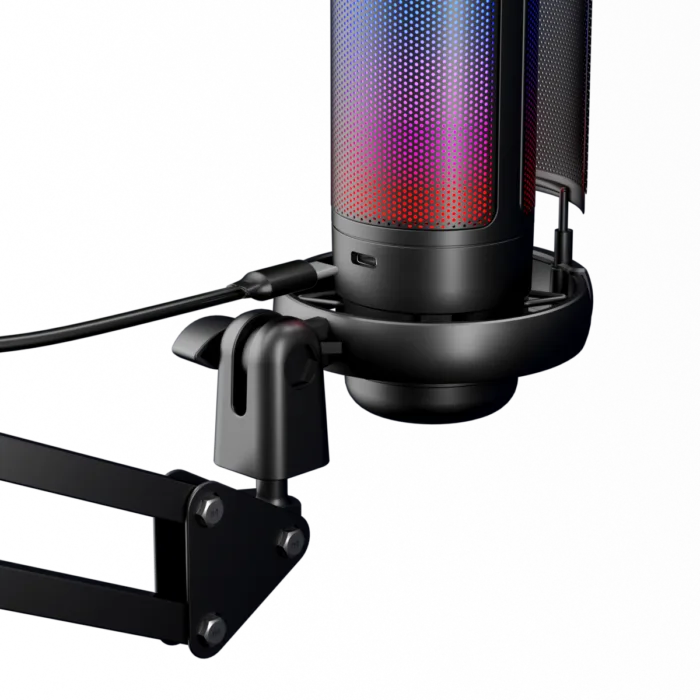
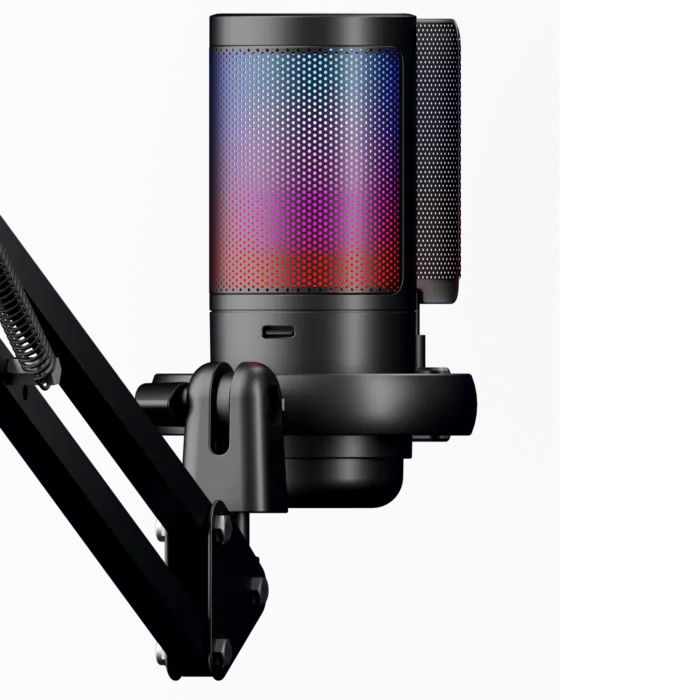
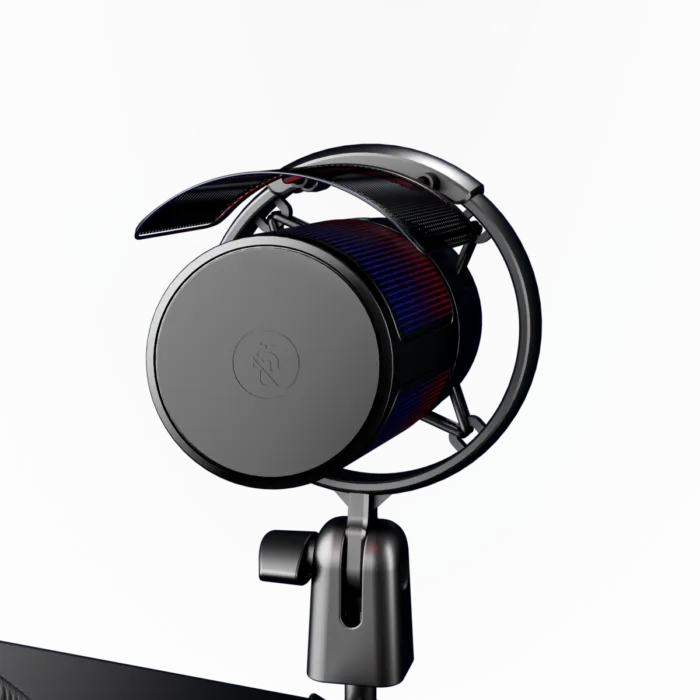
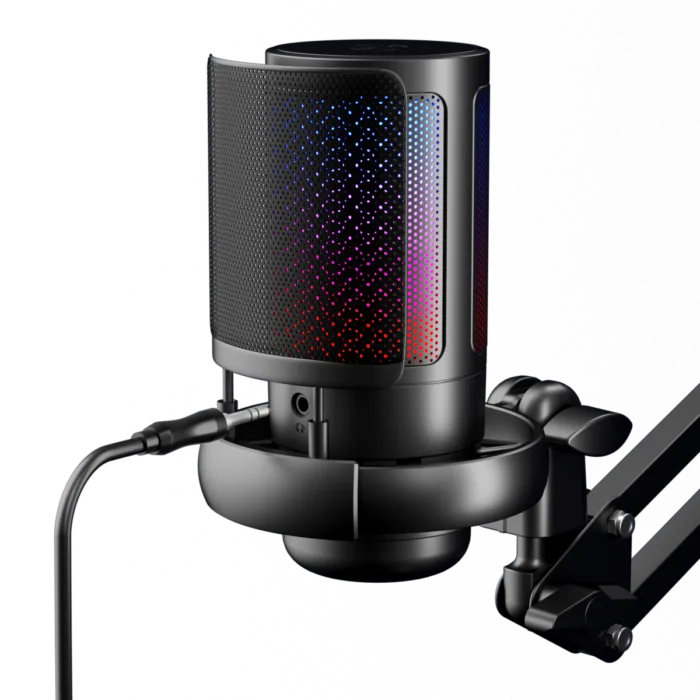
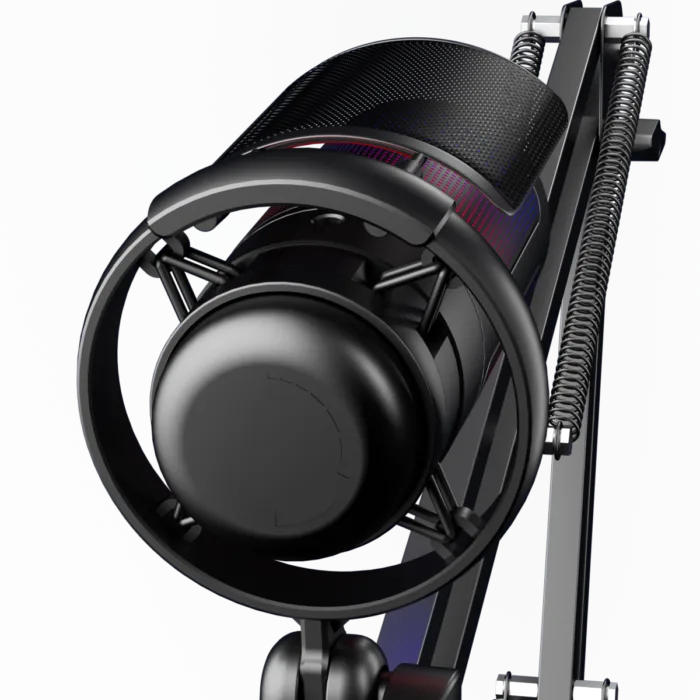
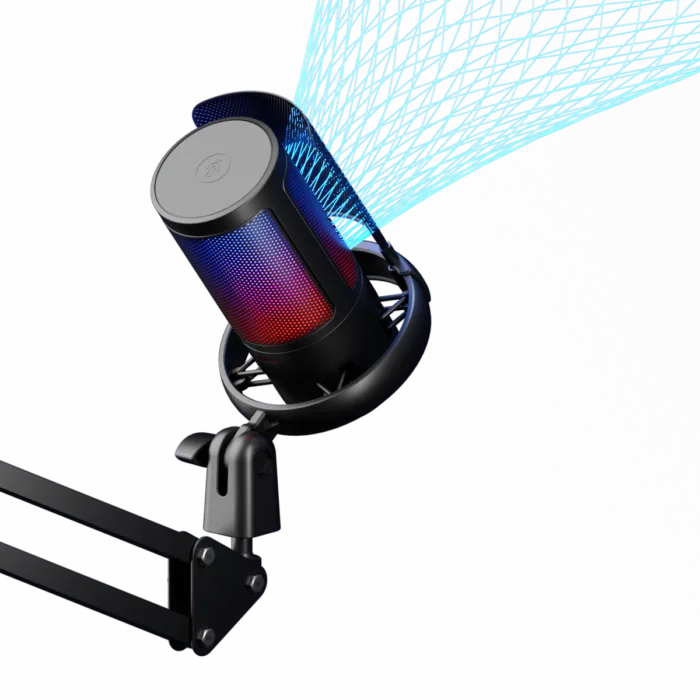
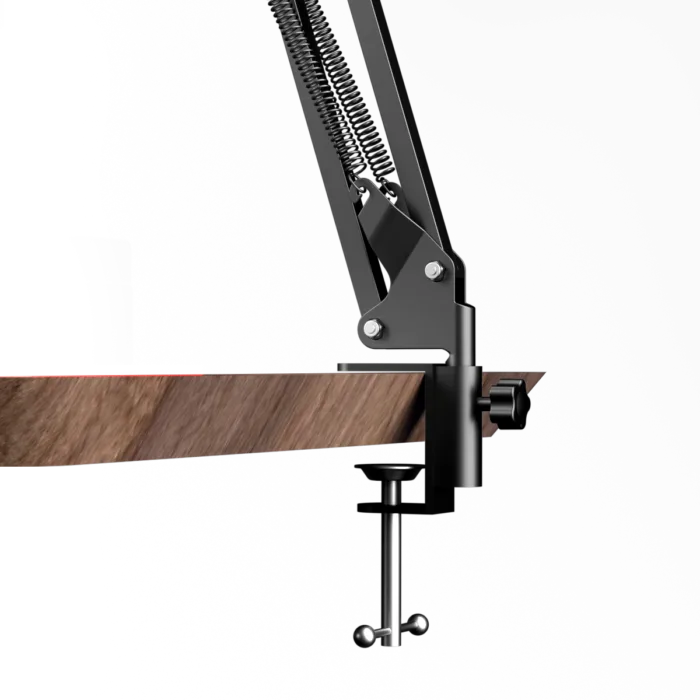
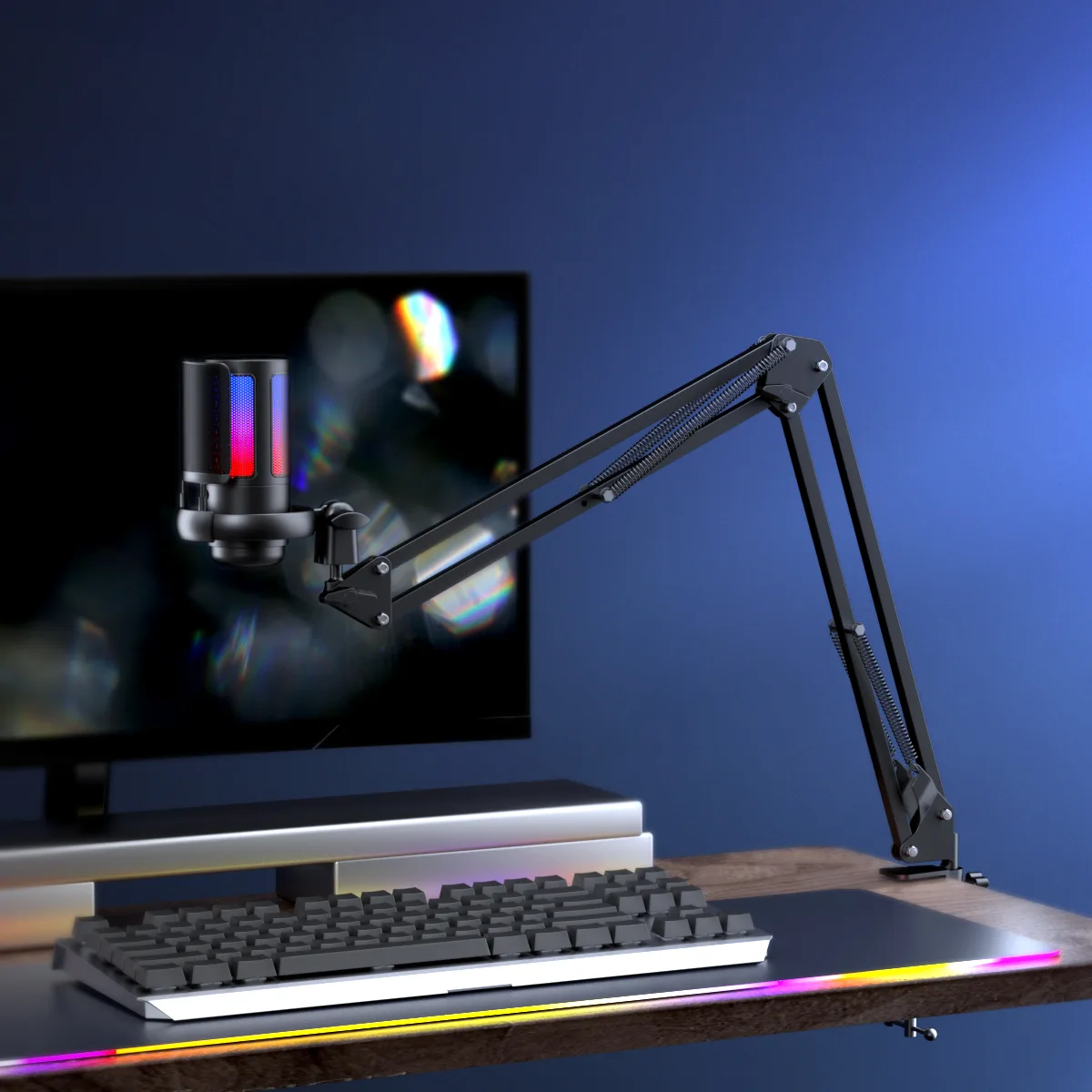
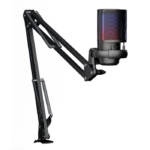
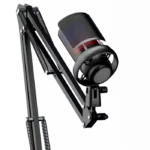
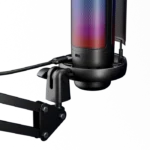
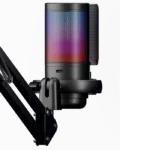

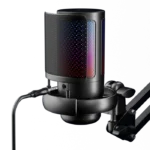
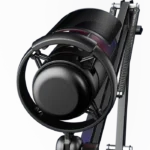
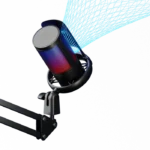
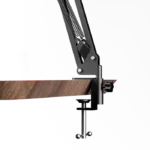
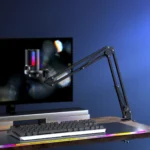



ME6S-35 Microphone for Gaming, Streaming and Recording
The ME6S-35 Microphone is a USB RGB condenser microphone kit with a boom arm, pop filter, shock mount and microphone monitoring. This PhoenixStore listing describes the specific model and accessories shown in the gallery, including practical setup and compatibility points for customers in Morocco.
The existing PhoenixStore listing identifies the ME6S-35 as a USB kit with a 14mm electret condenser capsule and cardioid pickup pattern, and lists 24-bit/192kHz digital audio. This is a stated capability, not a guarantee that every connected program will record at that setting.
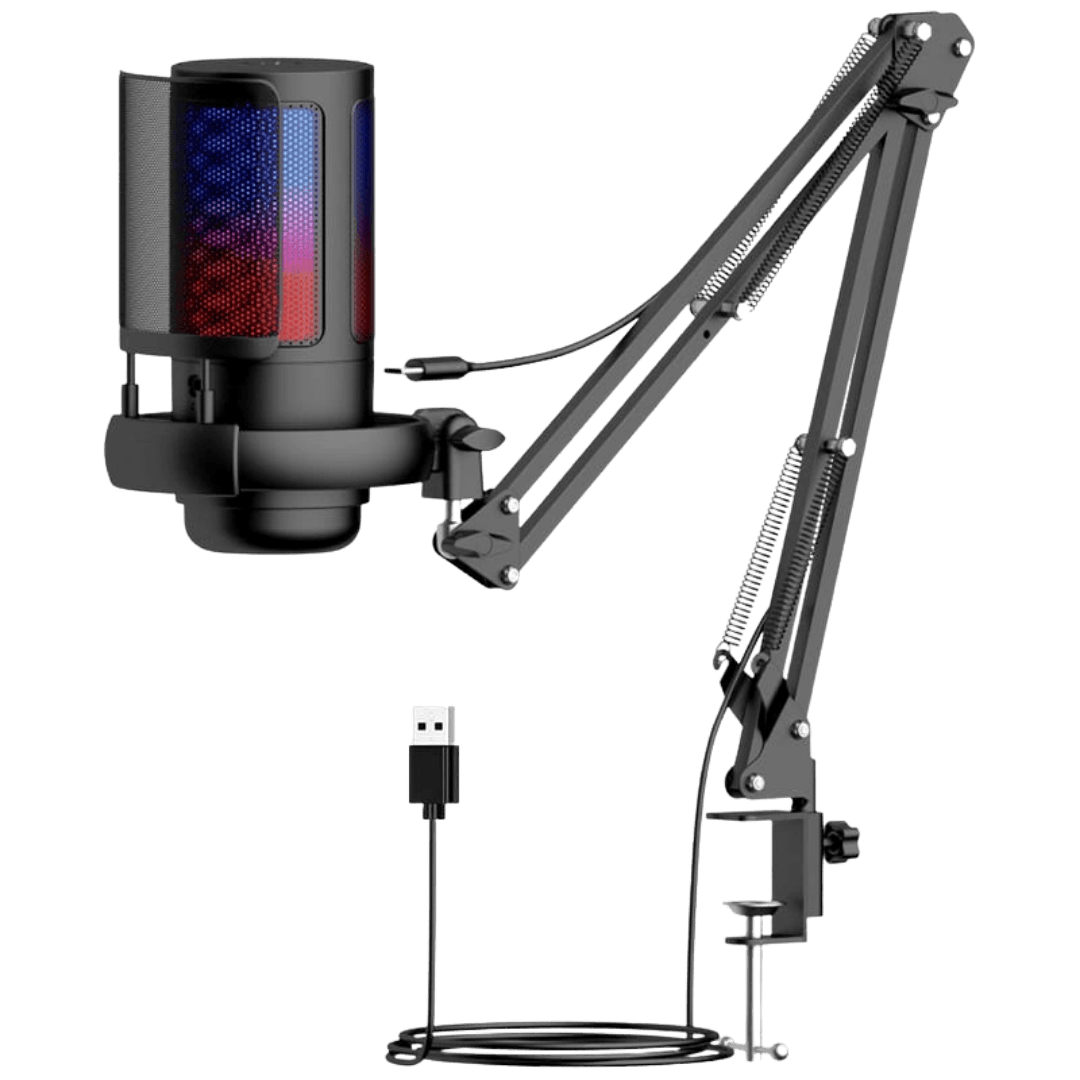
ME6S-35 Microphone: Design and Main Features
Designed for desktop voice chat, streaming, podcasting and spoken-word recording, with an adjustable boom arm for closer placement. The boom arm allows the microphone to be positioned near the speaker without occupying the middle of the desk. Keep a little cable slack at the joint and tighten the clamp securely before use. It is important to check the selected connection or physical mounting system before deciding whether the product is compatible with your existing setup.
A microphone produces a better voice recording when its pickup direction, gain and distance are appropriate for the room. A condenser capsule is sensitive to sound, including unwanted room noise. The direction of the cardioid pattern can help reject some sound from behind, but microphone placement still matters more than simply enabling a noise-reduction setting.
Audio Pickup and Controls
The microphone’s controls are convenient for making quick adjustments during gaming, calls and live sessions. Start with a moderate gain level and record a short voice sample, listening for clipping, plosives or too much room sound. A microphone closer to the speaker can often give a cleaner result at lower gain.
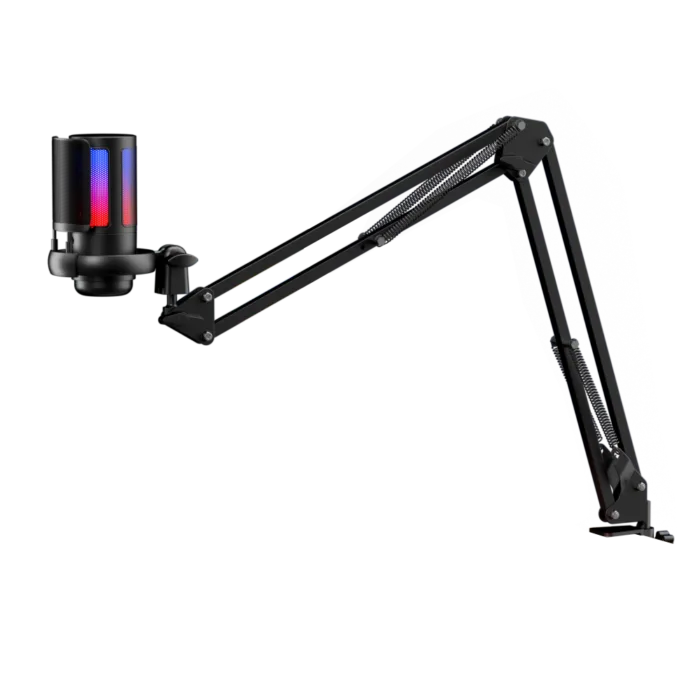
Setup and Compatibility
Connect the USB cable to a compatible computer or console audio input that supports standard USB microphones. Select the microphone as the recording device in the operating system or voice chat application. Compatibility on gaming consoles, phones and tablets varies with the device, cable and operating system, so check support before ordering.
For streaming, set a comfortable monitoring level before enabling microphone gain or software effects. If there is a headphone monitoring output, connect appropriate headphones to check your voice, and avoid feedback from open loudspeakers. Test mute controls before going live.
Positioning for a Clean Desk Setup
Keep the microphone near the mouth but outside the path of strong breathing. Avoid placing the capsule directly beside a laptop fan, open window or hard desk surface that reflects sound. If a boom arm is included, make sure its clamp is secured and leave enough USB cable slack for normal movement.
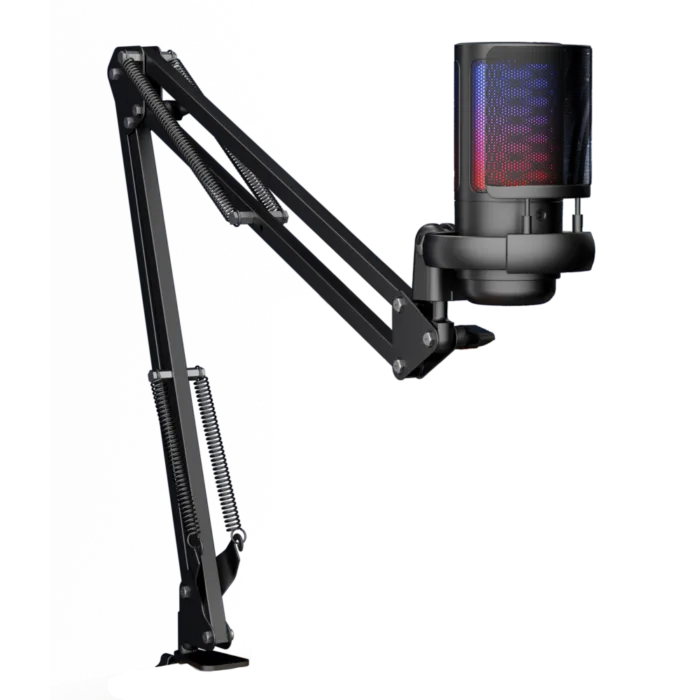
ME6S-35 Microphone Specifications
- Microphone Type: 14mm electret condenser capsule
- Pickup Pattern: Cardioid
- Digital Audio: Listed up to 24-bit / 192kHz
- Connectivity: USB with USB-A / USB-C adapter as included
- Cable Length: Approximately 8.2 ft (2.5m)
- Controls: Tap-to-mute, microphone gain and RGB lighting
- Headphone Output: 3.5mm monitoring jack
- Included Kit: Microphone, shock mount, pop filter, boom arm, USB cable, USB adapter, cable ties and instructions
The performance figures shown above are manufacturer or supplier-listed values for this model. The audio quality recorded by different computers and applications can vary depending on operating system settings and the room. Verify the actual product package for exact included accessories.
Streaming, Voice Chat and Recording Tips
For spoken-word recordings, position the microphone at a repeatable distance and use consistent gain. Compare a recording with headphones to make sure the voice is not distorted or unusually distant. Keep game or music audio at a reasonable level so that it does not bleed into the recording.
A pop filter can reduce the impact of strong P and B sounds, and a shock mount can reduce some stand vibration when those accessories are included. Neither accessory guarantees completely noise-free audio. For cleaner recordings, room quietness and a proper distance from the microphone are essential.
USB microphones generally draw power from the host device. Use the appropriate cable and avoid pulling the cable taut across moving stand joints. Keep the microphone and its controls dry and store included accessories together to make setup easier after moving the desk.
Frequently Asked Questions
What is ME6S-35 Microphone used for?
Designed for desktop voice chat, streaming, podcasting and spoken-word recording, with an adjustable boom arm for closer placement.
Does it work for gaming and streaming?
It is intended for voice chat, desktop gaming and spoken-word recording on compatible USB hosts. Confirm support for the exact device and app.
Can it completely remove background noise?
No. Directional pickup and any listed processing can help in certain conditions, but room sound and distance still matter.
What is included in the package?
Microphone, shock mount, pop filter, boom arm, USB cable, USB adapter, cable ties and instructions
How do I check the current availability?
Consult the selected product version and stock status on PhoenixStore before ordering. Product options, available accessories and stock may change.
ME6S-35 Microphone at PhoenixStore Morocco
Explore other microphones and recording accessories or visit PhoenixStore’s product catalog for related desk equipment. For additional information, see this product reference; it does not establish the exact contents of every retail package. Review price and availability before making a purchase.


Mohamed –
Lah ybark sot n9i bzaf mu9aranatan blprix dyalo