
- KEYBOARDS
NOVA WM84 Mechanical Gaming Keyboard
Select options This product has multiple variants. The options may be chosen on the product pageNOVA KB84 Mechanical Gaming Keyboard
Select options This product has multiple variants. The options may be chosen on the product page - MOUSE
- MOUSEPADS
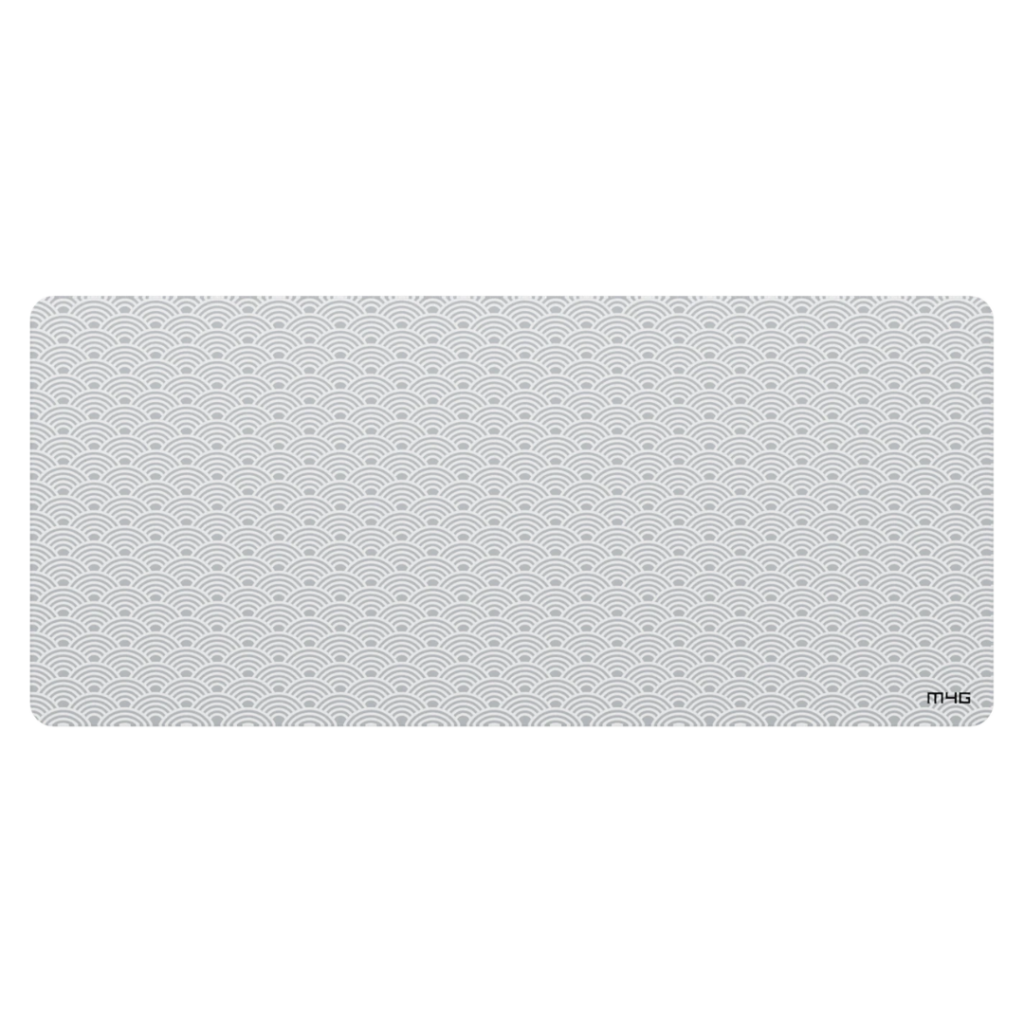
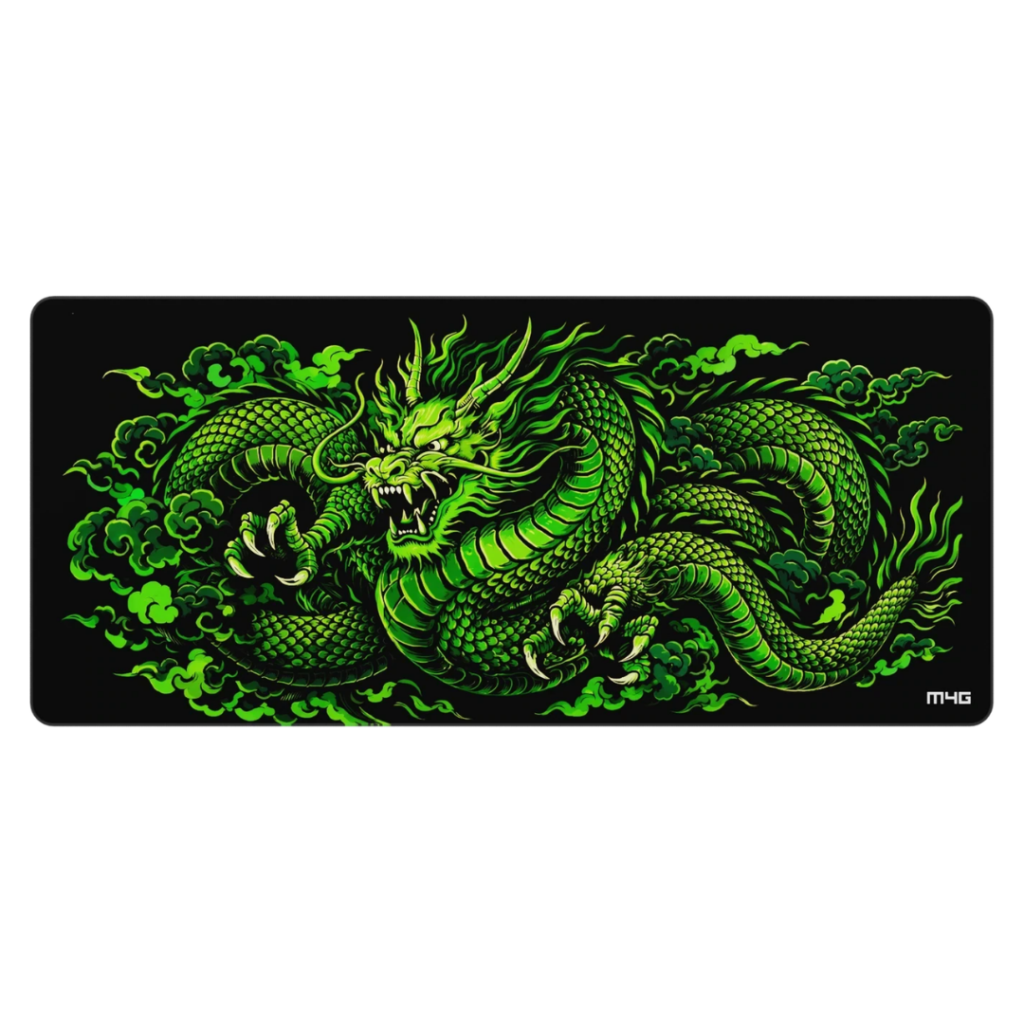
M4G Waterproof Mousepad Light Seigaiha
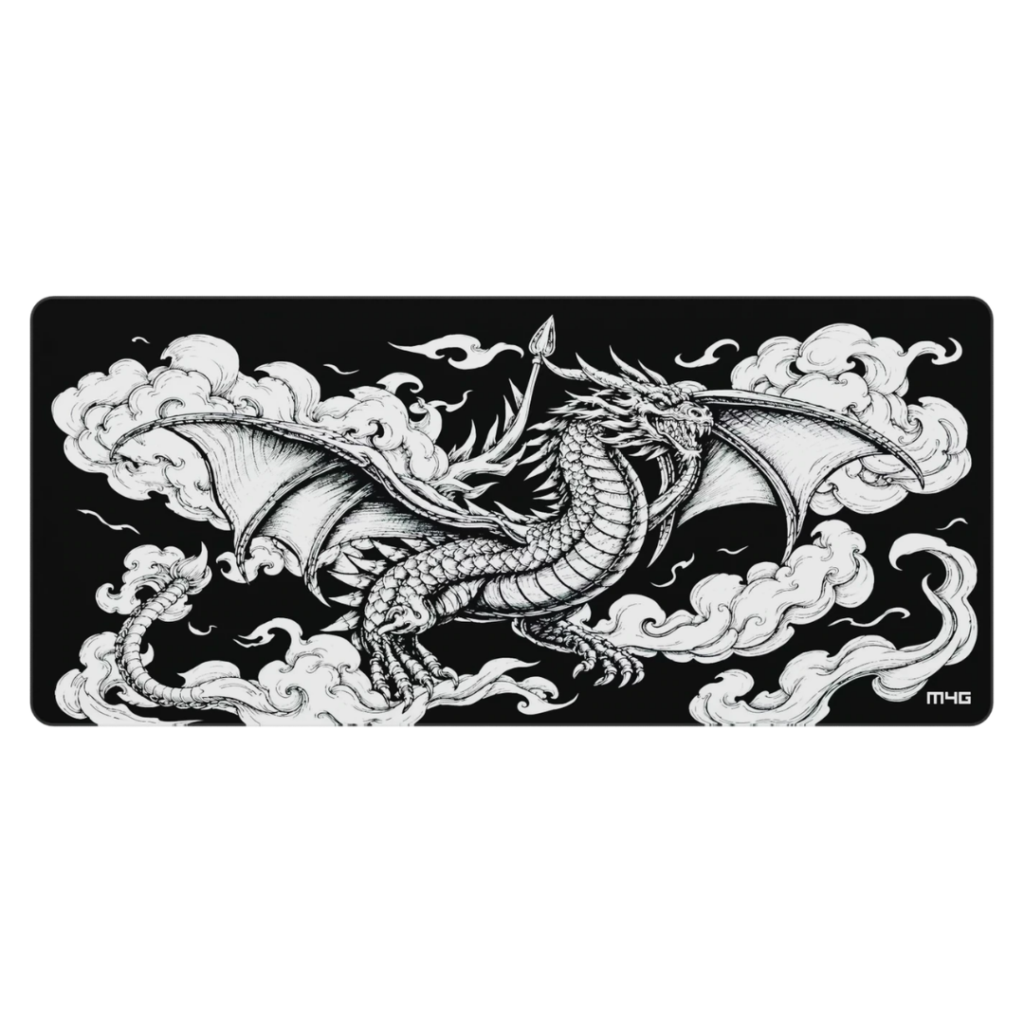
Select options This product has multiple variants. The options may be chosen on the product pageM4G Waterproof Mousepad Black Wave
Select options This product has multiple variants. The options may be chosen on the product page - CONTROLLERS
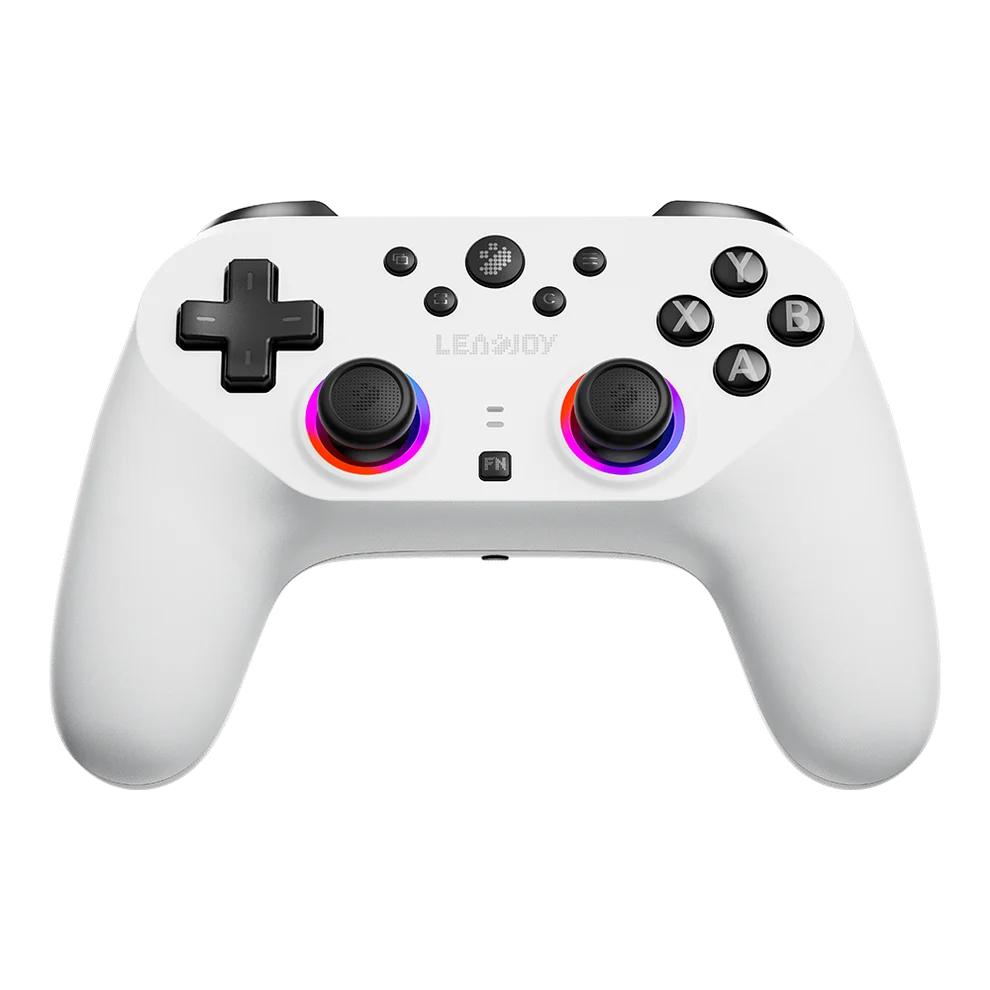
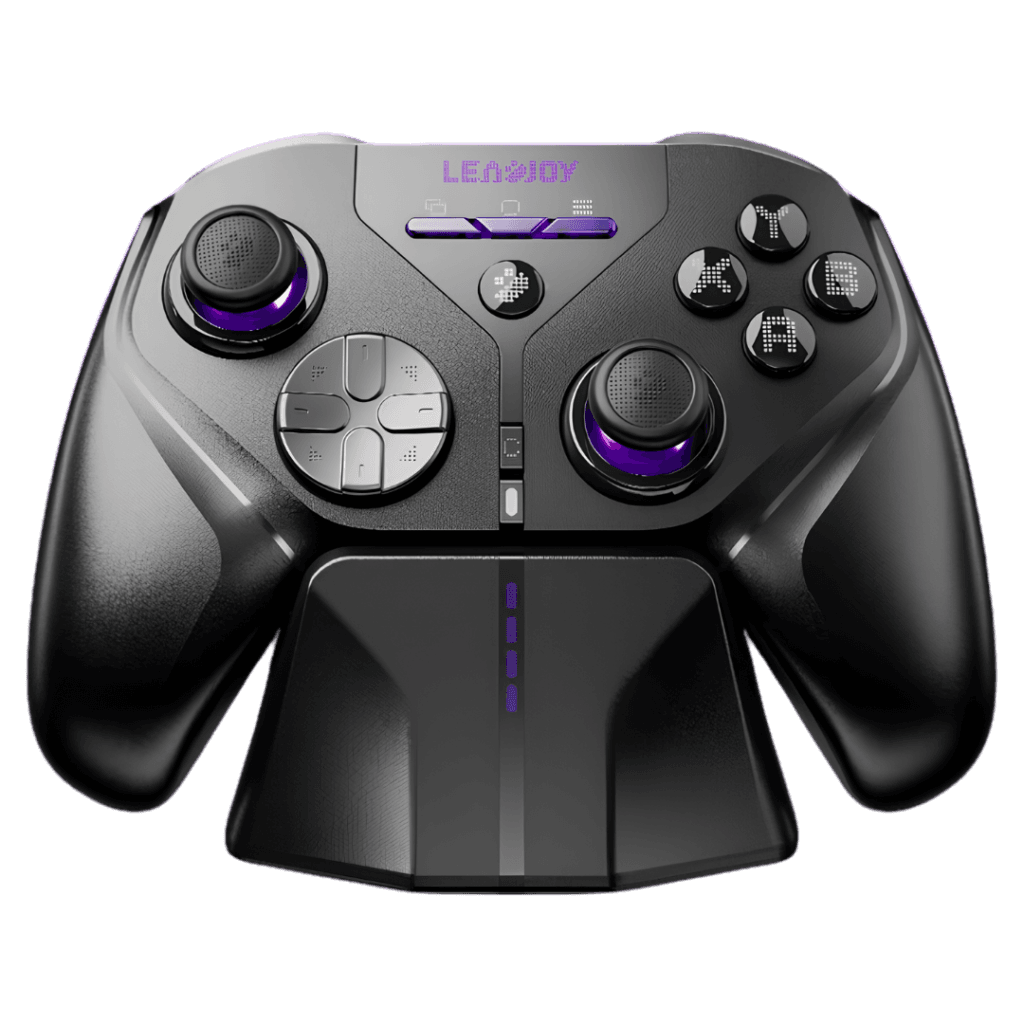
LeadJoy Saber Plus
Select options This product has multiple variants. The options may be chosen on the product page - HEADSETS & IEMS
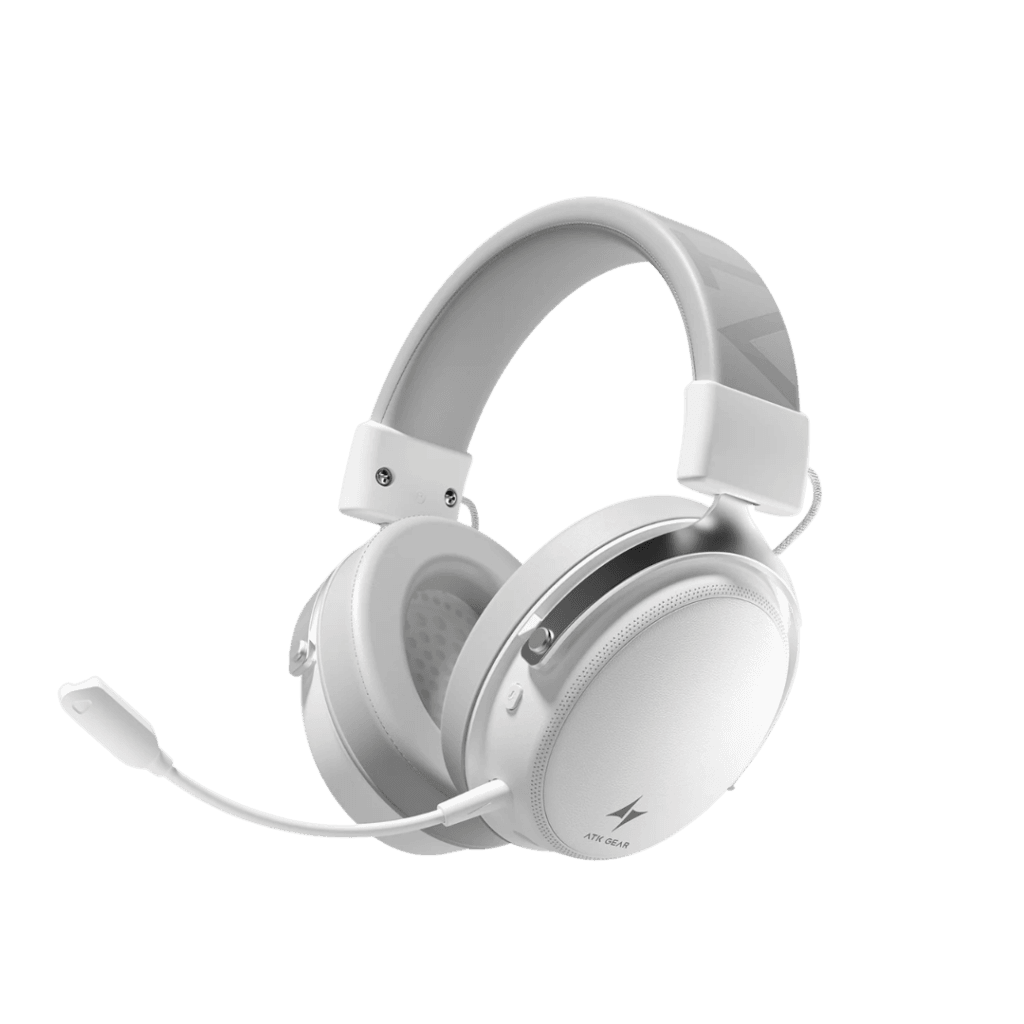
ATK Neptune N9 Ultra
Select options This product has multiple variants. The options may be chosen on the product pageAJAZZ AHM10 MAX
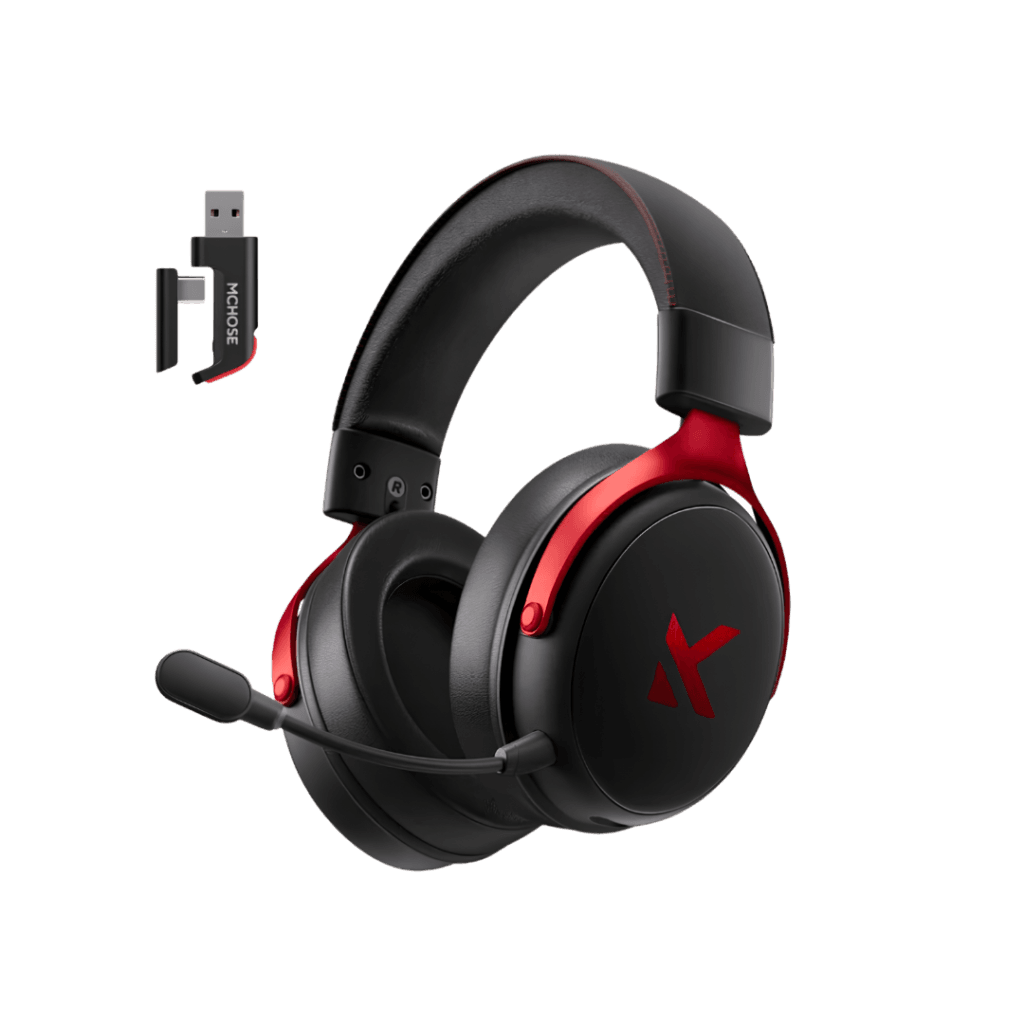
Select options This product has multiple variants. The options may be chosen on the product pageMCHOSE V9 Pro
Select options This product has multiple variants. The options may be chosen on the product pageATK Neptune N9 Pro Wireless Gaming Headset
Select options This product has multiple variants. The options may be chosen on the product page  Combo
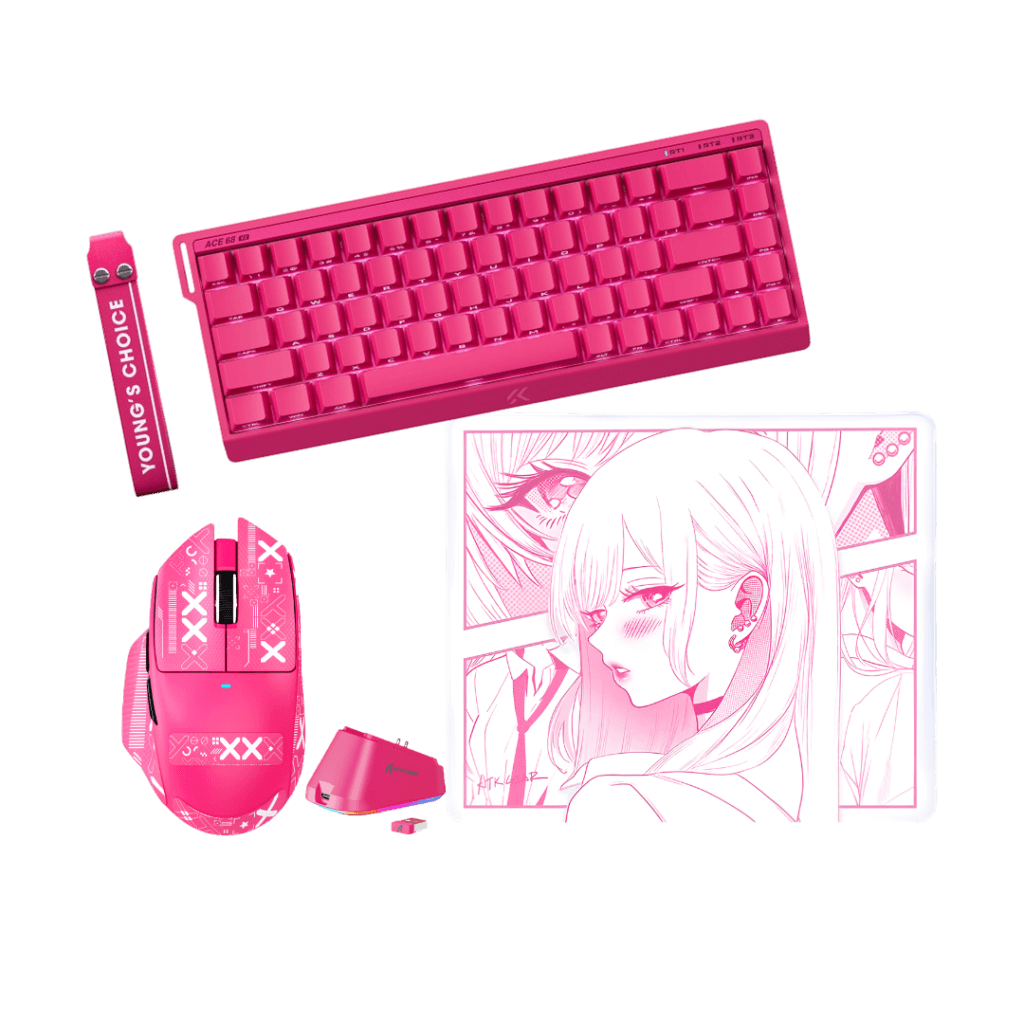
Pink Gaming Pack
Select options This product has multiple variants. The options may be chosen on the product page- Supports & Stands
- Figurines & Pop
- OTHER ACCESSORIES

 Combo
 Supports & Stands
 Figurines & Pop
 Decoration
 More
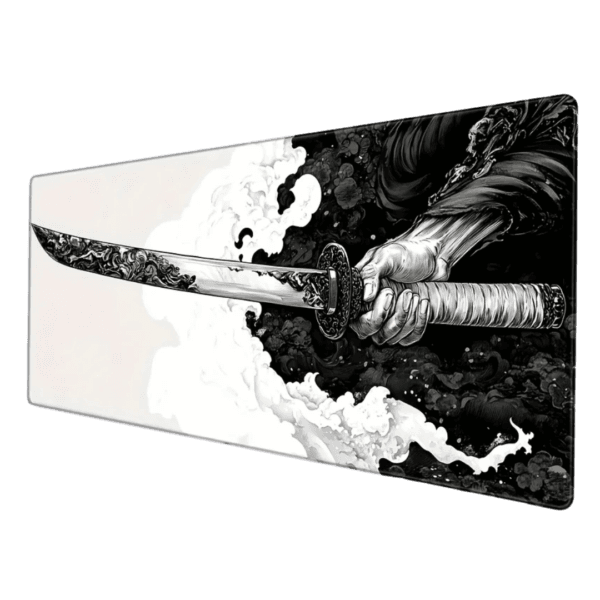
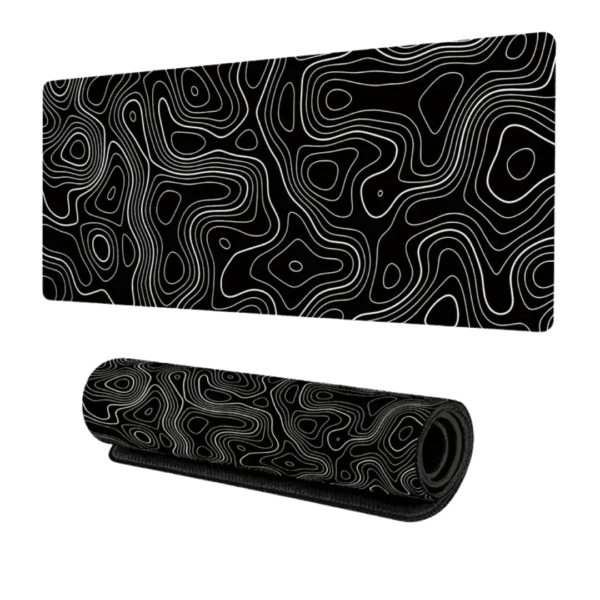

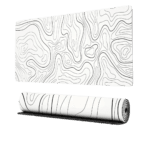




Topographic Mousepad White – 90x40cm Gaming Desk Mat
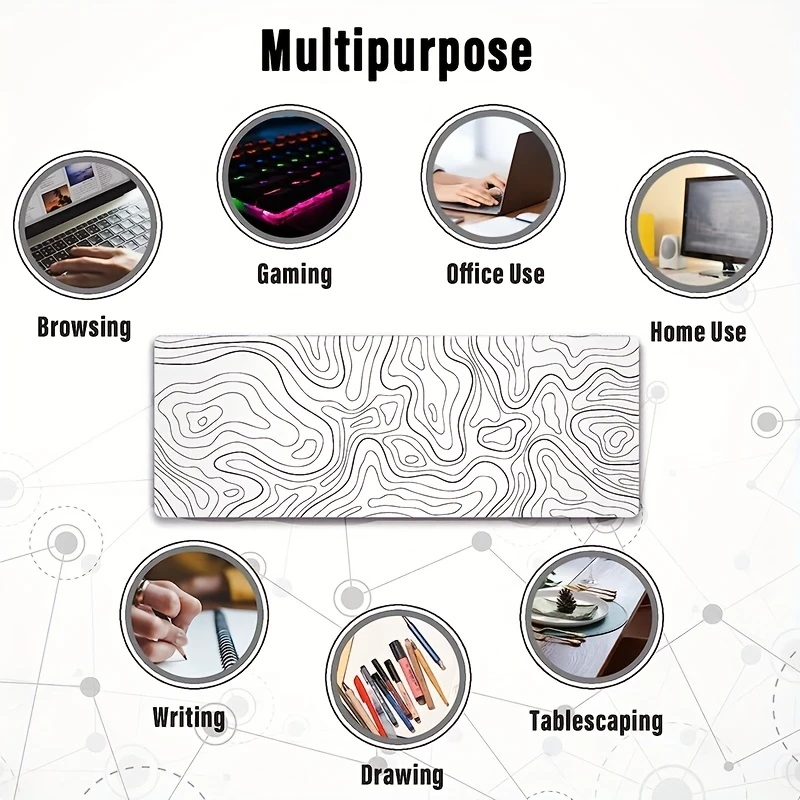
The Topographic Mousepad in White is an extended gaming desk mat featuring minimalist contour-line artwork. This 90 × 40 cm mousepad provides a shared surface for your keyboard and mouse, while its 3 mm thickness keeps a low-profile desk setup. The original listing specifies a micro-woven polyester cloth top, stitched edges and a non-slip rubber backing. The Topographic Mousepad White fits gaming, work and study spaces where a clean design matters as much as practical desk coverage.
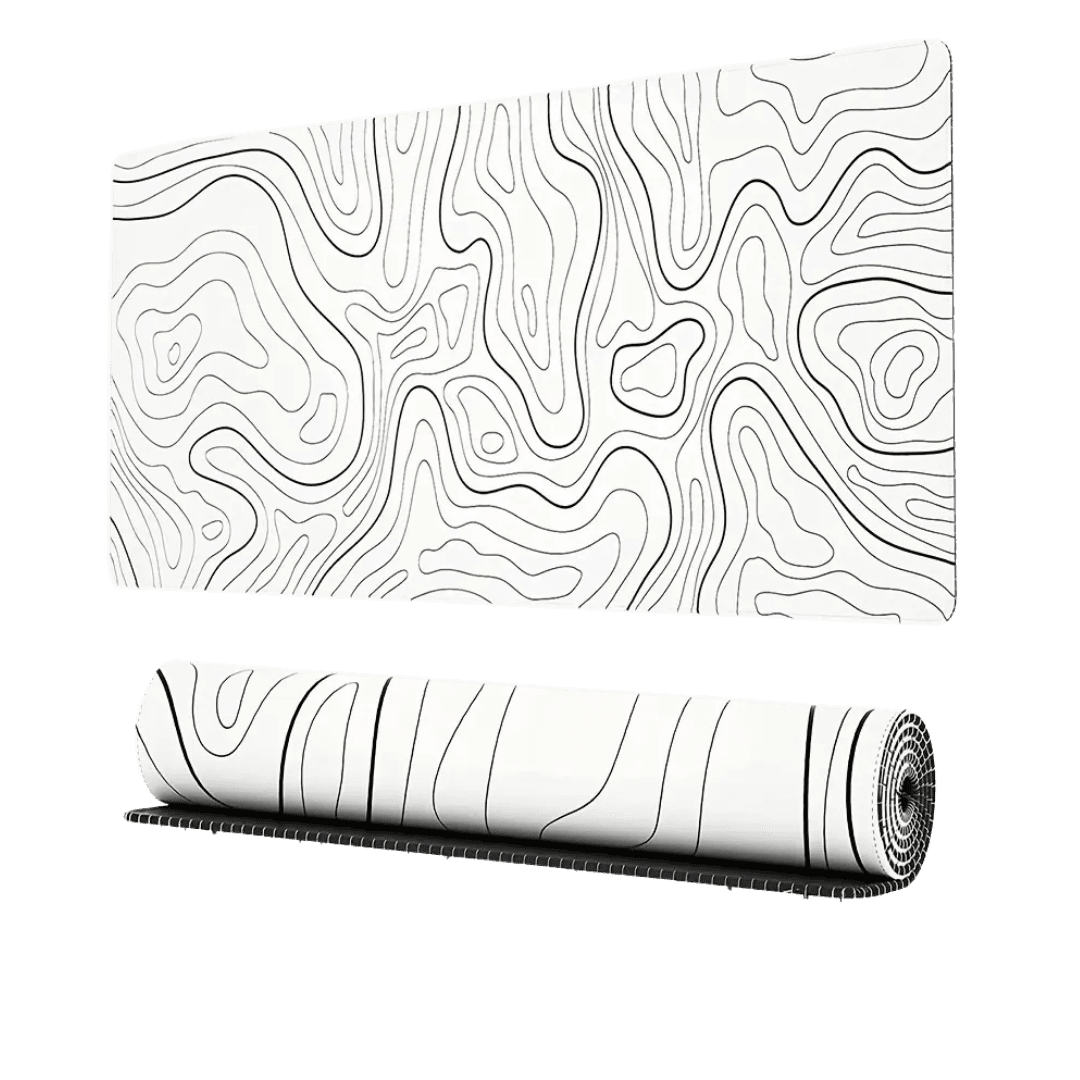
The contour-line aesthetic is a minimalist choice for gaming stations and home-office desks. The print is decorative; the product’s actual glide depends on the mouse skates, desk conditions and sensitivity settings.
Topographic Mousepad ( White ) Size and Desk Fit
The Topographic Mousepad ( White ) measures 90 × 40 cm (900 × 400 mm), according to the original product listing. This extended shape lets you put a keyboard and mouse together without needing two separate desk surfaces. Before ordering, check your available desk width and depth, especially if a monitor stand or desk shelf occupies the same area.
A full-size keyboard takes more width than a compact keyboard, so the amount of free mouse space will vary. If you play at low mouse sensitivity, consider where the keyboard sits and whether you can sweep the mouse comfortably to either side. Avoid using the pad on an uneven, wet or dusty desktop.
Surface, Mouse Tracking and Everyday Use
The original product details describe a micro-woven polyester cloth top. The desk mat can be used for everyday mouse movement, casual gaming and work tasks, but no measured glide speed, friction coefficient or esports-performance rating is supplied. Keep your mouse feet clean and choose your preferred DPI and in-game sensitivity based on your own experience.
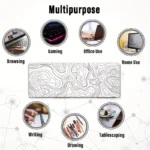
The surface also gives a more continuous area for shifting between keyboard shortcuts and mouse navigation. When working or studying, a shared surface helps define the area for your main peripherals. For gaming, position your keyboard to free space for tracking, flick movements and small cursor corrections.
Backing, Stitching and Construction
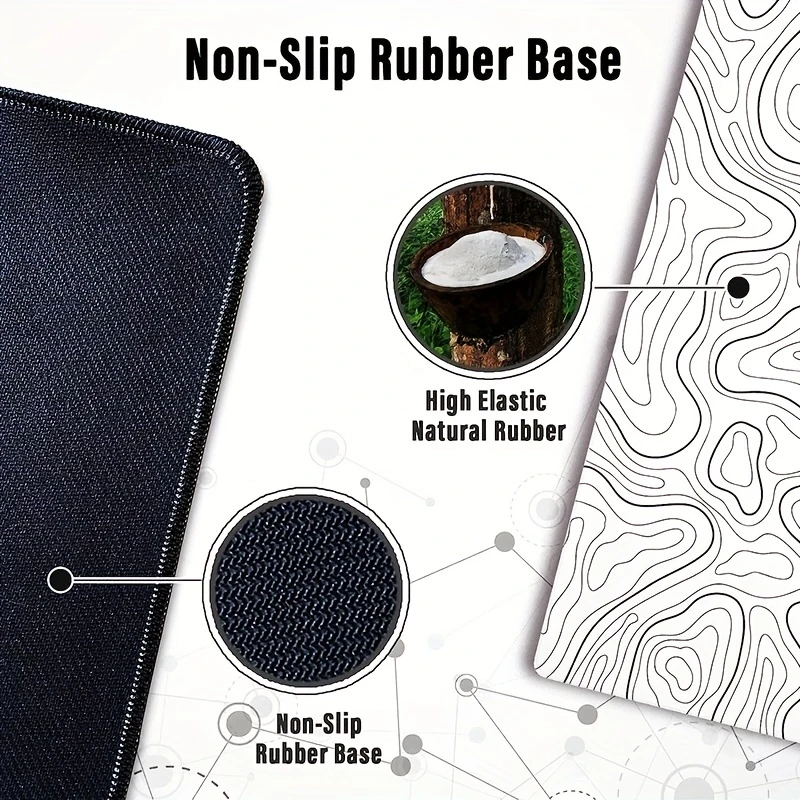
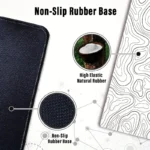
The existing listing specifies a non-slip rubber underside intended to reduce unwanted movement on a suitable desk. It also specifies stitched anti-fray edges, designed to limit fraying around the perimeter. Actual grip depends on the desk texture and whether the surface is clean and dry.
The 3 mm profile describes the advertised height of the mat. Comfort depends on how you position your chair, elbow, wrist and keyboard. For general advice about mouse placement, refer to OSHA’s computer mouse workstation guidance. That advice is general and is not a third-party certification of this mousepad.
Topographic Mousepad White: Design and Setup Ideas
The white Topographic Mousepad uses a contour-map pattern rather than a plain solid color. For a minimal setup, pair the mat with a white or black keyboard, then position your mouse to leave enough space for regular swipes. The artwork is visible in the gallery photos, and the Black version is a separate product if you prefer a darker surface.
The white topographic contour-line pattern is the main visual distinction of this product. The white colorway can be coordinated with matching keyboards, monitor accessories or a contrasting mouse. Both topographic color variants are separate listings. The product gallery shows the actual design and should be used as the reference for print placement and colors.
A mat can improve the appearance of a desk without requiring new computer hardware. Keep food, sharp objects and excessively hot accessories away from the printed playing surface. For the best visual result, arrange the keyboard so that you can still see part of the artwork.
Cleaning and Practical Care
For routine cleaning, lift loose dust with a dry, soft cloth. If necessary, lightly dampen a microfiber cloth and wipe gently, then let the surface dry thoroughly. Do not assume the entire mat is waterproof, since no tested water-resistance rating is provided. Avoid prolonged soaking, bleach, abrasive brushing or direct heat unless the manufacturer specifically allows those methods.
Place the mousepad on a clean, level desk and avoid folding it sharply during storage. Rolling it loosely is generally preferable to making hard creases. Inspect the backing and edges periodically, especially if you move or transport the mat often.
Topographic Mousepad White: Technical Specifications
- Product: Topographic Mousepad ( White )
- Size: 90 × 40 cm
- Thickness: 3 mm
- Surface: micro-woven polyester cloth
- Backing: Non-slip rubber
- Edge finish: stitched anti-fray edges
- Artwork: white topographic contour-line pattern
Frequently Asked Questions
What size is the Topographic Mousepad ( White )?
The listed footprint is 90 × 40 cm.
Can I use it with a mechanical keyboard?
Yes, the extended layout is intended to accommodate a keyboard and mouse, depending on their sizes and placement.
Is it designed for FPS gaming?
It is a desk mousepad suitable for gaming; tracking results depend on mouse hardware, skates and personal preferences.
How should I clean it?
Dust gently, wipe lightly when needed and let it dry completely. Avoid harsh cleaners and soaking.
Does it have a rubber base?
The existing listing specifies non-slip rubber backing.
Buy Topographic Mousepad White in Morocco
Explore more mousepads at PhoenixStore and compare designs and sizes. Check the current stock status, price and delivery options before ordering.


Reviews
Clear filtersThere are no reviews yet.