
- KEYBOARDS
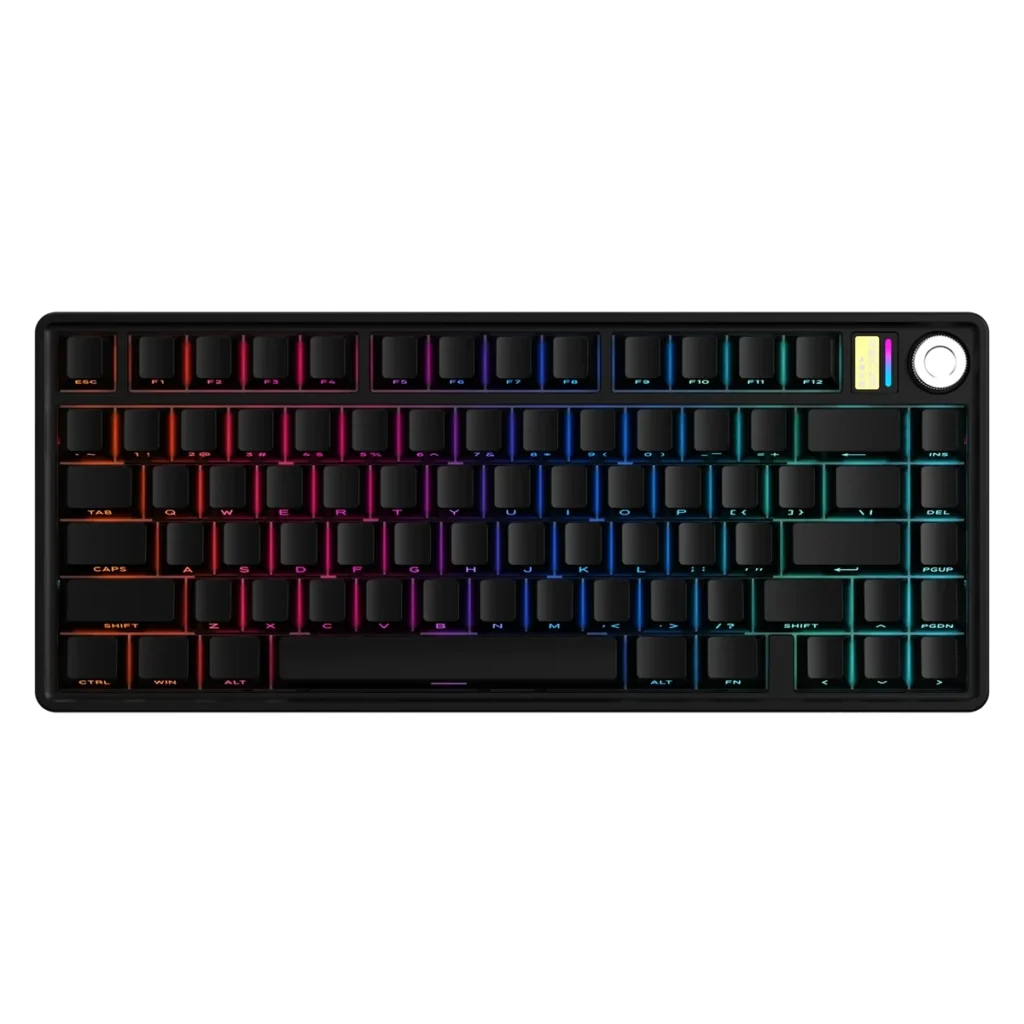
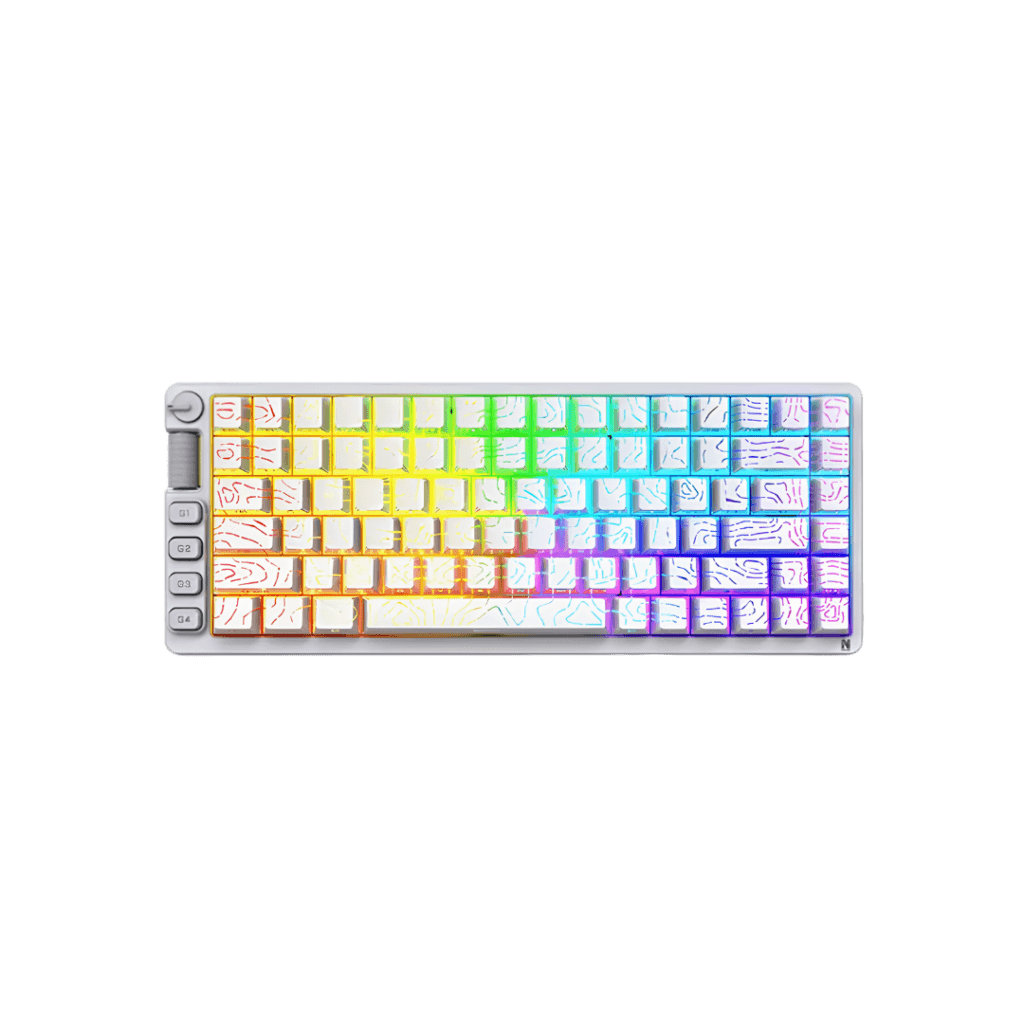
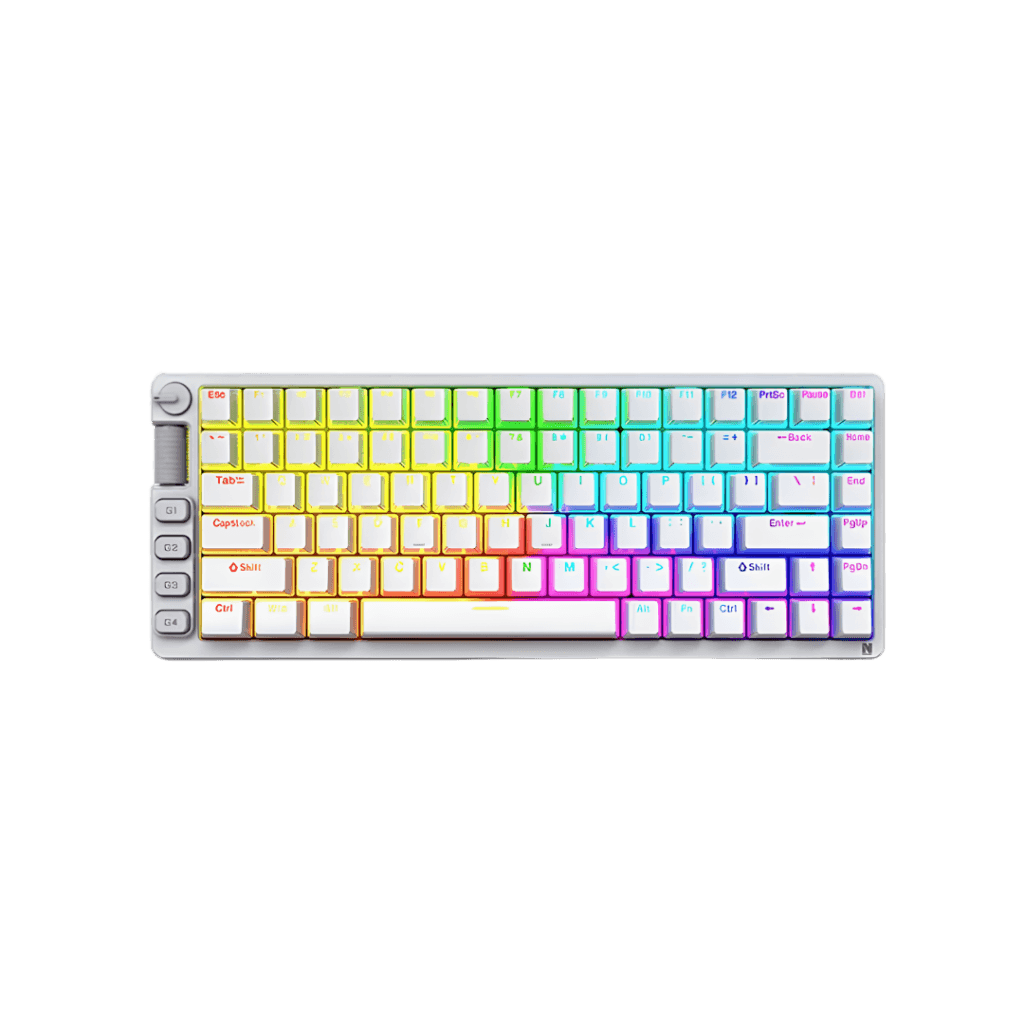
NOVA WM84 Mechanical Gaming Keyboard
Select options This product has multiple variants. The options may be chosen on the product pageNOVA KB84 Mechanical Gaming Keyboard
Select options This product has multiple variants. The options may be chosen on the product page - MOUSE
- MOUSEPADS
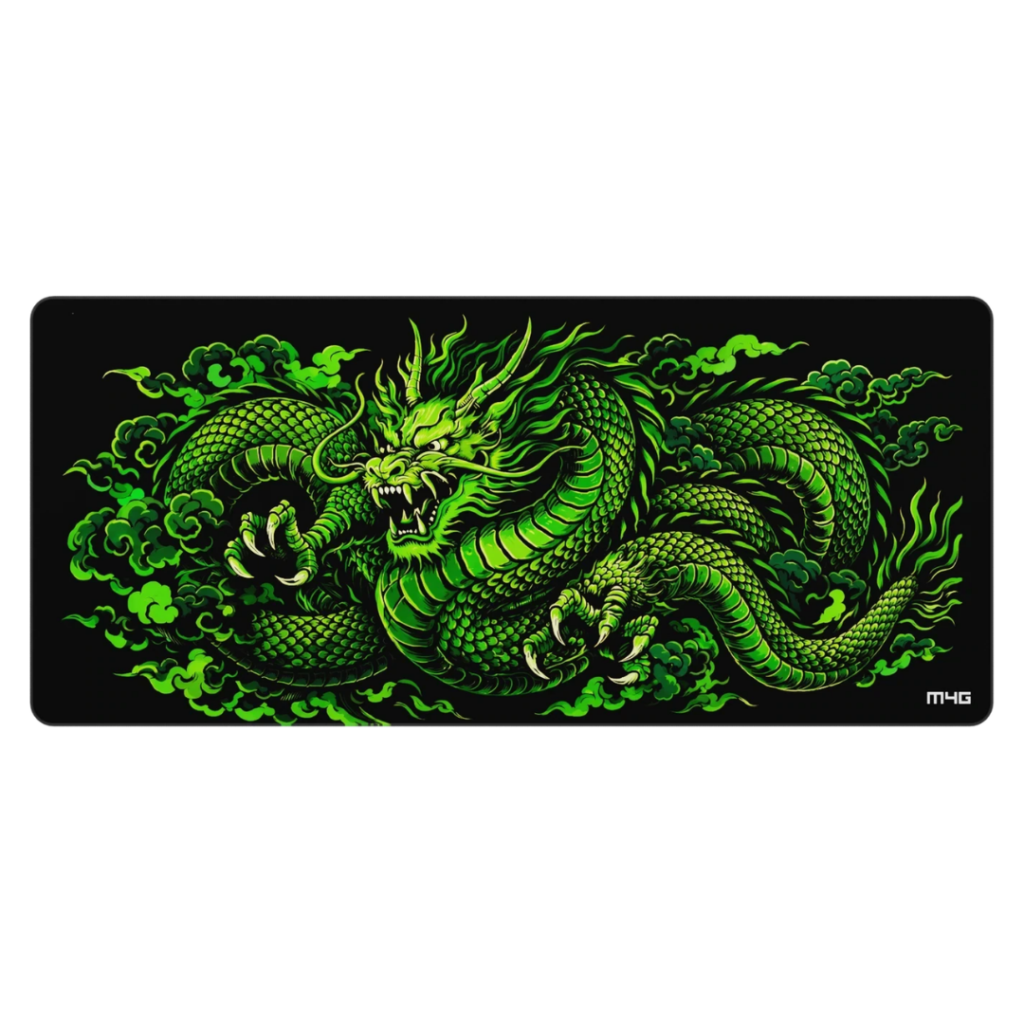
M4G Waterproof Mousepad Light Seigaiha
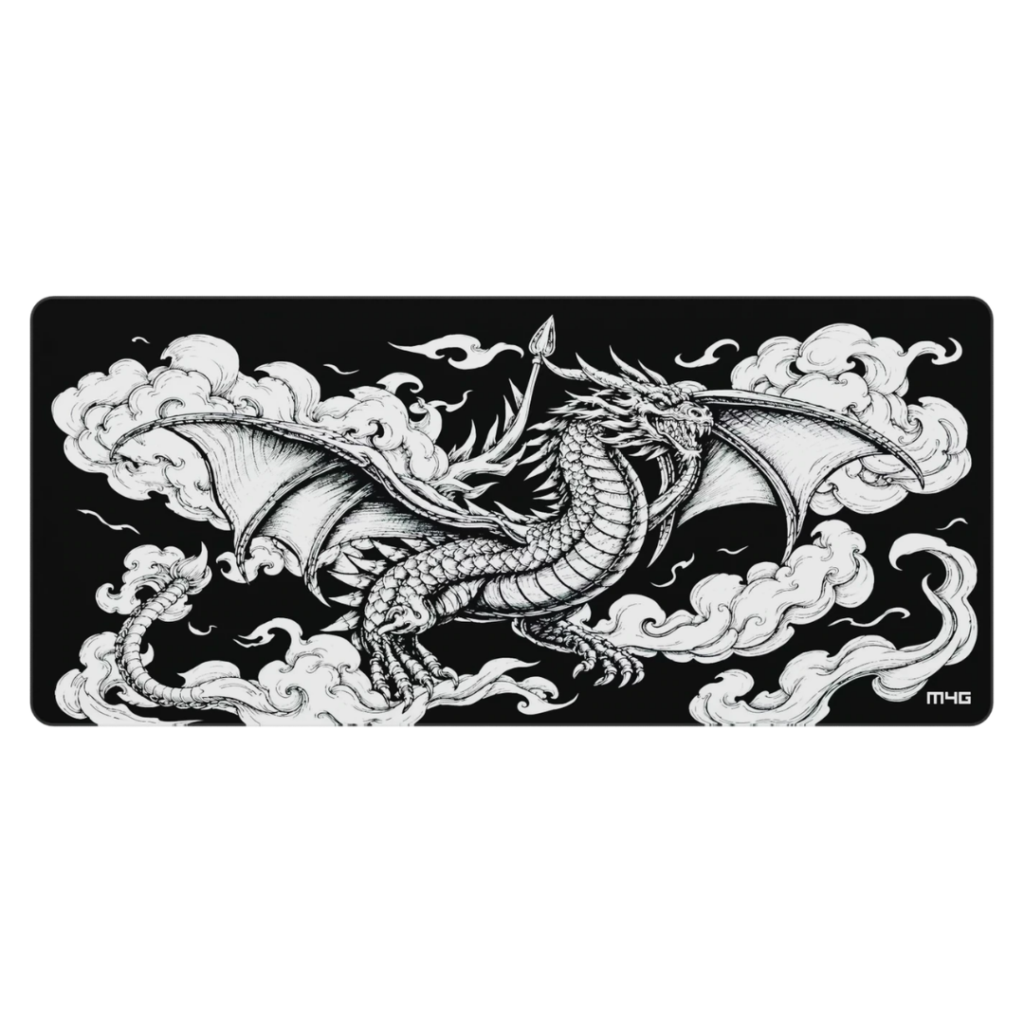
Select options This product has multiple variants. The options may be chosen on the product pageM4G Waterproof Mousepad Black Wave
Select options This product has multiple variants. The options may be chosen on the product page - CONTROLLERS
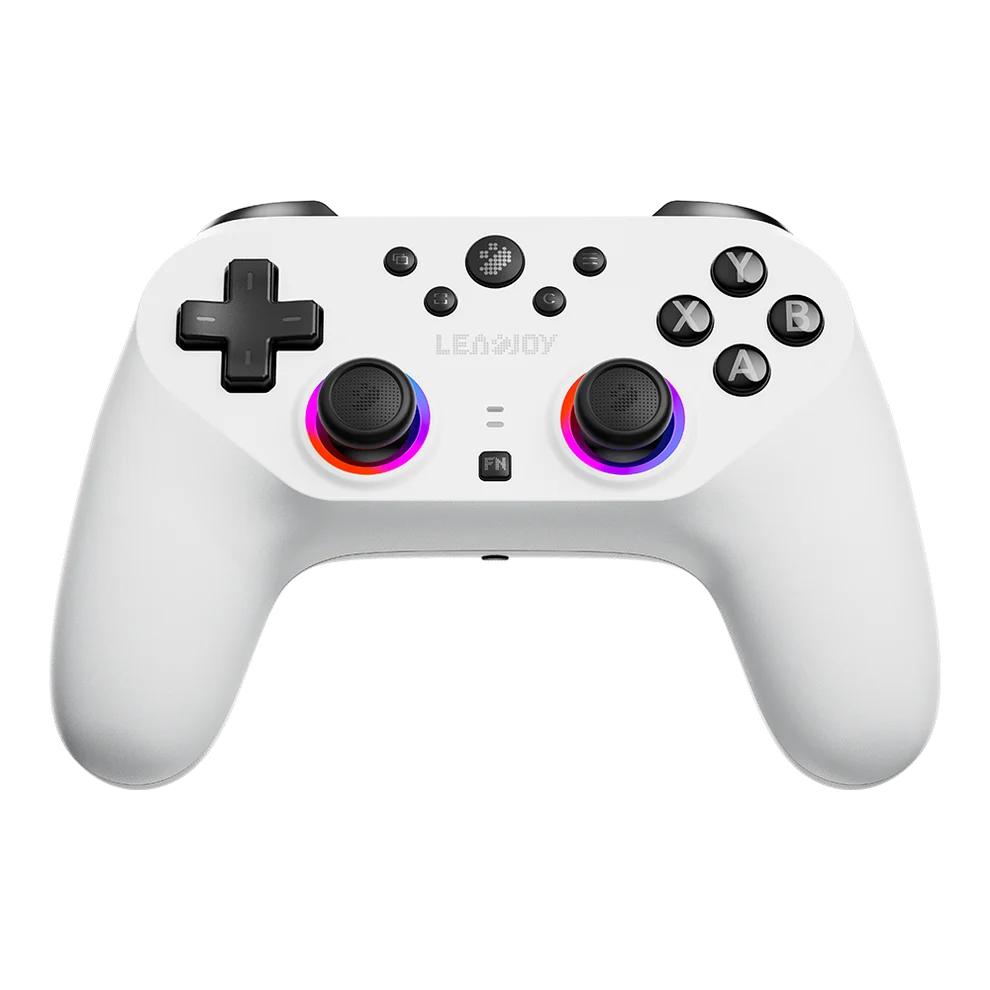
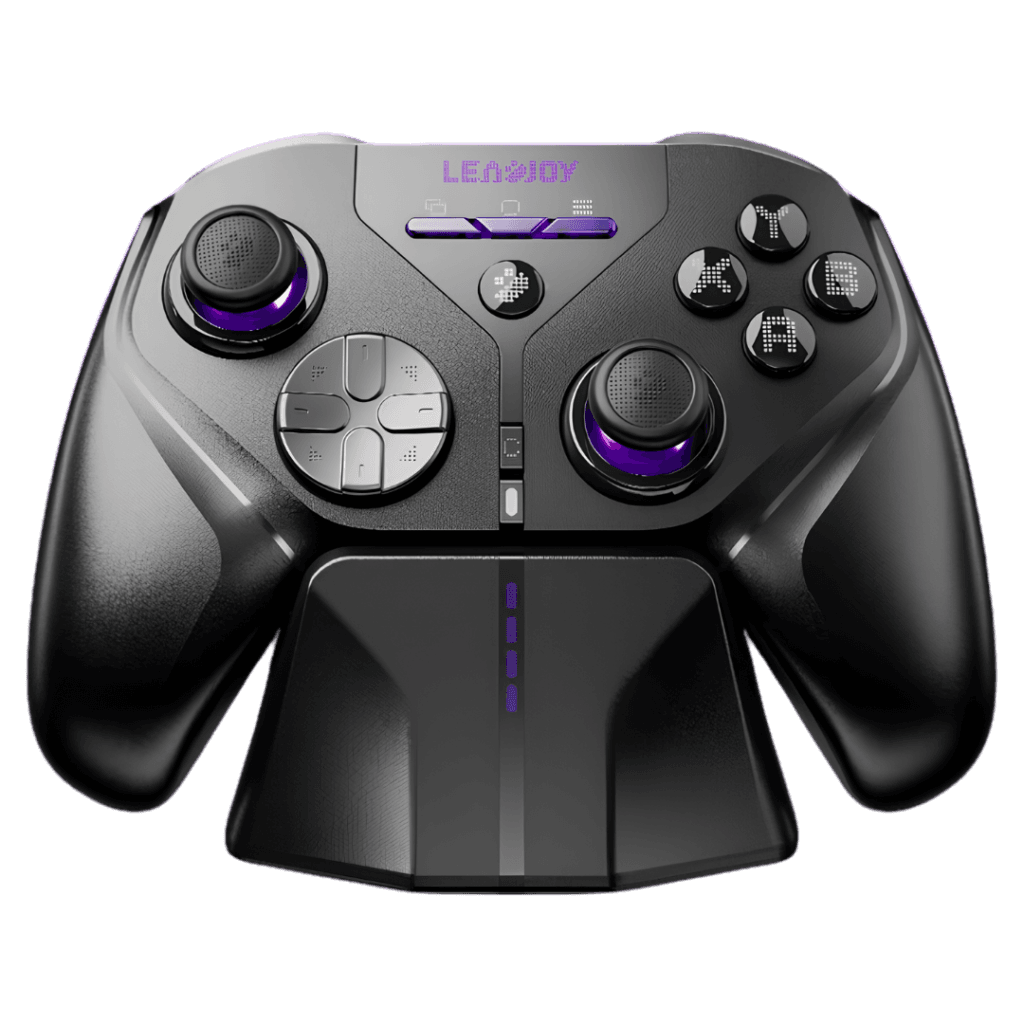
LeadJoy Saber Plus
Select options This product has multiple variants. The options may be chosen on the product page - HEADSETS & IEMS
ATK Neptune N9 Ultra
Select options This product has multiple variants. The options may be chosen on the product pageAJAZZ AHM10 MAX
Select options This product has multiple variants. The options may be chosen on the product pageMCHOSE V9 Pro
Select options This product has multiple variants. The options may be chosen on the product pageATK Neptune N9 Pro Wireless Gaming Headset
Select options This product has multiple variants. The options may be chosen on the product page  Combo
Pink Gaming Pack
Select options This product has multiple variants. The options may be chosen on the product page- Supports & Stands
- Figurines & Pop
- OTHER ACCESSORIES


 Combo
 Supports & Stands
 Figurines & Pop
 Decoration
 More



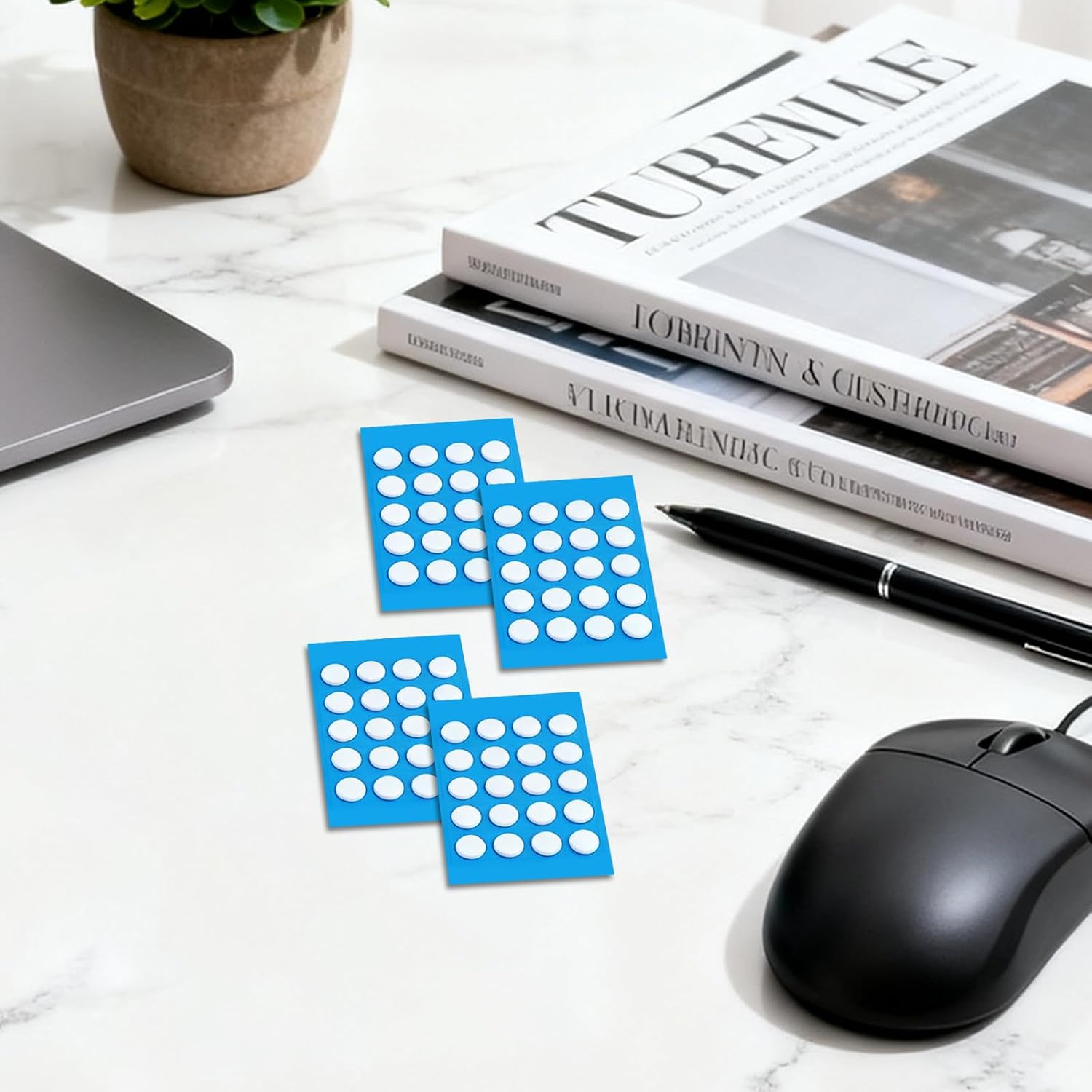




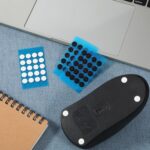
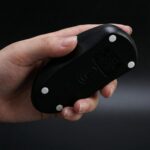




Universal PTFE Mouse Skates – 6mm Dots (20pcs)
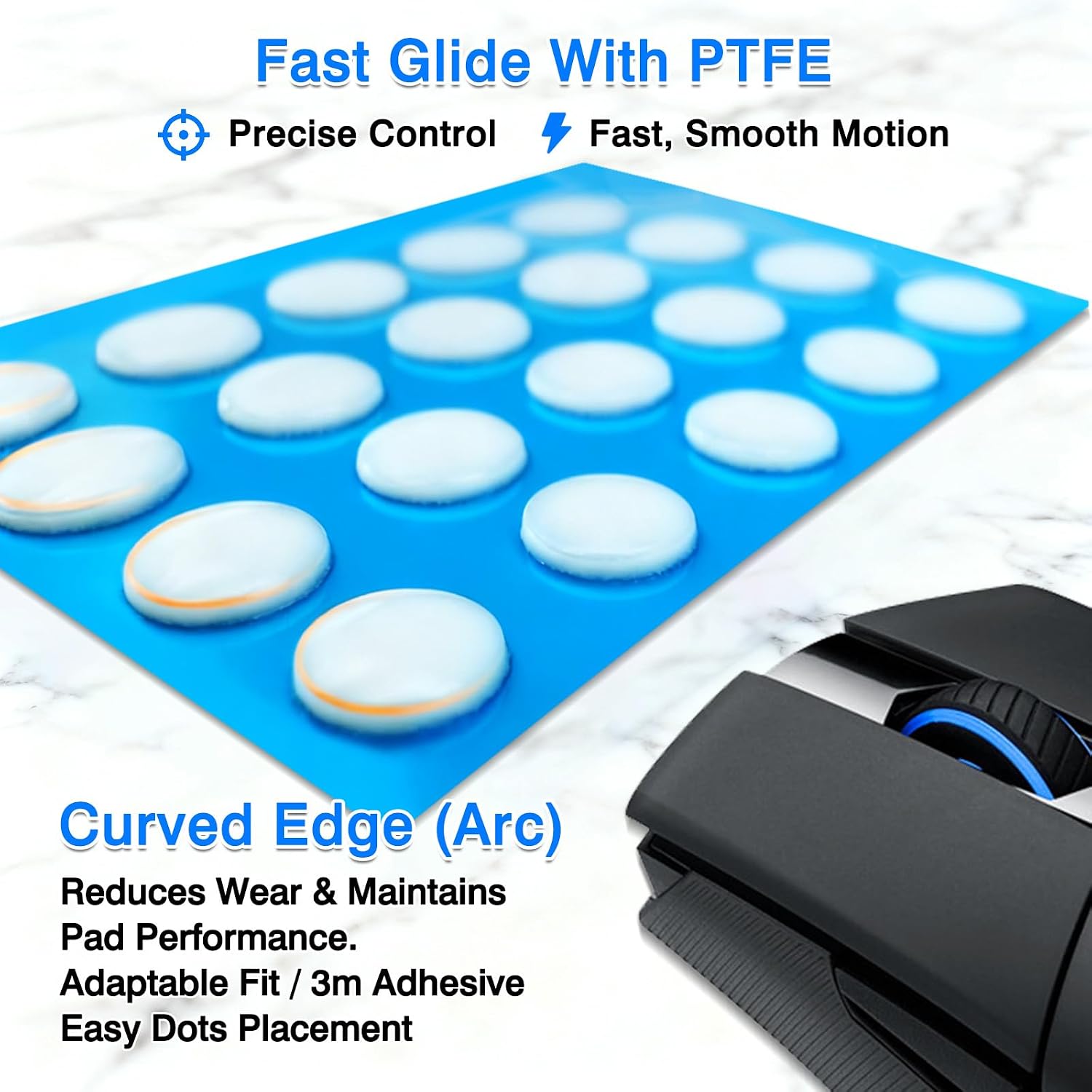
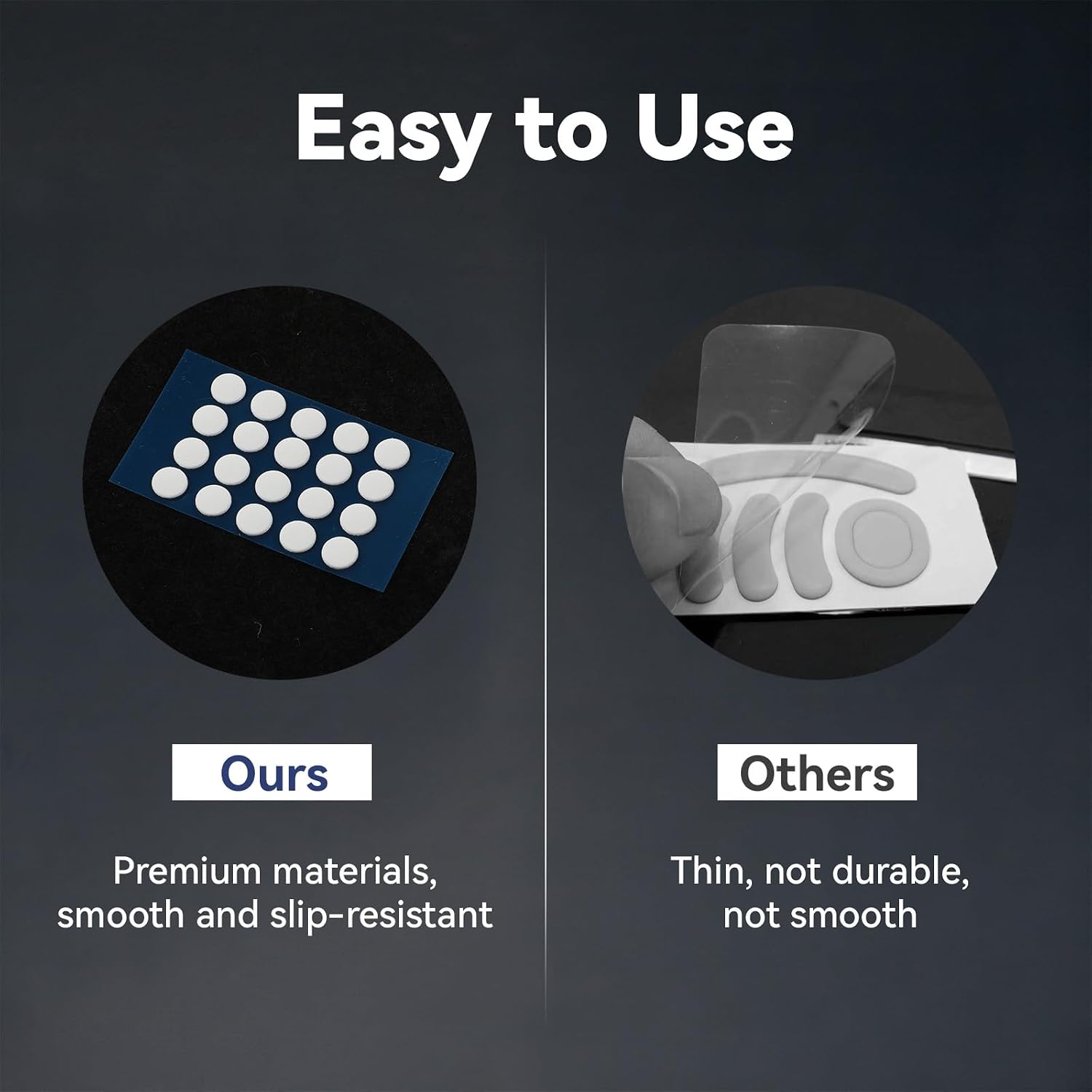
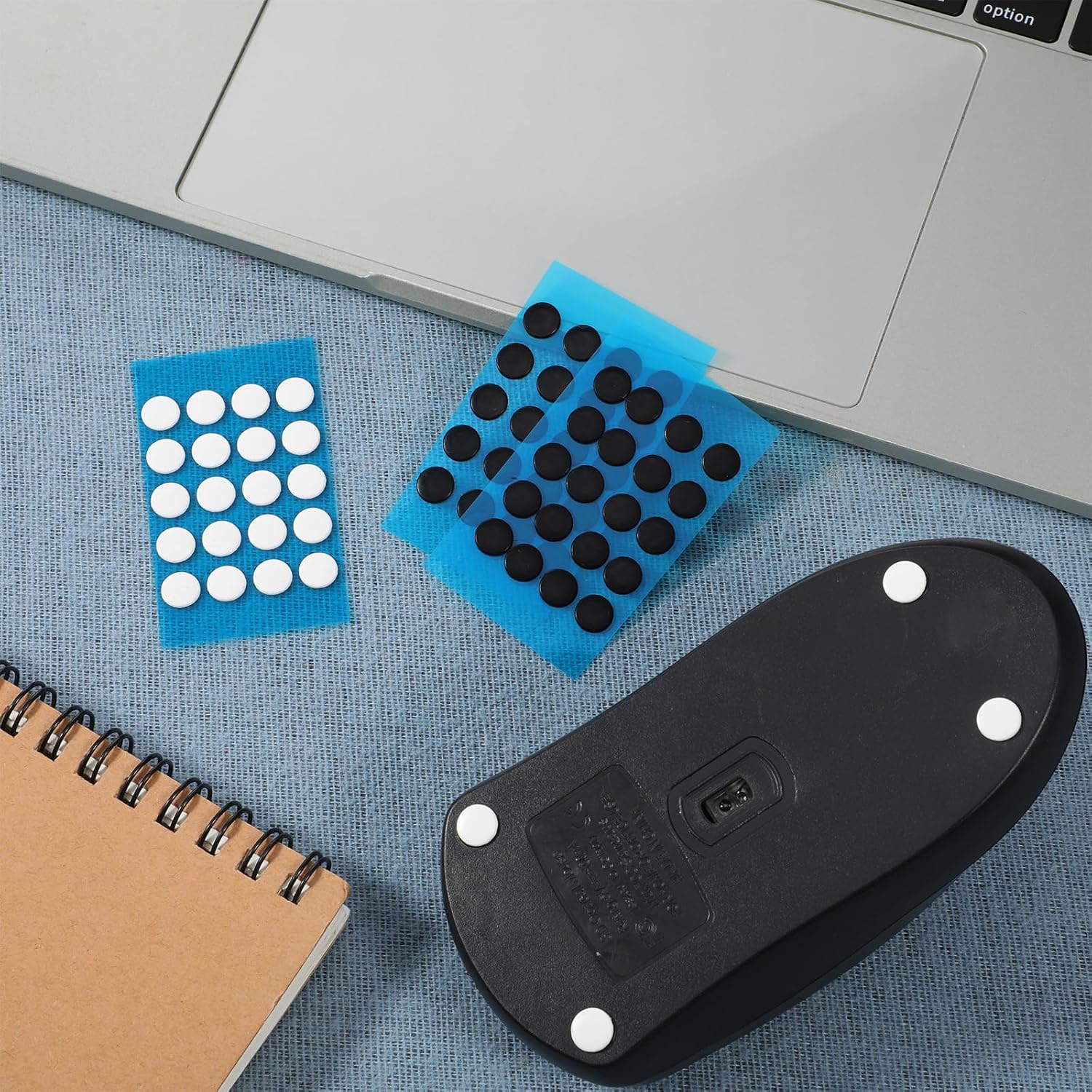
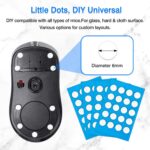
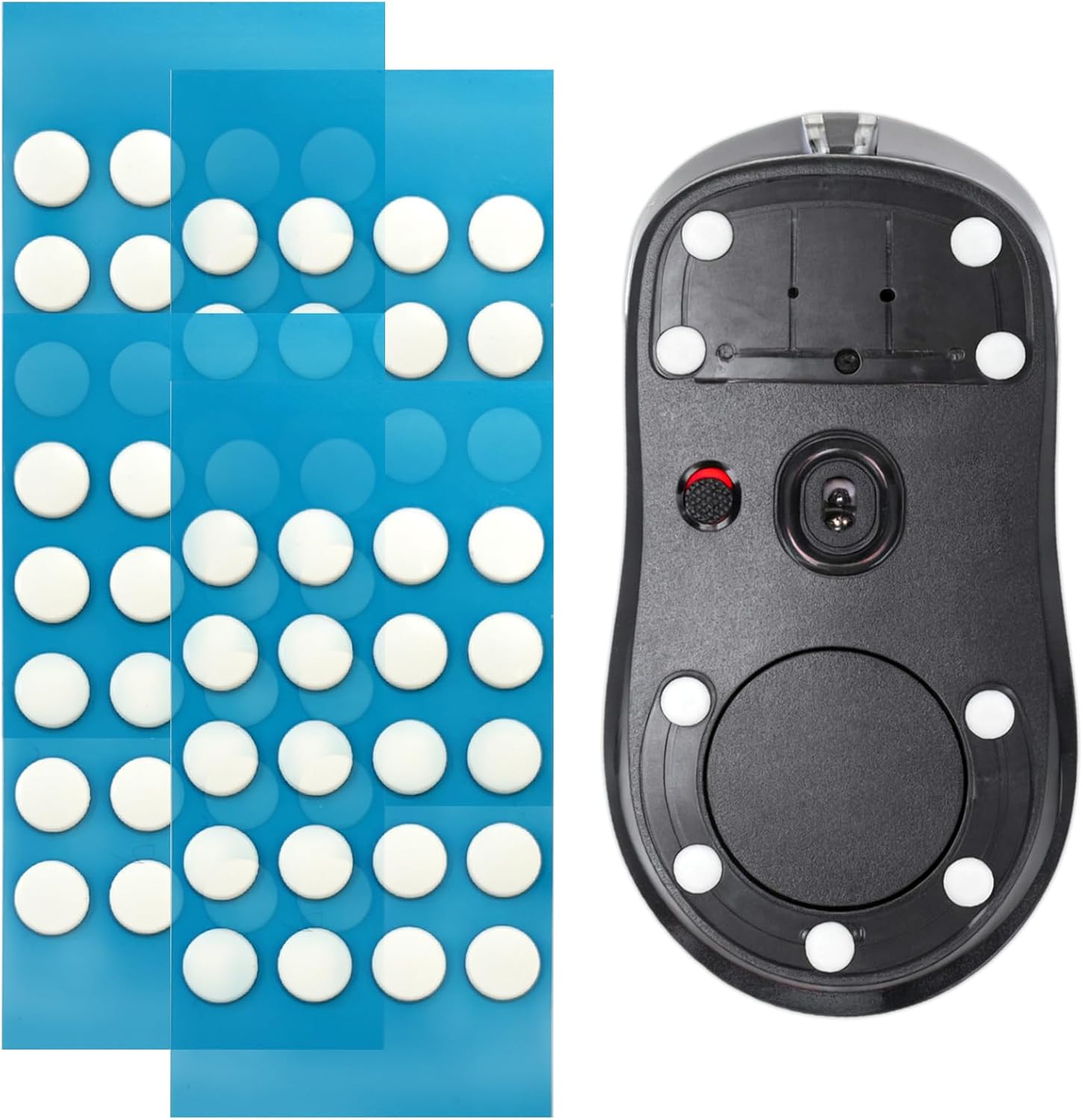
Universal PTFE Mouse Skates – 6mm Dots (20pcs) are replacement mouse feet for gamers who want to refresh worn skates or create a customized dot-skate layout under a compatible gaming mouse. Each pack contains twenty individual circular dots with a listed diameter of 6mm. Unlike model-specific pre-cut mouse feet, the dot format offers flexibility in choosing contact points on different mouse bottoms.
The skates are described in the existing product listing as made from PTFE, a material known for low-friction properties. A new set of mouse feet may change how your mouse feels when moving across a desk mat. Your actual glide experience depends on the pad surface, the layout of the dots, mouse weight and your own preferences; it cannot guarantee faster aim or better in-game performance.
Low-Friction PTFE for Mouse Movement
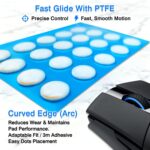
PTFE, or polytetrafluoroethylene, is commonly used for the contact surface on gaming mouse feet. These dots provide small glide contact points beneath the mouse. They may be useful when the original feet are scratched, uneven or worn and you want to explore a different mousepad contact arrangement.
A smooth feel is not universal across every setup. A textured cloth mousepad, hard pad and glass pad can each interact differently with PTFE. If the mouse feels unstable or the sensor stops tracking correctly after installation, reassess the number and placement of the dots before continuing to use it.
6mm Round Dots for Flexible Placement
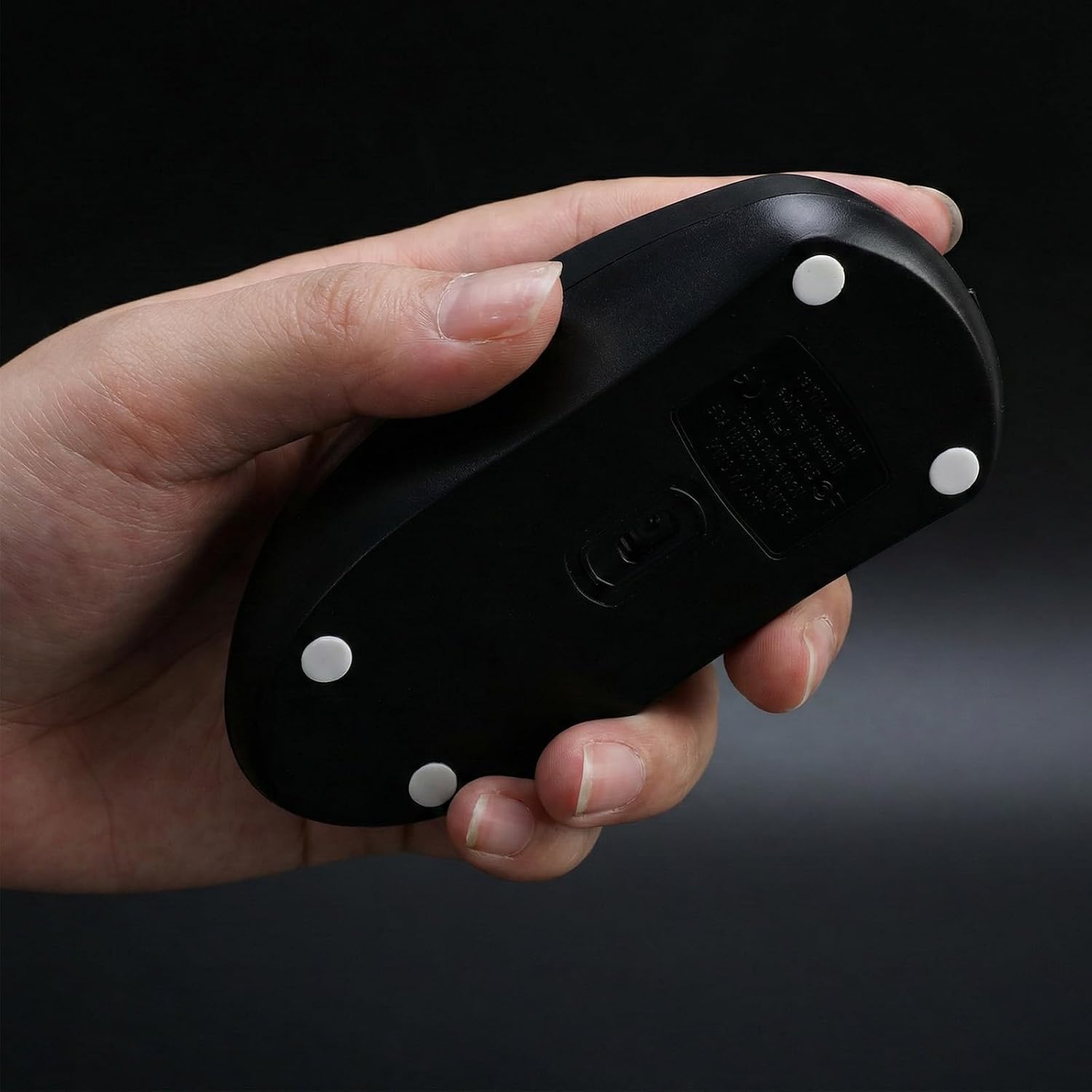
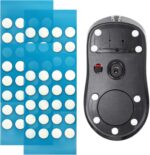
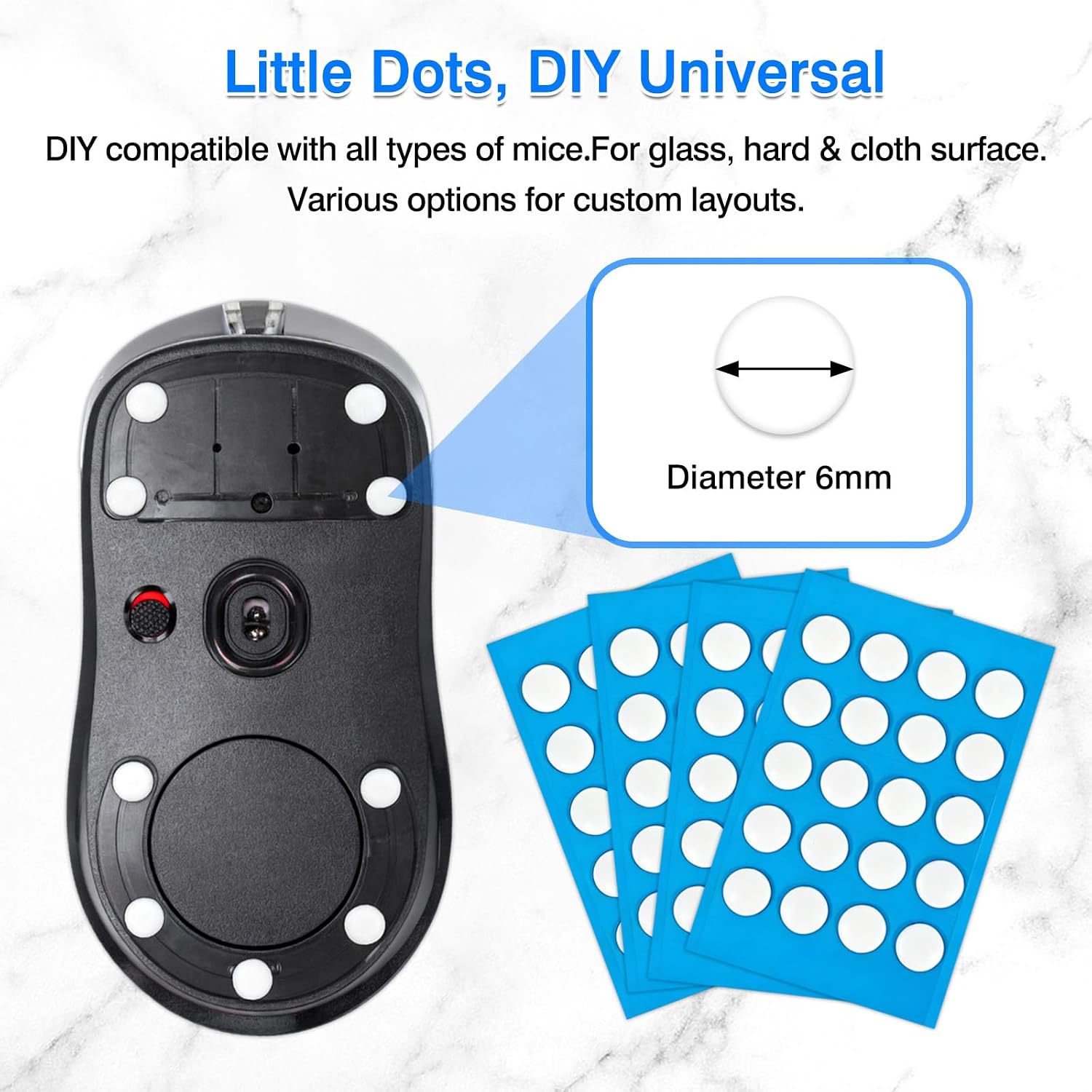
The 6mm diameter gives users more placement flexibility than a single full-shape skate. Position individual dots on suitable flat areas of your mouse base while avoiding the optical sensor, charging contacts, screw holes and other functional components.
The existing product information describes a rounded edge profile. Curved edges are intended to reduce catching during movement, but performance still depends on the mousepad surface and correct application. Do not stack dots or use uneven thicknesses, since that can tilt the mouse and change sensor distance.
20 Individual Dots in Every Pack
Each selected pack includes 20 mouse skate dots. You can install the number appropriate for your mouse and keep unused dots for future replacement. The required quantity varies depending on the underside shape, existing skate positions and how securely the mouse sits on the pad.
These are replacement mouse feet, not a new gaming mouse or an electronic accessory. They do not change your mouse’s sensor, polling rate or DPI settings. If you are new to DIY dot skates, plan the placement before removing any original feet.
Black and White Color Options
Choose Black or White from the variation selector. Both options in the existing listing are described as 6mm PTFE dots in a 20-piece pack. Select the preferred color to view current availability and price. The two colors are managed as separate product variations.
A color choice mainly affects the appearance of the dots beneath your mouse. It does not establish a difference in glide, composition or durability between the versions. No independently verified PTFE purity grade or thickness is available for this unbranded listing.
Cloth, Hard and Glass Mousepads
The product listing advertises use on cloth, hard and glass mousepad surfaces. Feel and wear can vary significantly between those materials. A hard or glass pad can expose the contact points to a different wear pattern than a soft cloth pad; regularly check the skates for flattening, contamination and damage.
Before applying the dots, make sure they are appropriate for your particular mouse and the surface you plan to use. Their dot shape is versatile, but the word universal does not mean guaranteed fit with every mouse. Recessed skate channels, unusually curved bottoms and certain mouse designs may limit where you can attach them.
How to Install Universal Mouse Skate Dots
First, disconnect or switch off your mouse. If necessary, remove existing worn feet according to the mouse manufacturer’s instructions, then clean and dry the intended attachment areas. Check that the underside is flat at the chosen points, and plan a balanced arrangement before exposing the adhesive.
Peel the backing from each dot, place it carefully and press gently to secure it. Keep the dots clear of the optical sensor opening, charging contacts and any moving or removable parts. If the skates arrive with protective film on their glide surfaces, remove that film before use.
Test the mouse on the intended pad and confirm that the base sits evenly. Excessive gaps or an uneven dot layout can change the sensor’s distance from the pad. Avoid forcing removal or using strong solvents on the mouse shell. The supplied adhesive is described as self-adhesive; its specific brand has not been independently verified.
Maintain Your Mouse Skates
Keep your mousepad and mouse feet free of dust and grit. Small particles trapped beneath the contact points can affect glide and may scratch susceptible pad surfaces. Inspect the dots occasionally and replace worn or damaged ones when necessary. Store unused pieces in a clean, dry location with their backing intact.
For other setup accessories, explore gaming mice and mousepads at PhoenixStore. You can also learn about polytetrafluoroethylene (PTFE), the material used in this style of mouse skate.
Universal PTFE Mouse Skates: Plan Your 20-Dot Layout
A pack of Universal PTFE Mouse Skates gives you 20 individual 6mm adhesive dots to distribute across suitable flat areas on the underside of a mouse. Begin by inspecting the mouse base and locating its existing skate mounting areas. A symmetrical layout can help the mouse sit level, but the appropriate number and position of dots depends on the model, weight balance and available mounting space.
Always remove debris and adhesive residue carefully and follow the mouse manufacturer’s cleaning recommendations before installation. Check that the new feet are seated evenly and do not cover the optical sensor or switches. Allow any adhesive to settle according to the supplied instructions before testing on your usual mousepad.
Glide characteristics depend on both surfaces, so compare the feel on a clean cloth pad, hard pad or compatible glass surface rather than assuming one layout performs identically everywhere. Additional dots are convenient for replacement and adjustment, not a guarantee of a particular friction coefficient.
Frequently Asked Questions
How many dots are included?
One pack contains 20 individual mouse skate dots.
What diameter are the skates?
The listed diameter is 6mm per dot.
Can I use these on any gaming mouse?
They can fit many mice with suitable flat mounting areas, but compatibility is not guaranteed for every underside design.
Are these mouse feet suitable for glass mousepads?
The listing advertises use on glass as well as cloth and hard pads. Glide and wear depend on the exact pad and proper skate placement.
Are the dots self-adhesive?
Yes, the existing listing specifies a self-adhesive backing. The adhesive manufacturer has not been independently confirmed.
Are Black and White both available?
Black and White are product variation options. Check each option’s current stock before ordering.
Will new skates improve my mouse’s sensor accuracy?
No. Skates change the physical contact between the mouse and mousepad, not its internal sensor specifications.
Order Universal PTFE Mouse Skates in Morocco
Refresh your mouse feet with the Universal PTFE Mouse Skates – 6mm Dots (20pcs) from PhoenixStore. Choose Black or White, check compatibility with your mouse and select the desired pack before checkout.


Reviews
Clear filtersThere are no reviews yet.